422
Choose this routing level if you want to reduce the list of video equipment to all devices with
RS-422 deck control. This will list sources and destinations by the names of their RS-422 remote
ports, regardless of whether there are any associated SDI ports and regardless of whether any
associated SDI ports have matching labels or not. This level is commonly used with SDI capture
cards and VTR decks but also lists remote control panels and servers used to control decks.
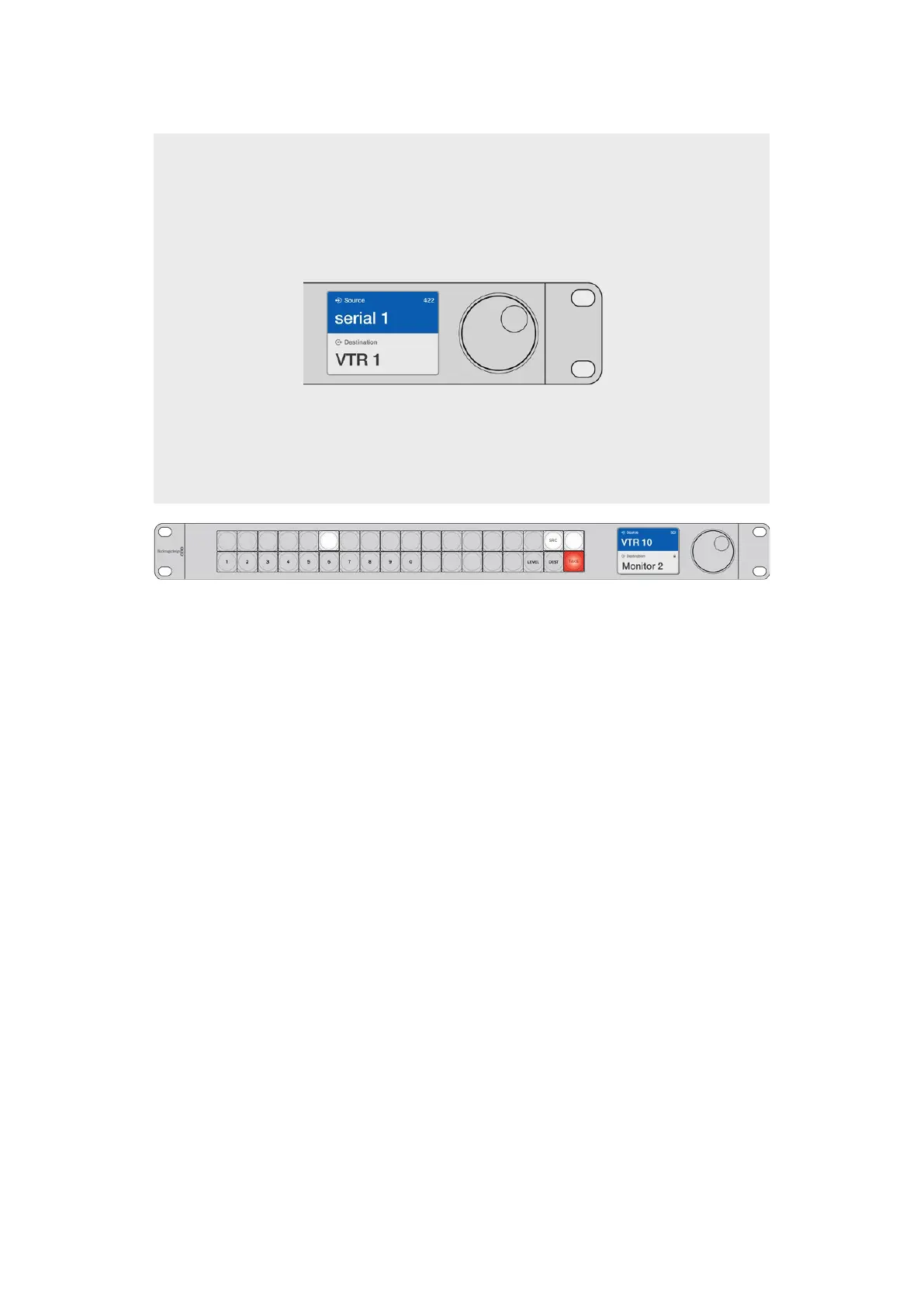
Choose the 422 routing level if you want to see all
equipment with RS-422 remote deck control, including
equipment with mismatched labels and also remote
controllers. In this example, the capture card (Edit 1)
has a mismatched label for its remote port (serial 1)
and is only listed when the routing level is set to 422.
CLEAR
Front panel showing a new source has been selected.
How to Select Sources andDestinations
Videohub Master Control Pro provides several ways to select and switch your destinations
and sources quickly, depending upon whether you have customized the port labels on your
Videohub router or if you just want to enter port numbers directly.
Videohub Master Control Pro works in the same conceptual way as any other router control.
1 Press the destination button marked ‘DEST’ to display a destination on the LCD. Use the
pushbuttons or the scroll wheel to select the desired destination.
2 Press the ‘take’ button to confirm.
3 Press the source button marked ‘SRC’ and use the pushbuttons or scroll wheel to change
the source.
4 Press TAKE to confirm the route change.
Selecting units by typing the Videohub port numbers
If you’ve chosen to keep the default labels for all Videohub SDI and remote ports, you can
simply type the port numbers to make a routing change. This method is fast but requires
that you remember port numbers or have devised a system for knowing what equipment is
connected to each Videohub port.
1 Press the destination button marked ‘DEST’. The destination field will be highlighted blue
on the LCD.
2 If your Videohub router has RS-422 remote control, press the LEVEL button until you have
set the appropriate routing level for your equipment. Otherwise you can skip this step.
35Videohub Hardware Control Panels



 To Next Page