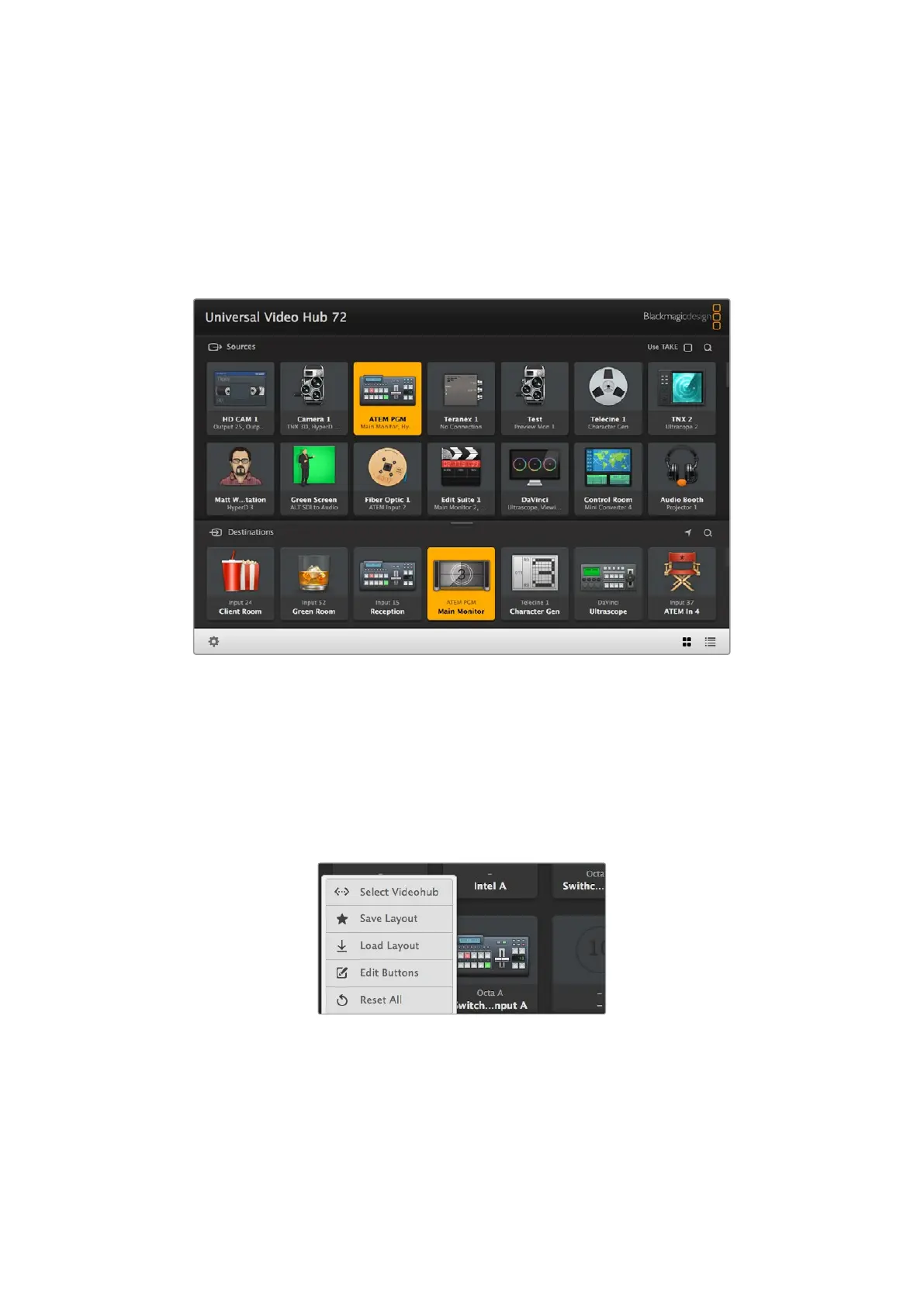
Blackmagic Videohub Control
Using Blackmagic Videohub Control provides a fast and intuitive way to view and switch
between multiple sources and destinations remotely. Videohub Control is easy to use because
it operates on a single video output at a time. Selecting a destination or output pushbutton
showswhich source or input is connected to it by illuminating the source pushbutton. To
change the source, simply click on a different source pushbutton. It’s that easy!
Videohub Control provides an intuitive, icon-driven representation of the Videohub connections
Selecting a Videohub
Launch Blackmagic Videohub Control, click on the settings gear icon and choose ‘select
Videohub’. Click on the Videohub that you wish to control. If you have customized your labels,
the names you assigned will appear within the software. All Videohubs on the network,
including IPVideohubs, will appear in this list. Refer to the ‘Blackmagic Videohub software’
section for moreinformation.
Click on the ‘select Videohub’ option and then
select the Videohub you wish to control
52Blackmagic Videohub Control



 To Next Page