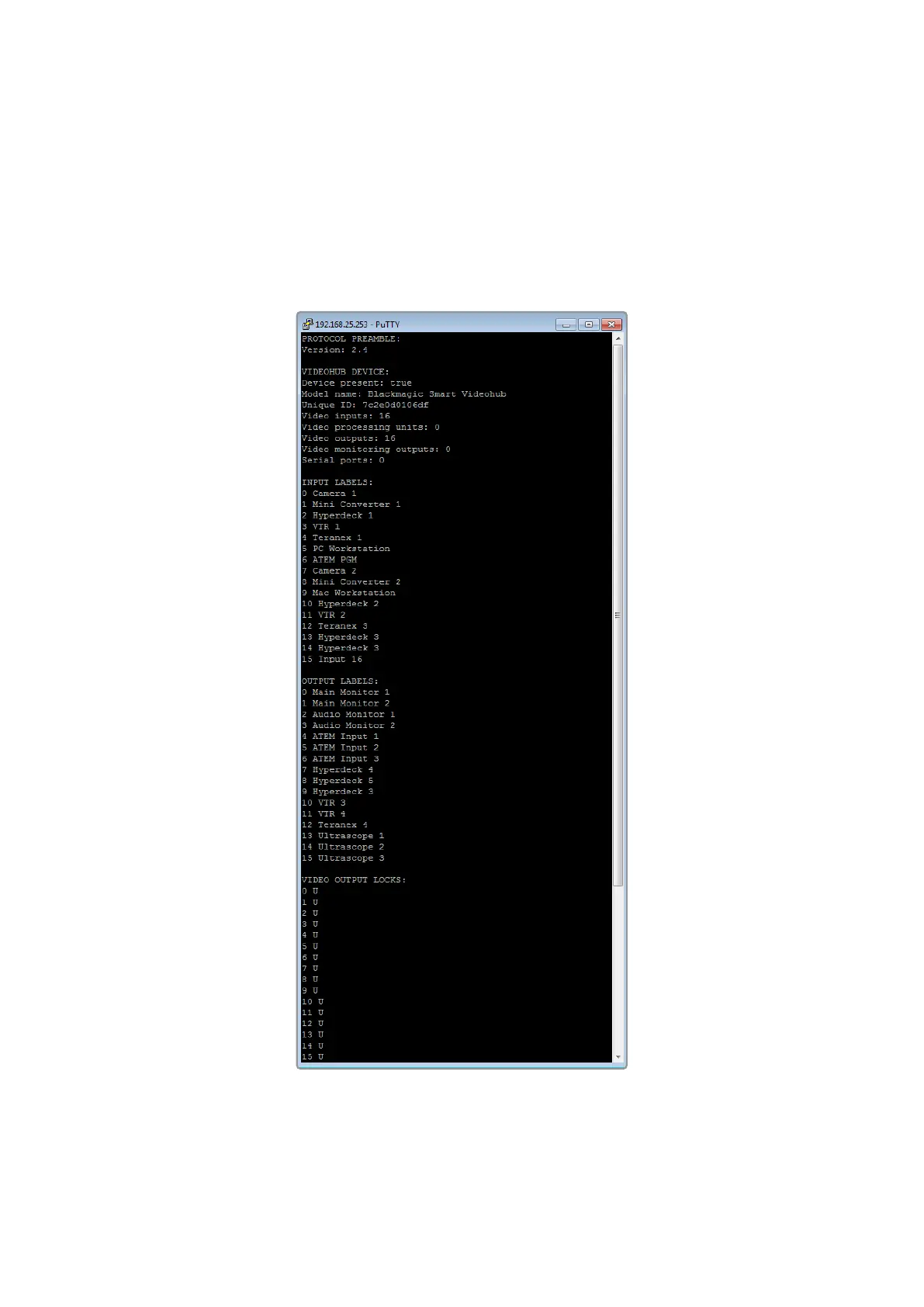
3 Right click in the PuTTY session to paste the copied section and press “Enter” twice. PuTTY
will respond with “ACK” and Videohub will update the input labels.
4 Open the “output labels” text file in your text editing program and copy the OUTPUT
LABELS: text.
5 Right click in the PuTTY session to paste the copied section and press “Enter” twice. PuTTY
will respond with “ACK” and Videohub will update the output labels.
6 Exit the telnet session by closing the PuTTY window.
87Developer Information



 To Next Page