Page 142 P/N: 4998122677Cr1 Copyright 2003 Bosch Security Systems DS7240-UK Reference Guide
PART IV: REFERENCE MATERIALS
51.3 Programming Issues
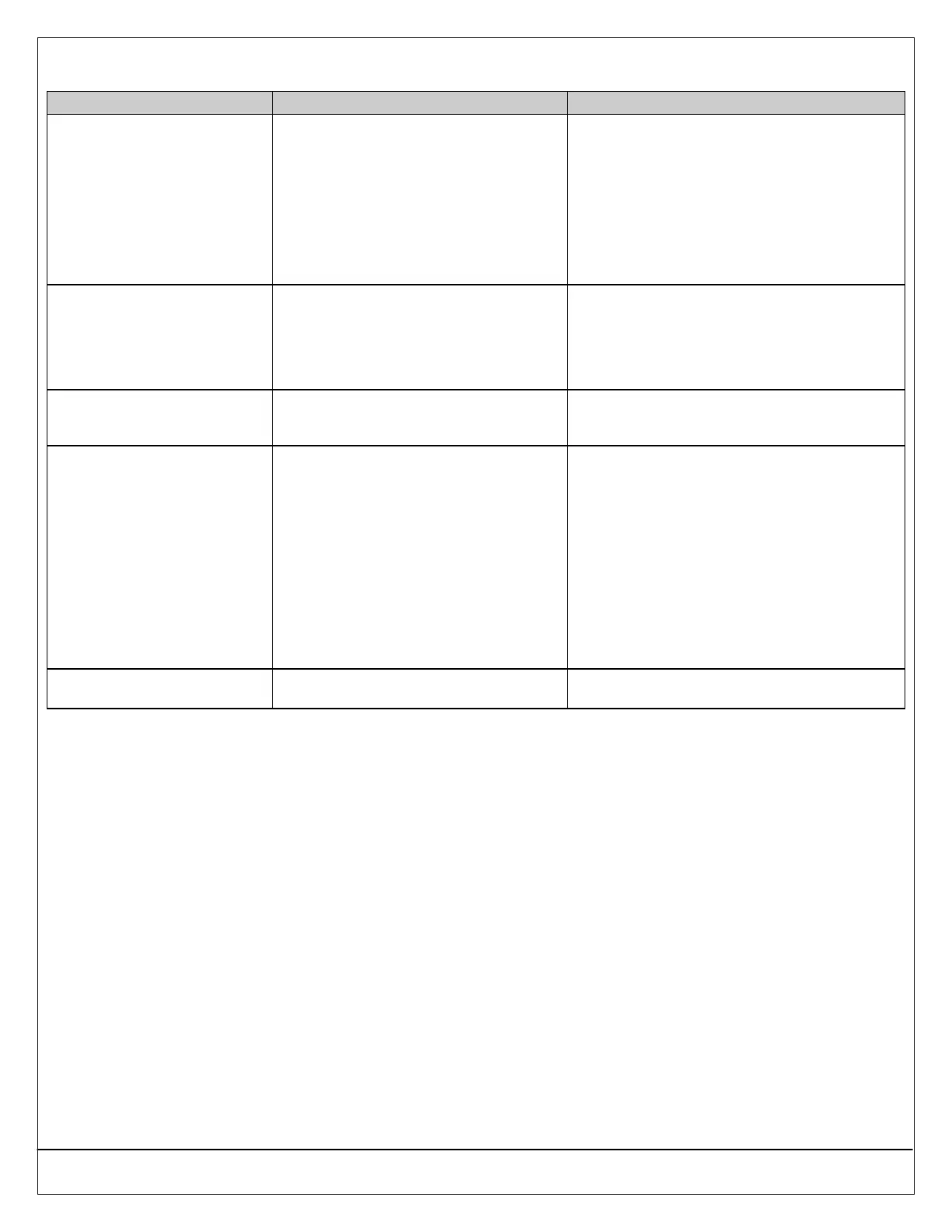
Problem Cause Solution
I cannot enter into Programming
Mode.
• One or more Areas are armed.
• Programming may be disabled.
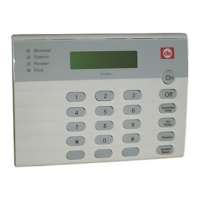
• If one or more Areas are armed, disarm all
armed Areas. Programming mode cannot be
entered if an Area is armed (unless you are
using an Installer’s Keypad).
• Programming may be disabled. See
“Programming and Daylight Savings Time
Options” (Address 0257) on page 54. Enable
Keypad Programming and PK32
(Programming Key) through DSRPS or by
using an Installer’s Keypad.
I have enabled Open/Close
reports, but when I arm the panel
Perimeter Only, these reports are
still not sent.
The “Open/Close Reports for Perimeter
Only” feature is not programmed correctly.
See “Areas” on page 62. In the “Area #
Opening/Closing Reporting Options” parameter,
enable “Open/Close Reports for Perimeter Only
Mode” by entering a 4, 5, 6, 7 or 12, 13, 14 or 15 in
the appropriate Address (0296, 0318, 0340 or
0362).
The PK32 (Programming Key)
does not work (upload,
download, erase, etc.).
The PK32 has not been enabled in the panel
firmware.
See “Programming and Daylight Savings Time
Options” (Address 0257) on page 54. Make sure
the selection you make enables the PK32.
The off-board zones I added to
the system display as missing.
• The Device Location parameter is not
correctly programmed.
• If the off-board zones are RF (wireless)
zones, enable the RF Receiver at
Address 1249.
See “Locations” on page 86. Verify which device
type has been added (for example, RF zone, off-
board zone, etc.). In the Device Location
parameter, enter the correct value based on the
Device Parameter Selections:
• 1 = On-board
• 2 = DX2010
• 4 = RF Receiver 1
• 5 = RF Receiver 2
Zone configuration is locked into only those
configuration types in the Device Parameter
Selections.
The panel is not following report
routing as programmed.
The Lock Area Reporting parameter is
enabled.
Set the Lock Area Reporting parameter to 0
(Disabled). See page 64.


 To Next Page