Page 72 P/N: 4998122677Cr1 Copyright 2003 Bosch Security Systems DS7240-UK Reference Guide
PART III: PANEL PROGRAMMING
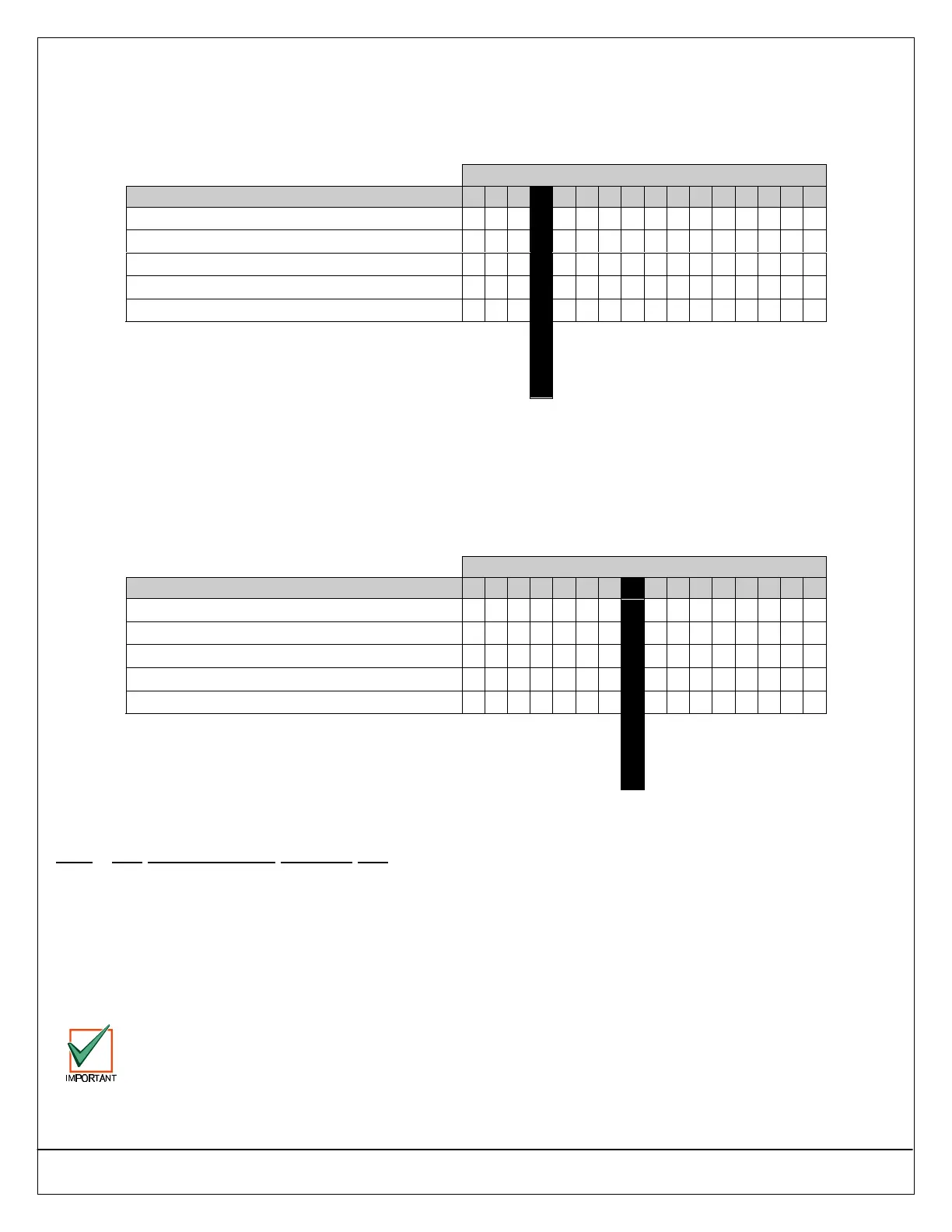
30.14 Authority Level Option 14: Change PIN
• Address: 0377
• Default: See table below
• Selections: 0-15
Enter This Data Digit to Select Options
Authority Level Configuration 14 Options 0 1 2 3 4 5 6 7 8 9 10 11 12 13 14 15
No PIN Required
••
Assign to Authority Level 1
•• •• •• •• •• •• •• ••
Assign to Authority Level 2
•• •• •• •• •• •• •• ••
Assign to Authority Level 3
•• •• •• •• •• •• •• ••
Assign to Authority Level 4
•• •• •• •• •• •• •• ••
Default
30.14.1 Parameter Description
This parameter enables/restricts the PIN Change function ([#] + [5] + [5]) by Authority Level.
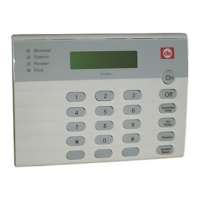
30.15 Authority Level Option 15: View Log
• Address: 0378
• Default: See table below
• Selections: 0-15
Enter This Data Digit to Select Options
Authority Level Configuration 15 Options 0 1 2 3 4 5 6 7 8 9 10 11 12 13 14 15
No PIN Required
••
Assign to Authority Level 1
•• •• •• •• •• •• •• ••
Assign to Authority Level 2
•• •• •• •• •• •• •• ••
Assign to Authority Level 3
•• •• •• •• •• •• •• ••
Assign to Authority Level 4
•• •• •• •• •• •• •• ••
Default
30.15.1 Parameter Description
This parameter enables/restricts the View Log function ([#] + [8] + [5]) by Authority Level.
31.0 PIN Configuration, Installer PIN
31.1 PIN Length
• Address: 0379
• Default: 4 (4 digits long)
• Selections: 3-7 (3 digits min; 7 digits max)
31.1.1 Parameter Description
This parameter determines the number of digits in a PIN. All user PINs and the Installer PIN follow this length.
If the PIN length is shortened after PINs are entered, duplicate PINs could be created (for example, PINs 1235 and
1238 would both become 123).


 To Next Page