DS7240-UK Reference Guide Copyright 2003 Bosch Security Systems P/N: 4998122677Cr1 Page 79
PART III: PANEL PROGRAMMING
33.1 Keypad # Options
• Address:
• Keypad 1: 0678
• Keypad 2: 0680
• Keypad 3: 0682
• Keypad 4: 0684
• Keypad 5: 0686
• Keypad 6: 0688
• Keypad 7: 0690
• Keypad 8: 0692
• Default: See table below
• Selections: 0-15
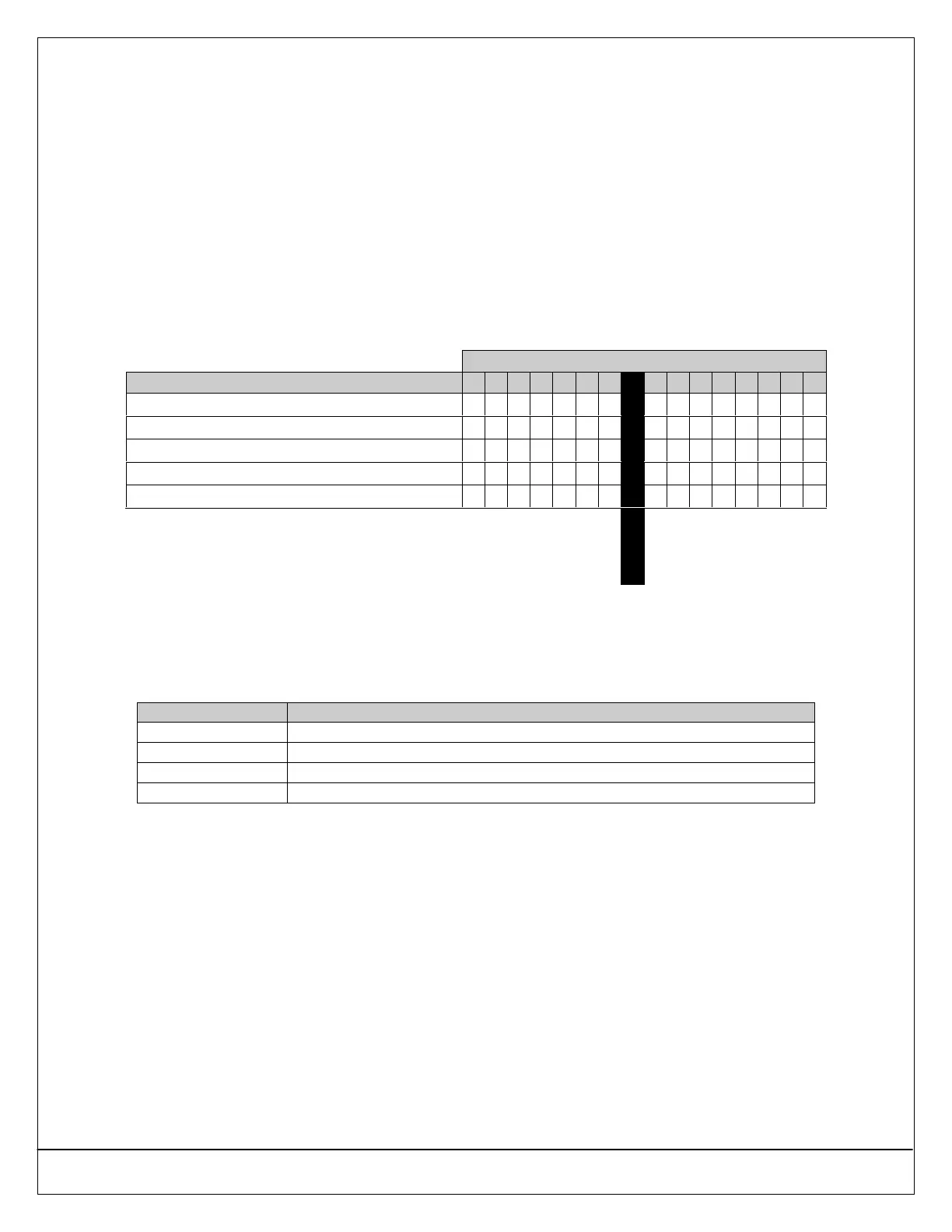
Enter This Data Digit to Select Options
Keypad Options 0 1 2 3 4 5 6 7 8 9 10 11 12 13 14 15
No Keypad Options
••
Beep Keypad on System Trouble
•• •• •• •• •• •• •• ••
Enable Exit Tone
•• •• •• •• •• •• •• ••
Enable Area Display (DS7446 Keypad)
•• •• •• •• •• •• •• ••
Don’t Show Zone Status on Keypads
•• •• •• •• •• •• •• ••
Default
33.1.1 Parameter Options
• Beep Keypad on System Trouble: Sounds a tone at the keypad when a System Trouble occurs.
• Enable Exit Tone: Sounds the Exit Delay tone at this keypad when Exit Delay is active.
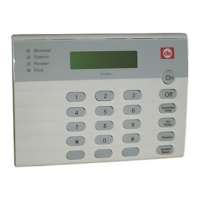
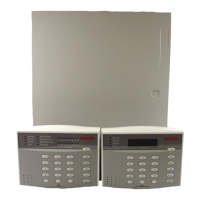
• Enable Area Display (DS7446 Keypad): If selected, the DS7446 Keypad shows the current state of each area using its four
Area LEDs.
Function Condition
LED flashes fast Area is in alarm
LED is on steady Area is armed, but not in alarm
LED flashes slow Trouble condition exists, or zone is bypassed in area
LED is off Area is disarmed, no alarm/trouble conditions exist, no zones are bypassed
Table 19: DS7446 Keypad LED Functions
If Enable Area Display is disabled, the DS7446 Keypad displays the area it is currently assigned to. If the keypad
is assigned to another area, the LED for the new area lights steady (for example, if the keypad is initially assigned
to Area 1, the Area 1 LED lights steady. If it is reassigned to Area 2, the Area 1 LED is off and the Area 2 LED
lights steady). This also applies if the user uses the Move to Area function ([#] + [5] + [0]) to reassign a DS7446
Keypad.


 To Next Page