Page 84 P/N: 4998122677Cr1 Copyright 2003 Bosch Security Systems DS7240-UK Reference Guide
PART III: PANEL PROGRAMMING
34.6 Help Function Key and Duress Report Routing
• Address: 0703
• Default: See table below
• Selections: 0-5
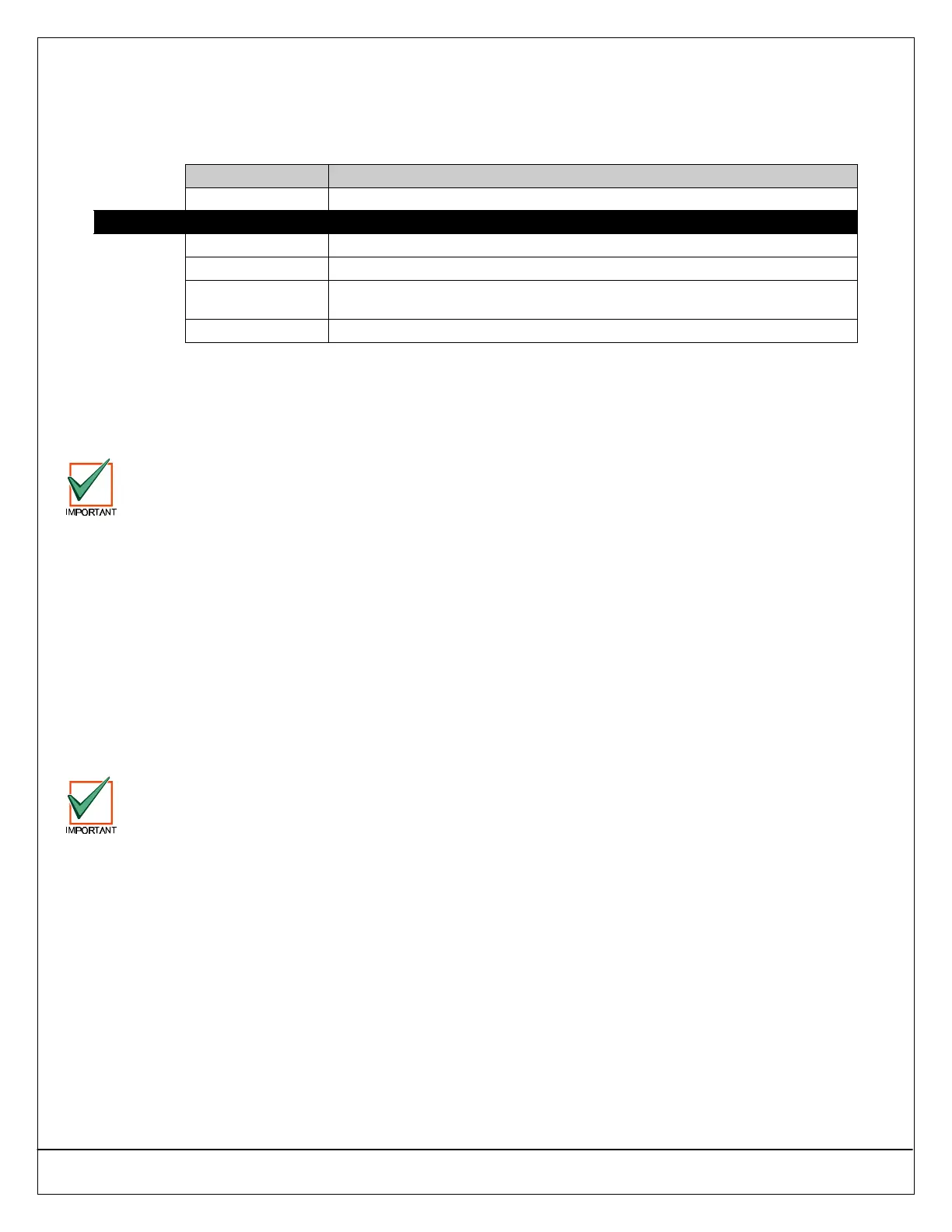
Data Digit Entry Option
0 No Reports, no Events to Log/Printer
Default 1 Reports to Destination 1, Events to Log/Printer
2 Reports to Destination 2, Events to Log/Printer
3 Reports to Destinations 1 & 2, Events to Log/Printer
4
Reports to Destination 2 only on Destination 1 Comm Fail Event, Events to
Log/Printer
5 No reports, Events to Log/Printer
34.6.1 Parameter Description
The [1]+[3] Keys report as Zone 100 for all areas, the [4]+[6] Keys report as Zone 101 for all areas and the [7]+[9] Keys report
as Zone 102 for all areas.
This is a global parameter that affects all areas. See Section 56.0 Dialing Attempt Tables on page 146 for the dialing sequence
and a description of Comm Fail event.
You must enable reporting at the Global Reporting Options prompt (see page 38) and enter at least one phone
number for one routing destination (see page 32).
The RF Keyfob “Panic” feature follows this routing.
34.7 Enable Keypad Tamper Response
• Address: 0704
• Default: 1 (Enable Keypad Tamper Response)
• Selections:
• 0 = Disable Keypad Tamper Response
• 1 = Enable Keypad Tamper Response
34.7.1 Parameter Description
This is a global parameter that affects all keypads.
If this parameter is enabled, the panel checks for a keypad tamper response from each keypad. If this parameter is disabled,
the panel ignores the keypad tamper response.
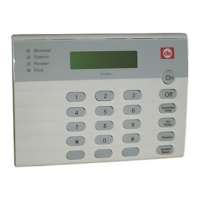
This feature must be enabled at the panel by setting Address 0704 to “1” and by enabling the keypad’s tamper
jumper pins. See the installation instructions accompanying the keypad for information.


 To Next Page