602
↓
Mic Tone dial
Volume
Display
Menu
Familiarize yourself with your phone
18
Basic
operating rules
"
When you purchase your phone, it is programmed in such a way that the functions
assigned to fixed or programmable function keys are not displayed on the screen.
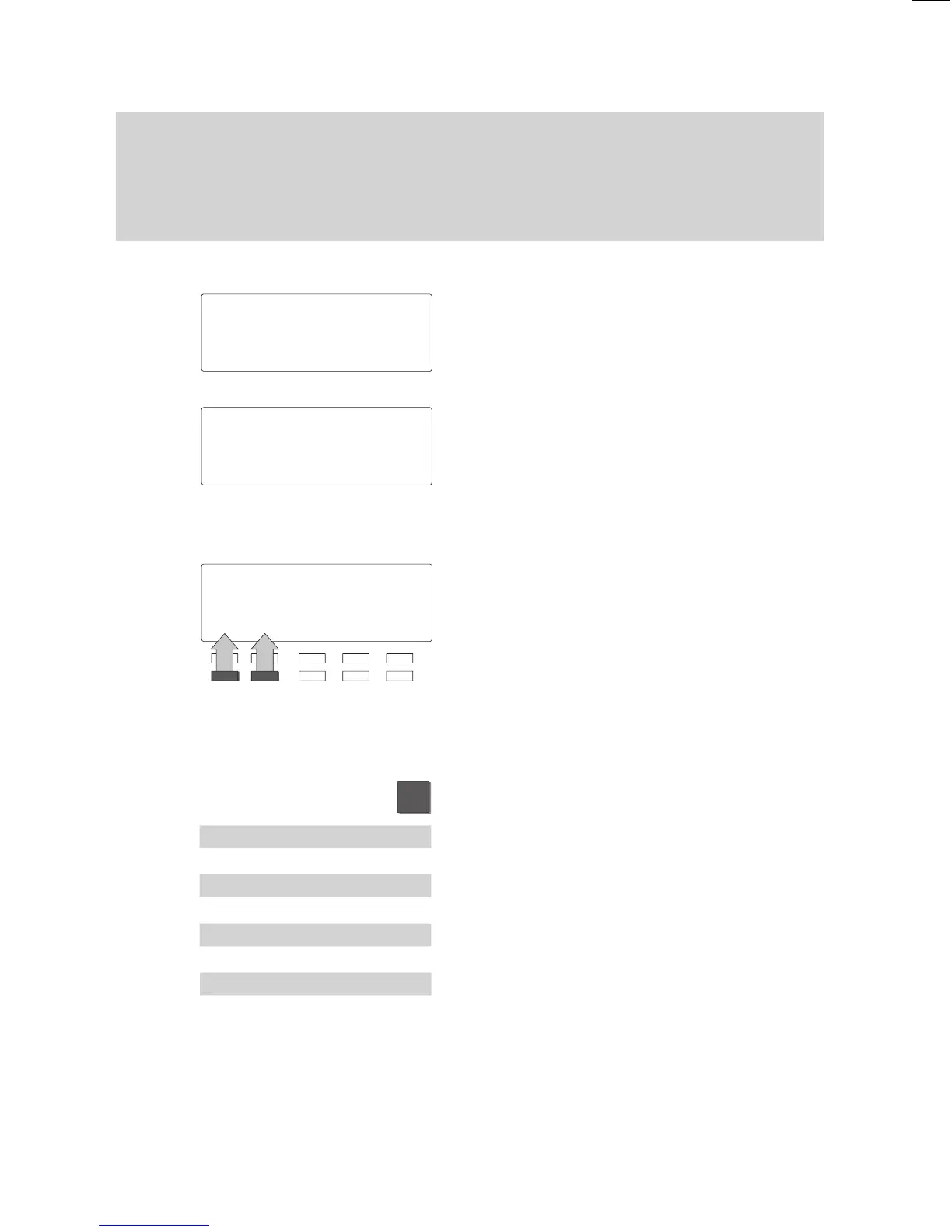
Display menus – three display modes
Simple mode:
If you are still unfamiliar with the functions,
you can have three menu items displayed
on the screen simultaneously
.
Standard mode:
The current menu item is displayed in the
first line of text. Y
ou can use the arrow
keys to scroll to the other menu items.
The second and third lines of text display
the assignments of the function keys.
Softkey mode:
Switch to softkey mode if you are an expe
-
rienced user
.
All available functions are carried out using
the softkeys.
If, for example, you wish to adjust the vol
-
ume of the receiver
, you must press one of
the two corresponding softkeys.
Changing the display mode:
Press the “Menu” function key
.
Select the “Further functions” submenu and
press “Enter”.
Select the “Specifications” submenu and
press “Enter”.
Select the desired menu item.
The current setting is displayed.
Press the “Enter” key to change the menu
item to the desired operating mode.
Menu 'Call
diversion
Silence
Messages
Menu '
Call diversion
M... '
Further functions:
'Specifications
Mode of operati..
Standard
Mode of operati..
Simple



 To Next Page