Menu
–
Enter
Familiarize yourself with your phone
17
Basic
operating rules
"
Selecting functions from the menu
Y
ou can select and activate almost all func
-
tions of your phone from the screen. Y
ou
do not need to remember any key symbols
or combinations for menu selection. Arrows
in the menu indicate the direction in which
you may move:
– up and down
↓
– down only
↑
– up only
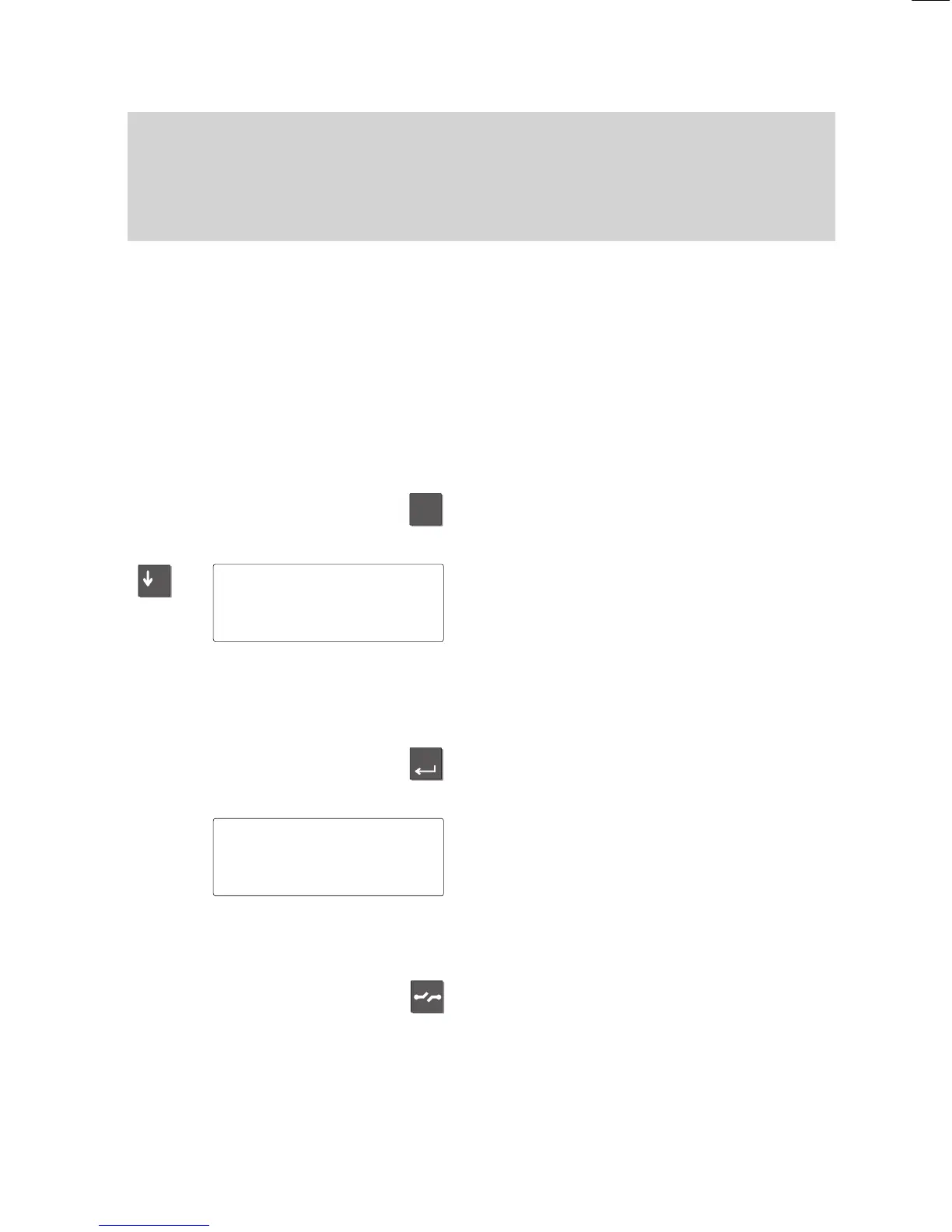
Press the ”Menu” key
. This calls up the
main menu, where you can select the de
-
sired function.
Press the ”Arrow down” key until the de
-
sired menu item appears, e.g. ”Specifica
-
tions”.
Note:
The display does not contain functions that
have already been assigned to a program
-
mable or fixed function key
.
Press the ”Enter” key to confirm your
selection and activate the selected func
-
tion.
The display changes. Only associated in
-
formation is displayed on the screen. This
example shows you the functions that you
can set on your phone.
T
o switch to the idle display:
The display returns to idle mode if you do
not press a key within 60 seconds.
If you wish to switch back to the idle dis
-
play manually
, press the ”Release” key.
Moving to the previous level
:
If you want to move from a submenu to the
preceding level, select the “Return” menu
item.
Menu 'Specifications
Get
VIP functions
Off↓



 To Next Page