16
*
The pad will remain lit while the sample is playing.
*
The instant that you press the HOLD pad once again to
cancel Hold, all sounds will stop, including those sounds
which were not being held.
*
By making Gate playback
I
Trigger playback settings
(page 29) you can produce the same result without
press
-
ing the HOLD pad. Gate playback
J
Trigger playback
can be specified independently for each pad
1-8.
3. Press the HOLD pad once again
to
stop the
sound.
2.
Before you release the pad, press the HOLD pad.
This
turns
on Hold,
and the sample
will
continue
to
sound even after you release the pad.
1. Make sure that bank A is
lit,
and press pad
7
to
sound the looped sample.
I
-
I
.....
-
-
-
-
-·-----
~ a a c:::i r=:i
==--
...
~
EDEJ8EJEJ~
1-2:J~~~E-2,a
[!] ~ [!]
[!]
[E]
With the factory settings, the samples assigned to bank A
pad
7
and
8
will sound only while the pad is being pressed,
and will stop when you release the
pad.
However you can
use the
Hold function
to
cause the sample
to
continue
sounding even after you release the pad.
This is convenient when you have
a
looped phrase sample
that you wish to continue playing.
In
the following proce-
dure, we will explain how to use the Hold function with the
bank
A
pad
7
as an example.
I
Using the Hold
function
to play
a
sample
•
When you change banks, pad
1
of the selected bank will
always be the current pad.
•
Never remove the memory card while
a
sample of bank
CJD is playing.
•
If
you insert a card which has
not
been used by the
SP-
202 (i.e.,
not formatted by the
SP-202) and press the
BANK CARD CJD button, CJD/REC will blink.
If
you
then press the REC button, the card will be formatted. Do
not turn off the power or remove the card while format-
ting is in progress. When a card is formatted, the data in
the card will be erased.
If
a memory card is not inserted into the slot, it is
not
possible
to select
banks CJD
by
pressing
the BANK
CARD CJD button.
When the SP-202 is shipped from the factory, only bank
A contains samples.
Press the
BANK CARD
CID button
to
make
either BANK C or D light.
__
BANK
__
INT
CARD
[
A/B
11
C/D
I-+ •
••
=
..
t·
...
,1111:11111:IL
__
,:C::....:D:.i/
•
Changing between banks C/D
Press the BANK INT A/B
button
to make
either
BANK A or
B
light.
__
BANK
__
INT CARD
I
A/B
11
C/D
I-+
1¥Ui3iA
a
7
•
Changing
between
banks
A/B
BANK
A
OJ
WWW
CDW
0 W jTwobanksin
internal
memory
(total
of
16
samples)
Pads 1-8 (samples)
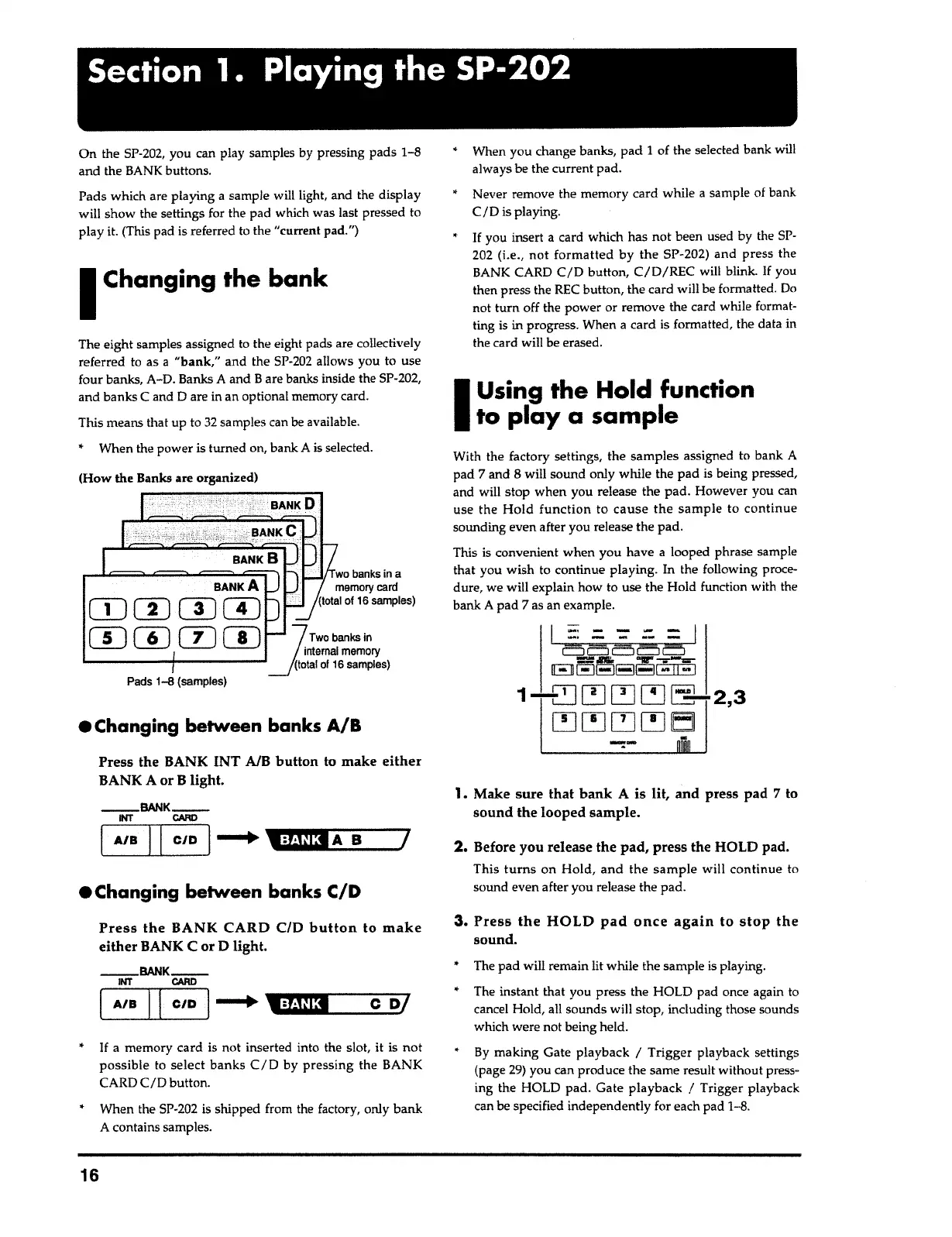
(How the Banks are organized)
The eight samples assigned to the eight pads are collectively
referred to as
a
"bank,"
and the SP-202 allows you to use
four banks, A-D. Banks
A
and Bare banks inside the SP-202,
and banks C and
D
are in an optional memory card.
This means that up to 32 samples can be available.
• When the power is turned on, bank
A
is selected.
I
Changing
the bank
On the SP-202, you can play samples by pressing pads
1-8
and the BANK buttons.
Pads which are playing a sample will light, and the display
will show the settings for the pad which was last pressed to
play it. (This pad is referred to the "current pad.")
Section
1
.
Playing
the
SP-202



 To Next Page