30
..
By
pressing an edit button, you can edit the sample that
is assigned to the blinking pad.
By
holding down the REMAIN
button
and pressing
a
pad 1-8, you can change the current pad without sound-
ing its sample. This
is
convenient when you wish to edit
during a performance.
The changed current
pad
will be
treated
as
the
last-
played note.
..
'
:
2
:
,
....
I
I
I
I\
I I•
CURRENT
PAD
IREMAJNI
...
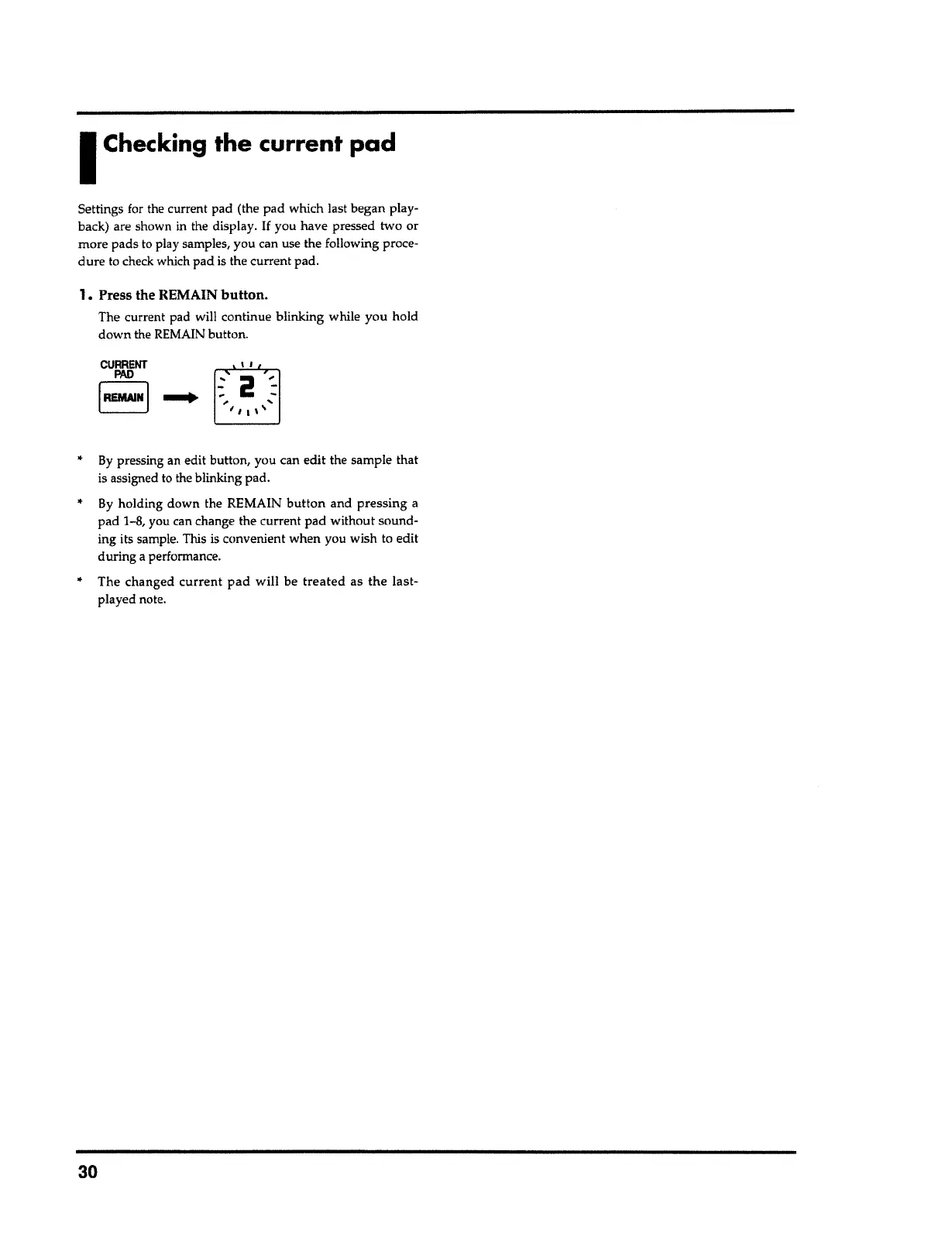
1. Press the REMAIN
button.
The current pad will continue blinking while you hold
down the REMAIN button.
Settings for the current pad (the pad which last began play-
back) are shown in the display.
If
you have pressed two or
more pads to play samples, you can use the following proce-
dure
to check which pad is the current pad.
I
Checking
the current pad



 To Next Page