29
Each time you press TRIGGER/GATE, the setting will
alternate between Gate Playback and Trigger Playback.
If
ONE SHOT is lit, playback will automatically stop and
the
pad
will go
dark
when the
end
of
the sample
is
reached, even
if
you continue pressing the pad.
'-----'I
.__I
_II...__
-
:TRIGGER:
,
'
I I
I
\'
\ I I /
'
,
..
,
2.
Press the TRIGGER/GA TE
button
to make TRIG-
GER light.
1.
Press the pad which contains the sample for
which you wish
to
select Trigger Playback.
(Specify the current pad)
The pad will light, and the sample will sound.
I
Stop playback
I
Start playback
Press and release
the pad
H
·
·I
•
Press
and
release
the pad
H
l)
'
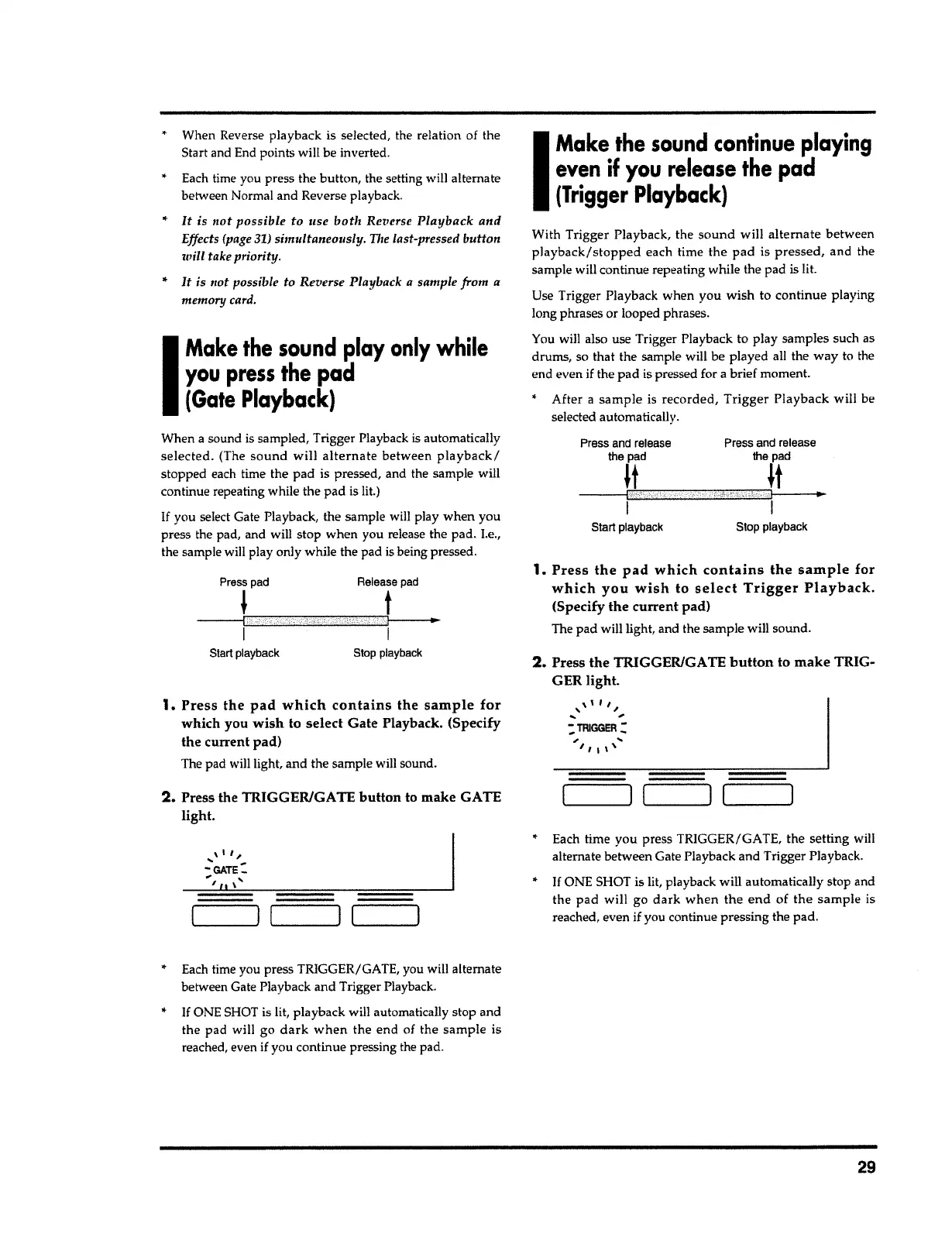
With Trigger Playback, the
sound
will
alternate
between
playback/stopped
each time the pad is
pressed,
and the
sample will continue repeating while the pad
is
lit.
Use Trigger Playback when you wish to continue playing
long phrases or looped phrases.
You will also use Trigger Playback to play samples such as
drums, so that the sample will be played all the way to the
end even
if
the pad is pressed for
a
brief moment.
After
a
sample
is recorded,
Trigger
Playback will be
selected automatically.
I
Make the
sound
continue
playing
even
if
you
release
the
pad
(Trigger
Playback)
Each time you press TRIGGER/GATE, you will alternate
between Gate Playback and Trigger Playback.
If
ONE SHOT is lit, playback will automatically stop and
the pad will go
dark when
the end of the
sample
is
reached, even
if
you continue pressing the pad.
._____.II
---
_
__.I
..__I
_
__,
, \
I
I'.,,,,
-GATE-
, '
, II \
2.
Press the TRIGGER/GATE button to make GATE
light.
1.
Press the pad which contains the sample for
which you
wish
to select Gate Playback. (Specify
the current pad)
The pad will light, and the sample will sound.
Press
pad Release
pad
i
t
---{
I
..
I
I
Start
playback
Stop
playback
When
a
sound is sampled, Trigger Playback
is
automatically
selected.
(The
sound
will
alternate
between
playback/
stopped each time the pad is pressed, and the sample will
continue repeating while the pad is lit.)
If
you select Gate Playback, the sample will play when you
press the pad, and will stop when you release the pad.
Le.,
the sample will play only while the pad is being pressed.
I
Make
the
sound
play only while
you
press
the
pad
(Gate
Playback)
When Reverse playback is selected, the relation of the
Start and End points will be inverted.
Each time you press the button, the setting will alternate
between Normal and Reverse playback.
..
It
is not
possible
to
use
both
Re?1erse
Playback
and
Effects (page 31) simultaneouslu. The last-pressed button
will
take priority.
..
It
is
not possible to Reverse Playback
a
sample from a
memory card.



 To Next Page