18
• This function is also available while samples are playing
back. This function is not available during
sampling
standby mode, or during recording.
Decimal points
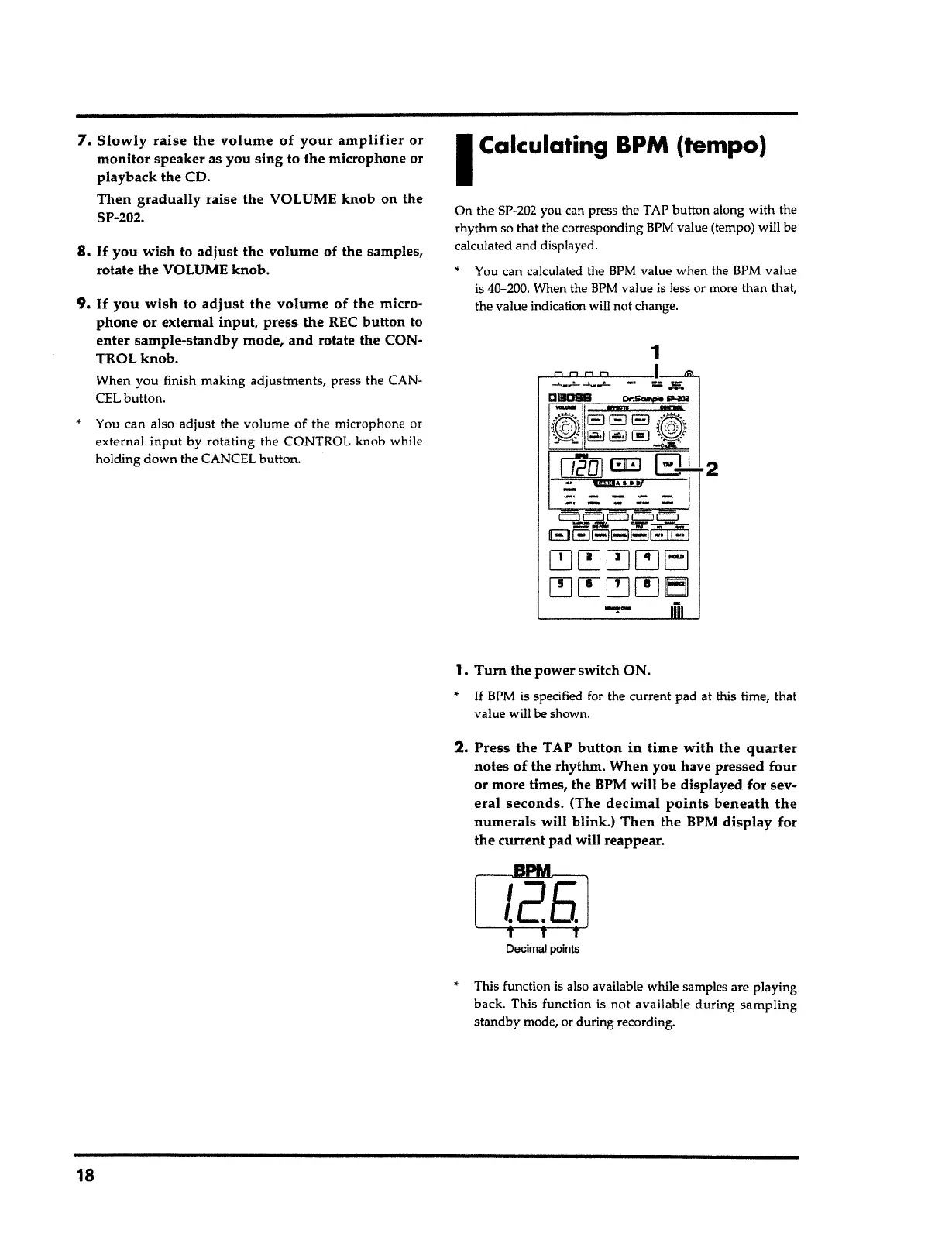
2. Press the
TAP
button in time with
the
quarter
notes of the rhythm. When you have pressed four
or more times, the BPM will be displayed for sev-
eral seconds.
(The
decimal points beneath the
numerals
will blink.) Then the BPM
display
for
the
current pad will reappear.
1.
Tum
the power switch ON.
•
If
BPM is specified for the current pad at this time, that
value will be shown.
c::J c::J El c:::J El
88~8~1
;.jj::
I
~~~~EJ
~~~~Ell
.....
-
-
-
-
-·-----
On the SP-202 you can press the TAP button along with the
rhythm so that the corresponding BPM value (tempo) will be
calculated and displayed.
• You can calculated the BPM value when the BPM value
is 40-200. When the
BPM
value is less or more than that,
the value indication will not change.
I
Calculating BPM (tempo)
•
You can also adjust the volume of the
mic
r
ophone or
external
input
by
rotating
the CONTROL knob while
holding
down
the CANCEL button.
9. If you wish
to
adjust the volume
of
the
micro-
phone
or external
input,
press the REC
button
to
enter
sample-standby mode,
and
rotate the CON-
TROL
knob.
When you finish making adjustments, press the CAN-
CEL button.
8.
If
you
wish
to
adjust
the volume of the samples,
rotate the VOLUME
knob.
7.
Slowly raise the volume of your amplifier
or
monitor
speaker as you sing to the microphone or
playback the CD.
Then gradually
raise the VOLUME
knob
on the
SP-202.



 To Next Page