5 Operation
900-351_IFU_V2.0.0_20221-S0-20150520-EN Operating Manual ARC 350 29
5. Operation
5.1. Connecting power
The line voltage must match the voltage specified on the rating label.
Connect the power cord to the generator and plug the cord into a grounded AC
power outlet.
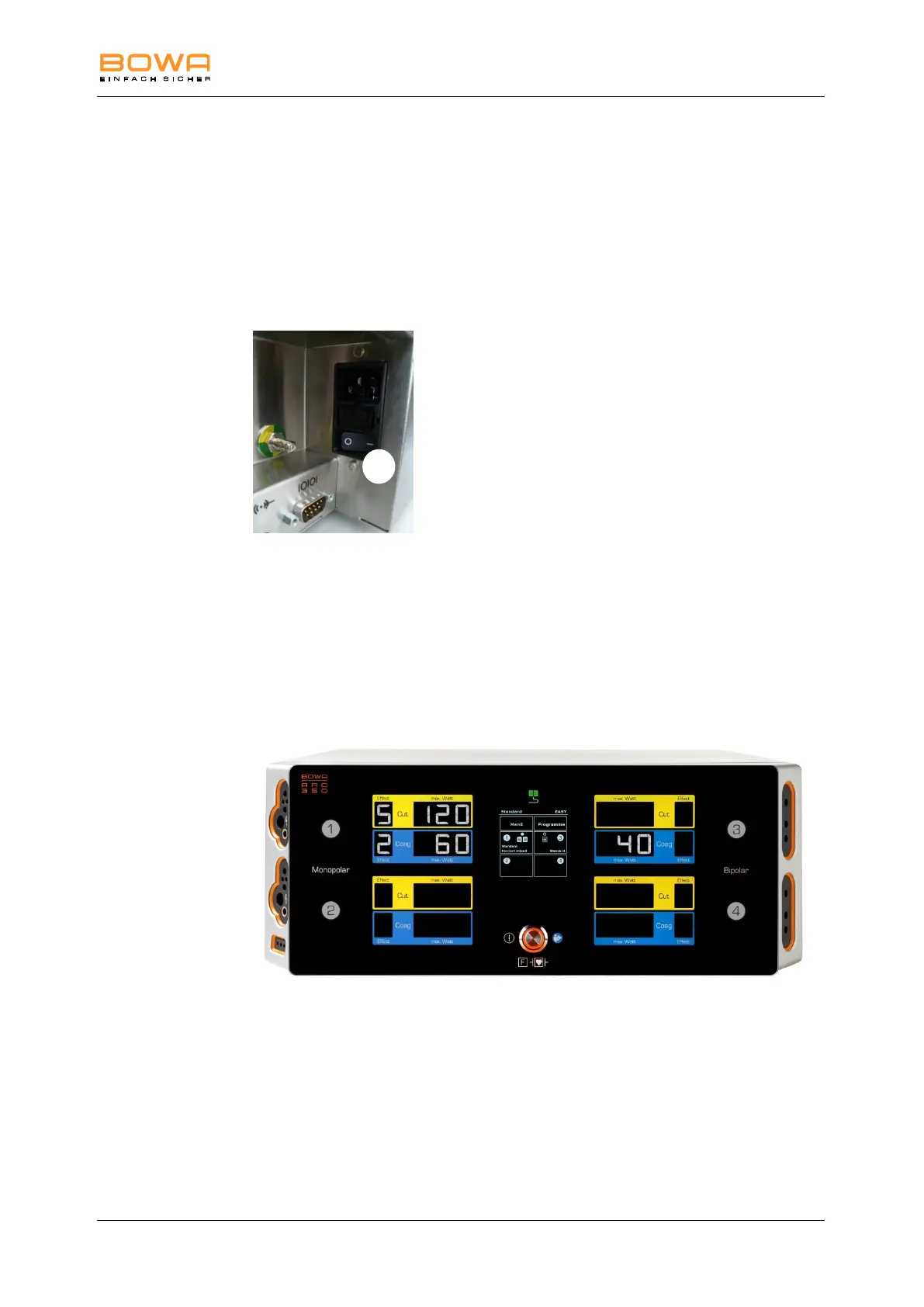
Use the power switch 27 on the rear side of the unit to switch on the device.
Use the on/off switch on the front panel to switch on the device.
The device performs a functional test.
The activation indicators illuminate.
Full functionality of the loudspeaker is indicated by the start melody.
5.2. Program overview
Figure 5-1: Program overview
In the middle of the screen is the display to control the menu.
The activation indications and buttons to set the maximum output power and the
effect are allocated next to the corresponding sockets.
The effect of electrosurgical cutting or coagulation can be set using the button
"Effect".
The "max. Watt" button is used to set the maximum output power.



 To Next Page