6 Detecting and correcting faults
64 Operating Manual ARC 350 900-351_IFU_V2.0.0_20221-S0-20150520-EN
6. Detecting and correcting faults
Two types of faults can occur:
system faults
EASY monitoring faults
6.1. System informations
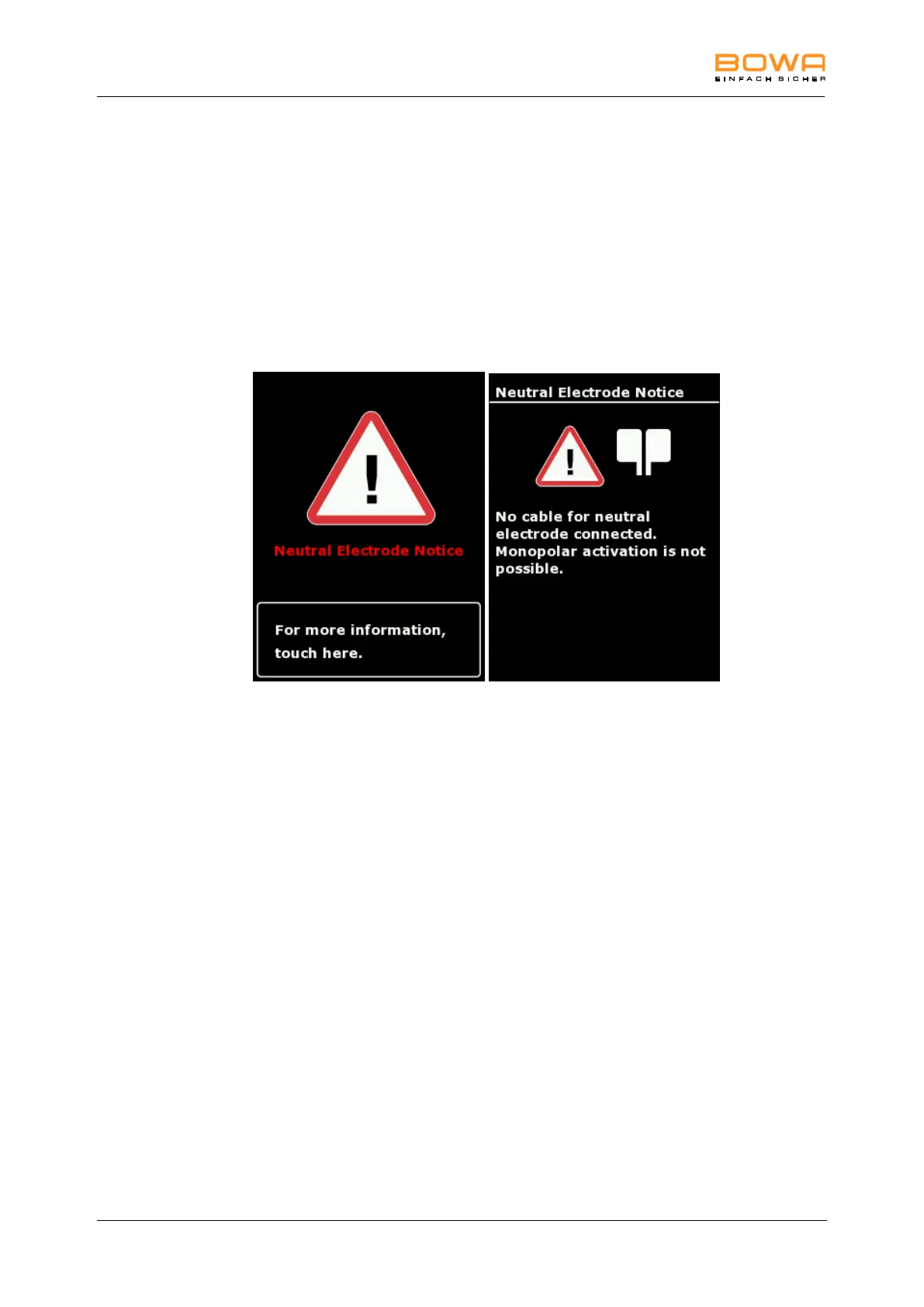
A warning message appears on the display when a system fault occurs.
Figure 6-1: Confirmation neutral electrode
Further information to the cause and corrective measures for this message are
available pressing the lower area of the screen.
System informations have three different categories:
Notice (grey screen)
Warning (orange screen)
Error (red screen)
While an error is present, activations are prohibited.
The message is available using the orange marked „?“ in the system bar.
Moreover, these messages are available in the menu program system settings and
will be deleted when switching off the unit.



 To Next Page