5 Operation
58 Operating Manual ARC 350 900-351_IFU_V2.0.0_20221-S0-20150520-EN
5.10.4. “Program“ dialog
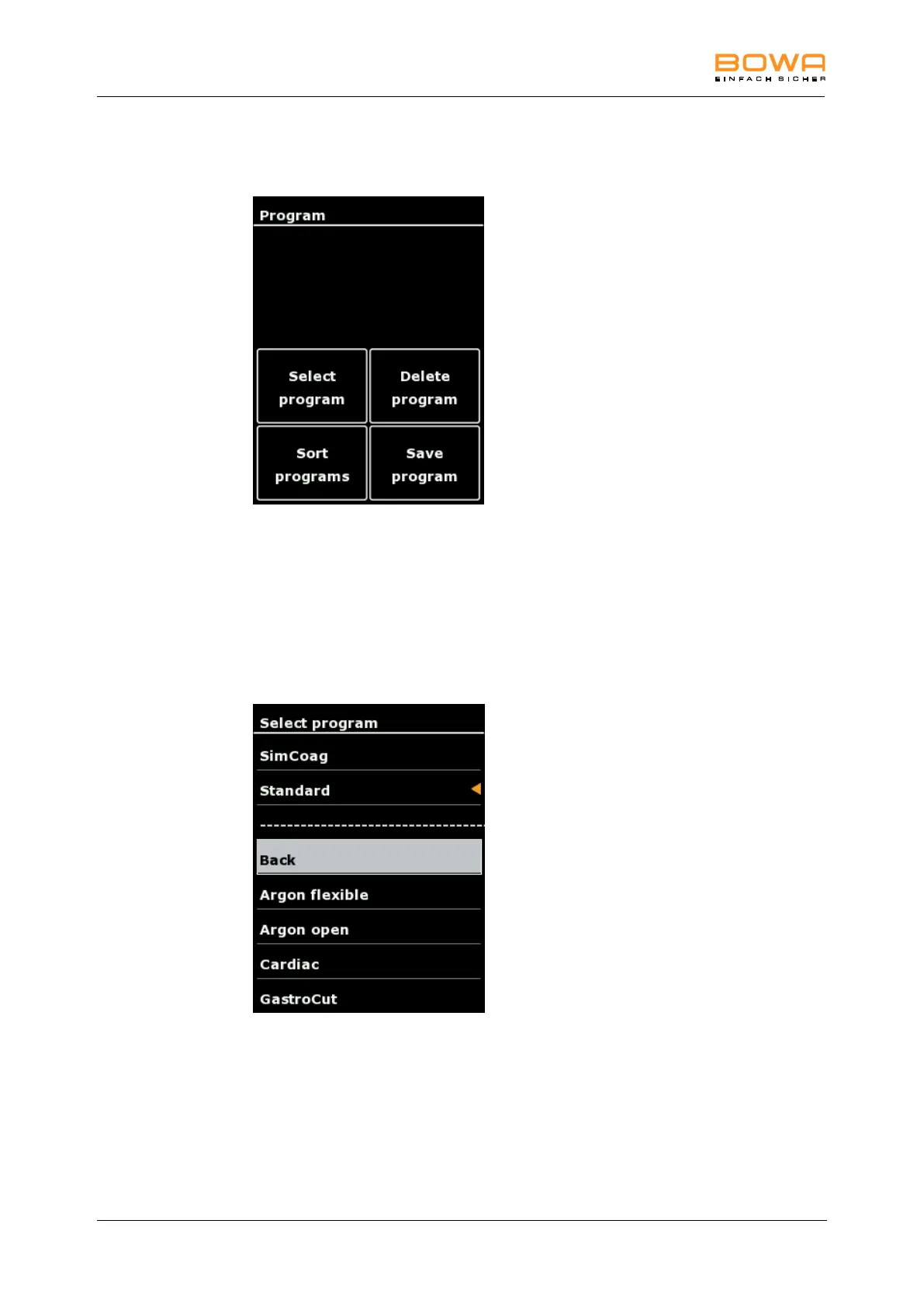
In the “program“ dialog it is possible to choose, delete, sort and save programs.
Figure 5-15: Menu "Program"
Select program
1. Tap "Select program" to enter the program list.
Fast settings of this menu are possible by tapping the socket menu on the
main screen, see chapter Selecting the mode, page 31.
A list of saved programs appears.
The currently loaded program is visualized by the orange arrow.
Figure 5-16: "Select program" dialog
2. Select the desired program by using the arrow keys.
3. Confirm the selection with the “OK“ button
The main screen is displayed
- or-
To return to the main screen without changing the selection, select "Back" or
tap any button outside the selection menu.



 To Next Page