5 Operation
900-351_IFU_V2.0.0_20221-S0-20150520-EN Operating Manual ARC 350 57
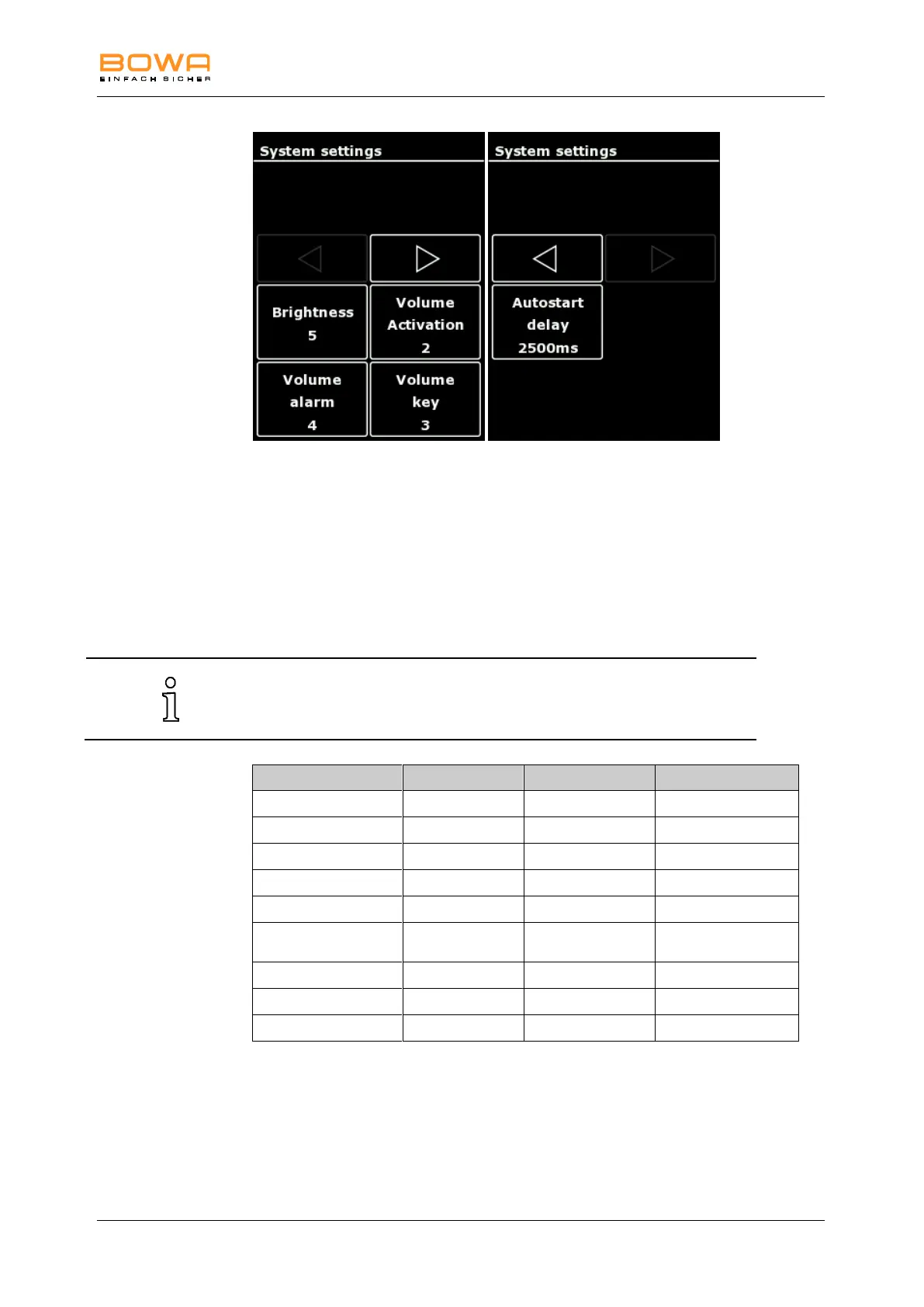
Figure 5-14: “System settings” dialog
1. To change the system settings, tap the desired parameter.
2. Change the setting in single steps with the keys "+" and "-"
3. Confirm the selection with the "OK" button.
- or-
To return to the main screen without changing the selection, tap any button
outside the selection menu.
The volume of the activation signal should be increased as necessary for
use in relativey noisy surrouondings. The alarm tones have a minimum
volume and limited changeability.
5.10.3. “Neutral electrode“ dialog
In the "Neutral electrode" menu the connected neutral electrode type is selected
and the contact quality is displayed, see chapter Selecting the neutral electrode,
page 35.



 To Next Page