5 Operation
900-351_IFU_V2.0.0_20221-S0-20150520-EN Operating Manual ARC 350 31
5.3. Activating and deactivating connectors
To activate a deactivated socket connector, plug a connecting cable into the
connector.
– or –
Tap the activation indication of the associated socket.
The selection field and the activation indication lights up.
When detaching the instrument, the activation indicator extinguishes.
To hide sockets tap the activation display of the associated socket.
The parameters for maximum power and effect are grayed out.
5.4. Configuring output currents
All selection windows are closed after 30 seconds without assumption of
the modification.
If selection screens are present, buttons outside the screen stay active
and when being touched close the present screen without modification.
In addition, activations not possible in this case.
A change to the currently loaded program, e.g. by adjusting the power
level, is indicated by a red illuminated program name.
5.4.1. Selecting the mode
1. To select the type of current, select the setting of the respective socket.
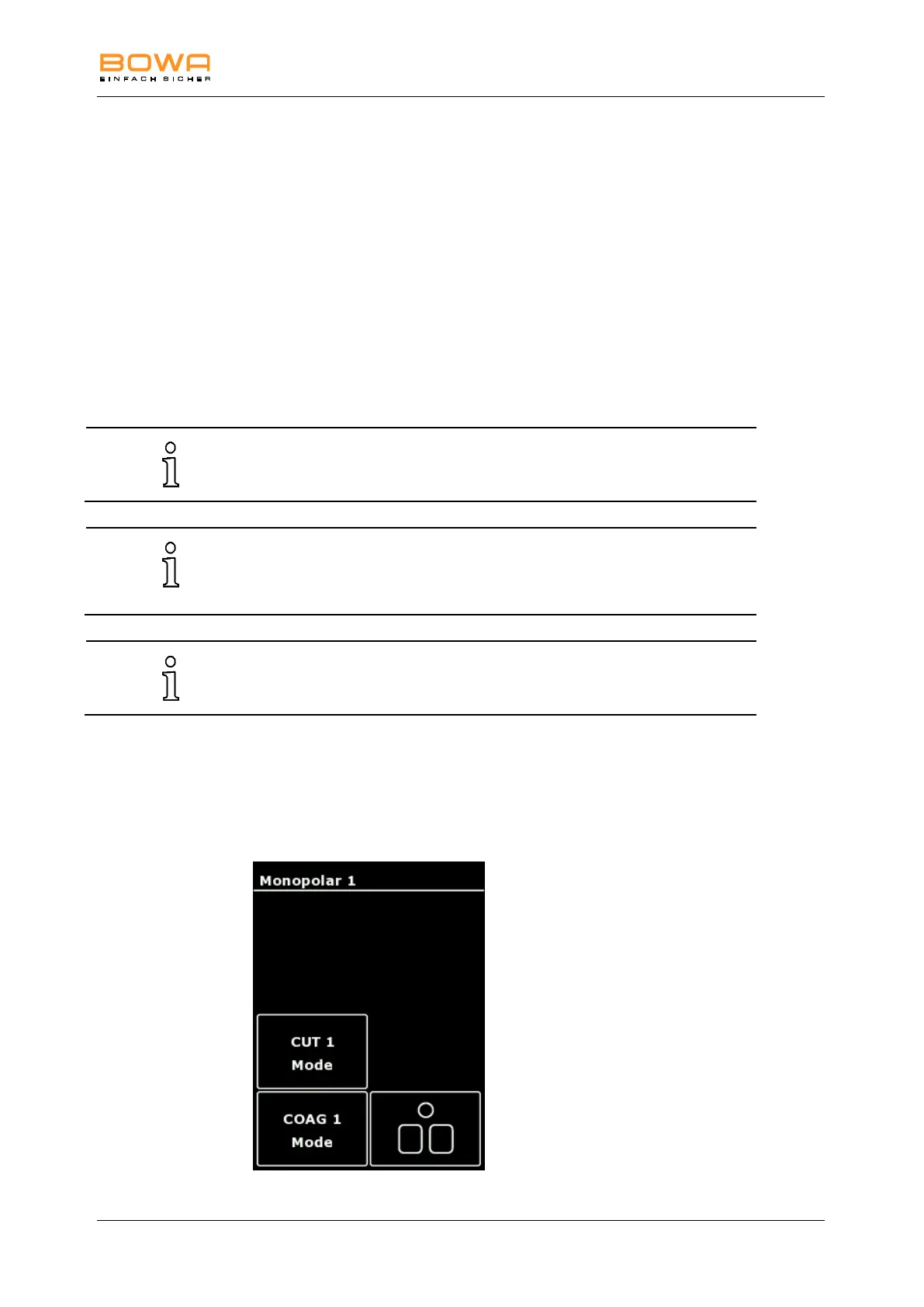
A menu appears to select the program, the foot switch assignment as well as
the modes for cutting or coagulation.
Figure 5-4: Menu Monopolar 1



 To Next Page