5 Operation
900-351_IFU_V2.0.0_20221-S0-20150520-EN Operating Manual ARC 350 61
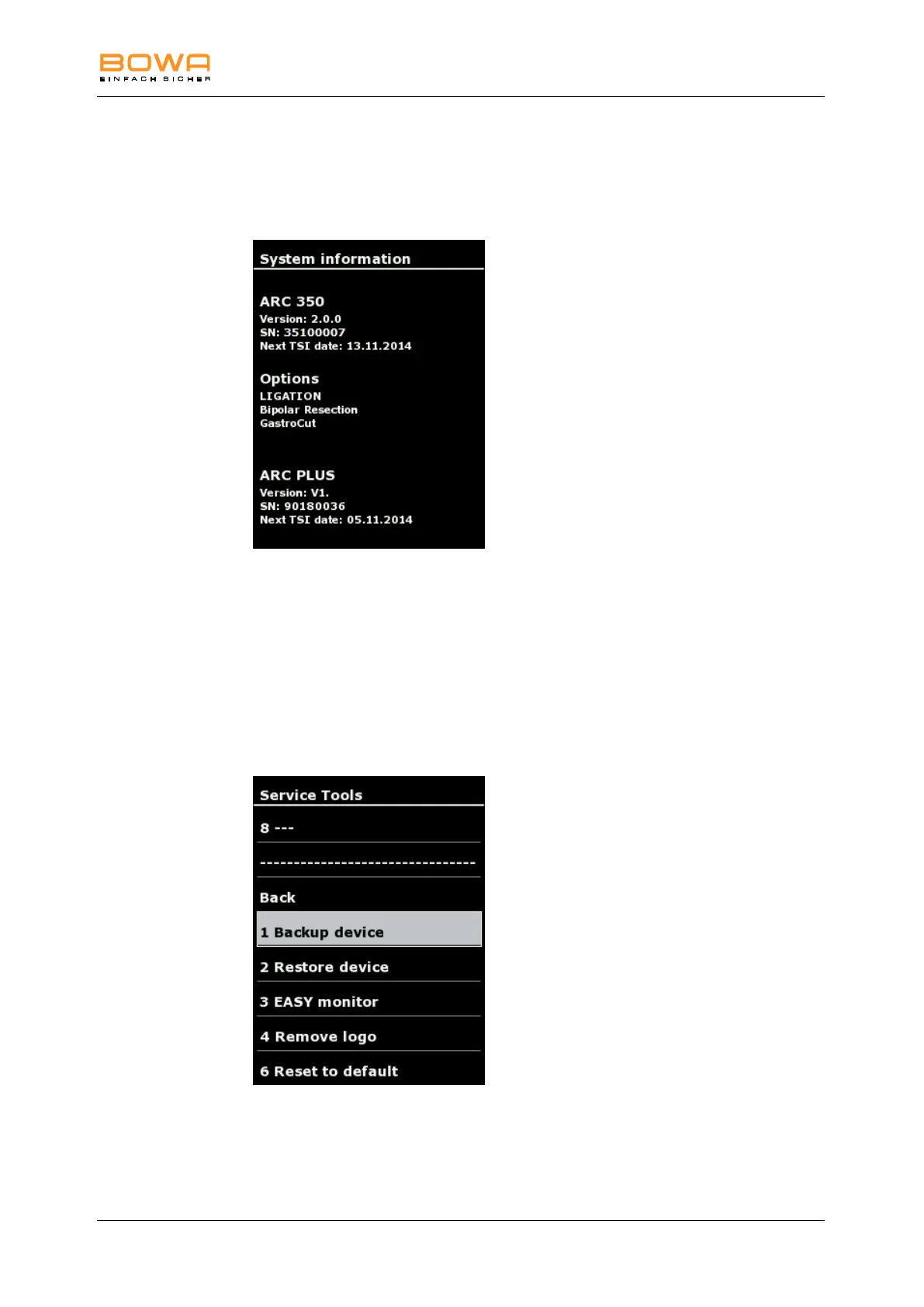
5.10.7. “System information“ dialog
The “System information“ dialog displays various system parameters such as
version, serial number, TSI dates for ARC 350 and ARC PLUS, as well as options.
Figure 5-19: “System information“ dialog
See also technical safety inspection (TSI), page 71.
5.10.8. "Service" dialog
In the "Service" dialog contact detail are displayed, after entering a password, you
can use the dialog to access additional options.
With the password 001224 you enter the service level.
Figure 5-20: “Service tools“ dialog



 To Next Page