5 Operation
56 Operating Manual ARC 350 900-351_IFU_V2.0.0_20221-S0-20150520-EN
5.10. Menu dialogs
The menu dialogs specify the settings of basic parameters, such as the
user interface language and audio, display and memory options.
5.10.1. Overview
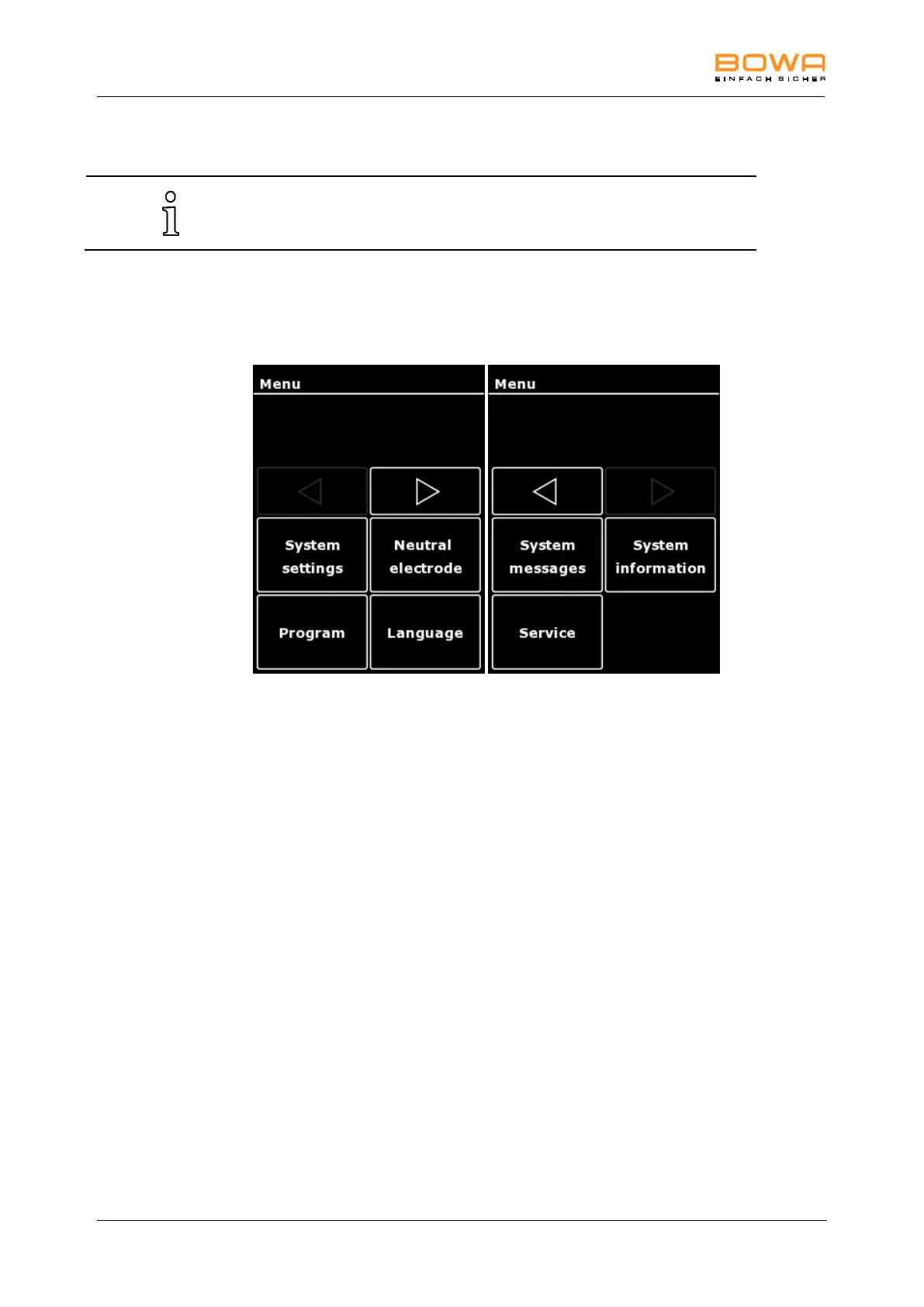
The following menu dialogs are available:
Figure 5-13: Menu dialogs
Selecting a dialog
Switch to the required function with the horizontal arrow keys, and press the
appropriate selection button to open the menu.
Exiting a dialog
Press the "OK" button to return to the main screen.
5.10.2. "System Settings" dialog
The "System" menu allows settings for brightness and volume of the alarm
activation and key tones, as well as autostart delay.



 To Next Page