5 Operation
30 Operating Manual ARC 350 900-351_IFU_V2.0.0_20221-S0-20150520-EN
5.2.1. Display
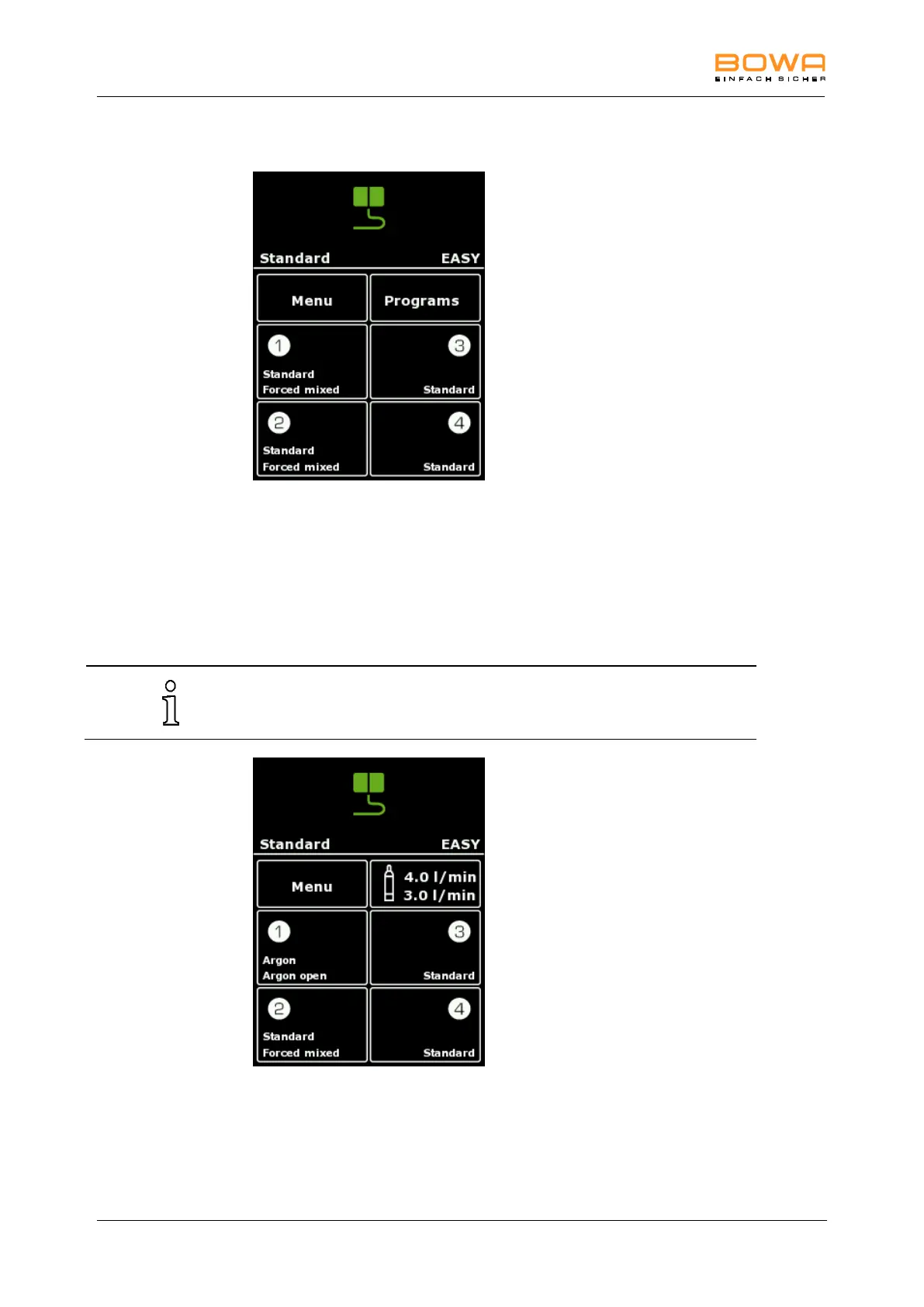
Figure 5-2: Standard display
In the upper segment of the display the "EASY" button is allocated.
In the lower part of the display the program name, the neutral electrode type, as
well as the buttons "Menu", "Programs" and settings of the current type and pedal
for the four sockets are allocated.
In combination with ARC PLUS and the selection of Argon modes, instead of the
button "Programs" the "Argon" menu is shown.
In this case the program can be selected using Menu "Select program".
Figure 5-3: Argon display



 To Next Page