5 Operation
60 Operating Manual ARC 350 900-351_IFU_V2.0.0_20221-S0-20150520-EN
The following basic programs are provided with the full version of
ARC 350 (incl. the options GastroCut, Bipolar Resection and
LIGATION): Argon flex, Argon, Cardiac, GastroCut, Laparoscopy, Macro,
Micro, Open Surgery, Resection bipolar, Resection monopolar,
SimCoag, Standard
5.10.5. “Language“ dialog
The following languages are selectable in „language selection“:
German, English, French, Italian, Spanish, Russian, Polish, Turkish, Czech,
Portuguese
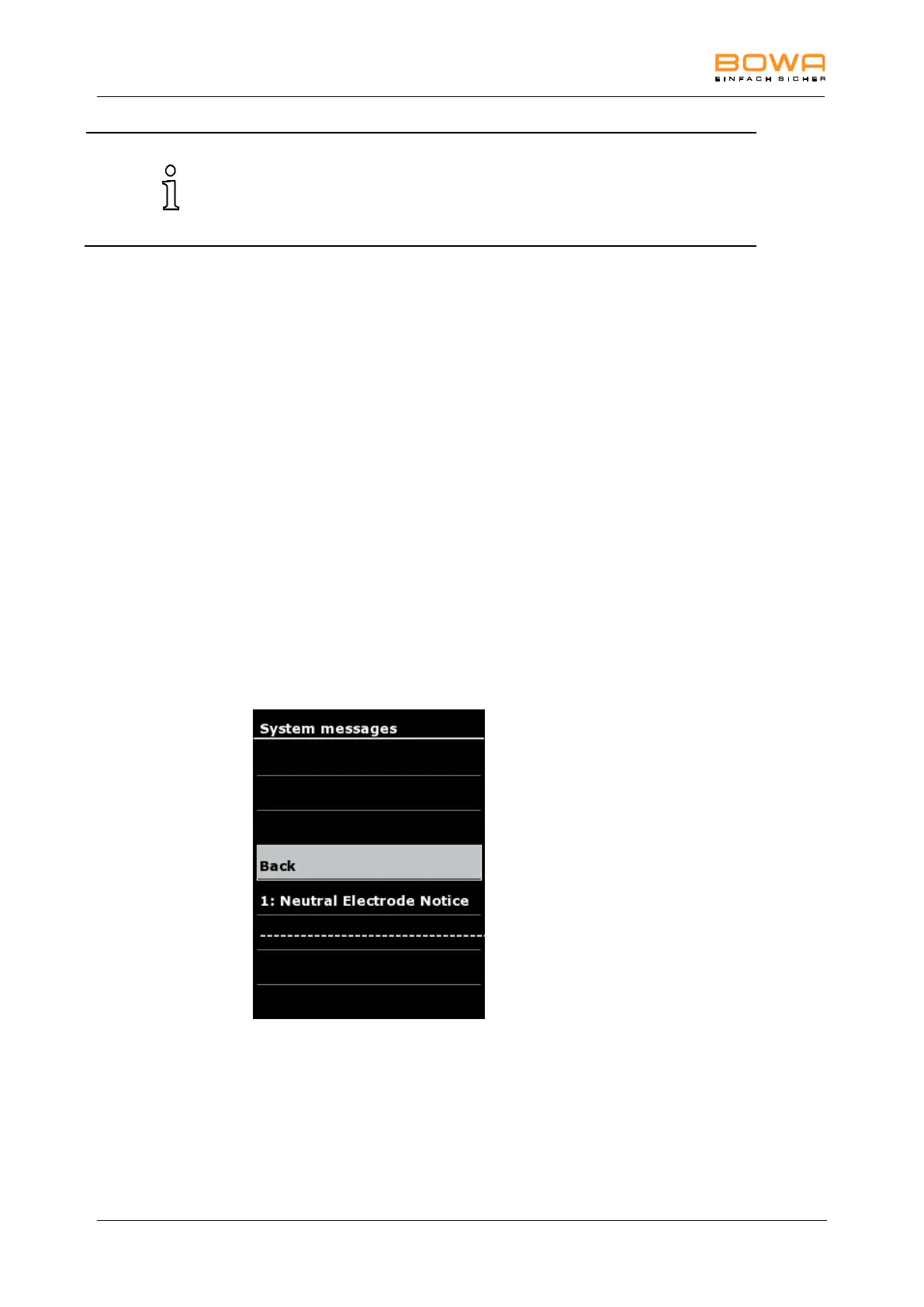
5.10.6. "System messages" dialog
In the "System messages" dialog, it is possible to open the saved system
messages which have occurred since switching on the HF device.
These messages are not saved when switching off the HF device.
Opening saved system messages:
1. Select a system message.
2. Tap ”OK” to open the system message again.
3. Press again "OK" to return to the overview.
4. To return to the main screen without changing the selection, tap any button
outside the selection menu.
Figure 5-18: “System messages“ dialog



 To Next Page