5 Operation
900-351_IFU_V2.0.0_20221-S0-20150520-EN Operating Manual ARC 350 35
Figure 5-9: Foot switch changeover
5. Pedal levels can be changed using the foot switches. Press the orange button
to change the socket.
If two footswitches are connected, either a single-pedal footswitch or a
double-pedal footswitch can be selected for coagulation.
5.4.5. Selecting the neutral electrode
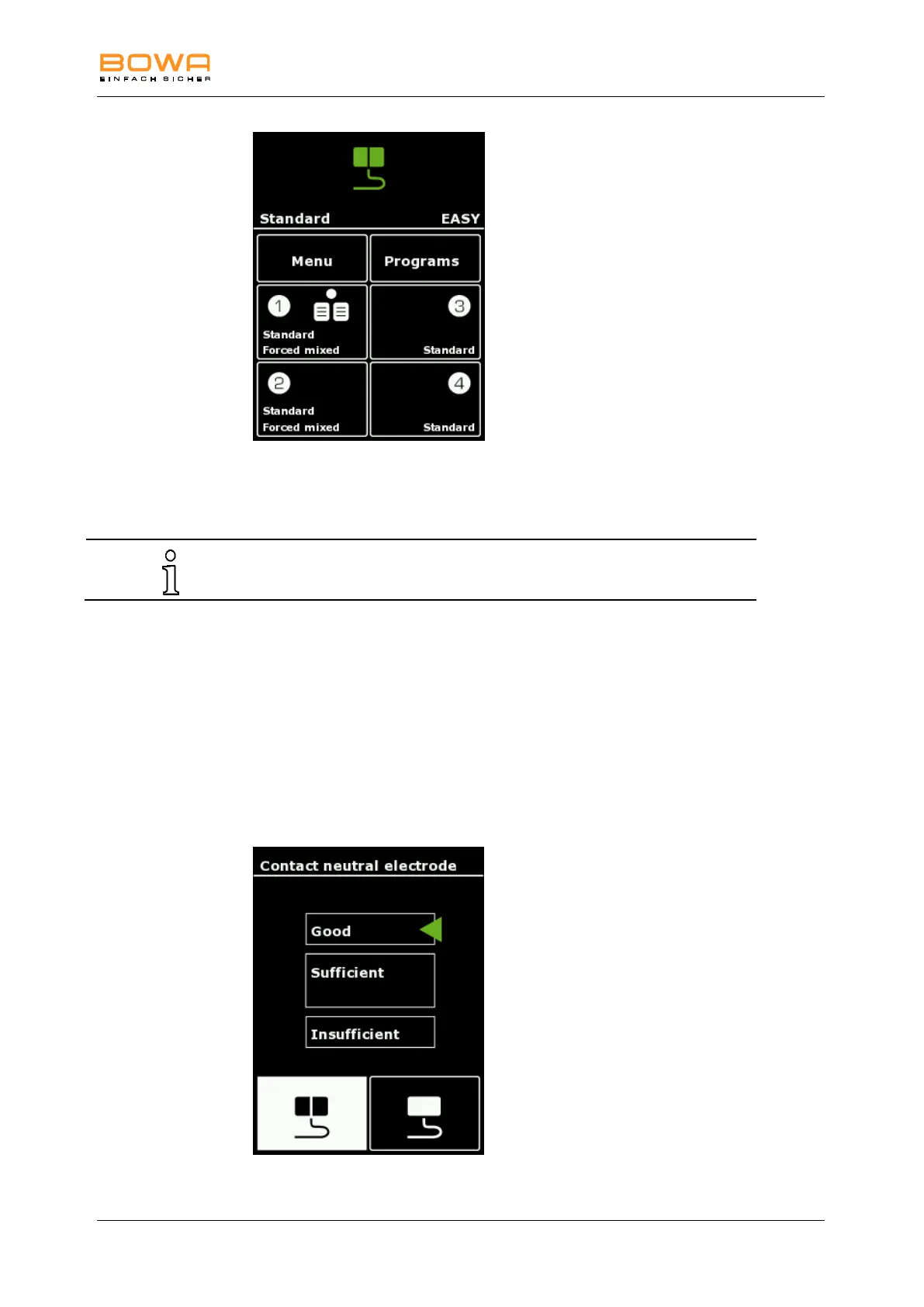
1. Press the "EASY" button in the upper segment of the display to select the
neutral electrode.
- or -
Alternatively, use "Menu" "neutral electrode" to select the neutral electrode.
The neutral electrode menu with a display of contact quality as well as
selection of the neutral electrode types is shown.
The selected neutral electrode type is displayed in white.
Figure 5-10: Neutral electrode menu



 To Next Page