5 Operation
32 Operating Manual ARC 350 900-351_IFU_V2.0.0_20221-S0-20150520-EN
2. Choose the menu of the required current type using the "Mode" button.
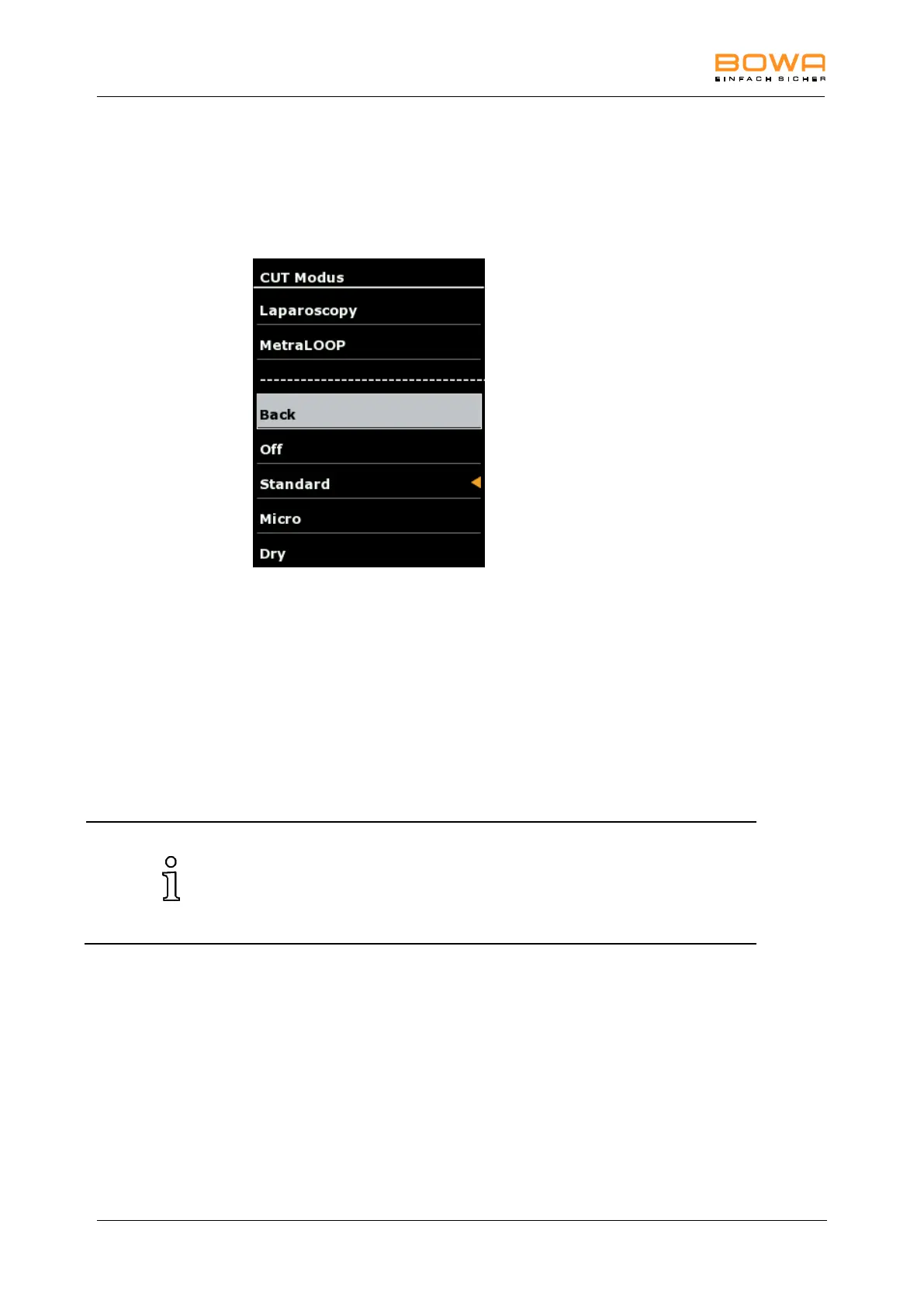
A selection screen appears for the available modes.
The active mode is indicated with an orange arrow.
Figure 5-5: Modes monopolar cutting
3. Select the required mode using the arrow keys.
- or-
Deactivate the mode by selecting "Off".
4. Confirm the selection with the "OK" button.
The main screen is displayed.
- or-
To return to the main screen without changing the selection, select "Back" or
tap any button outside the selection menu.
If a mode is changed within a socket, the set parameters e.g. effect and
max. Watt, remain the same for the respective mode. However, if, for
example, the factory default setting of a mode is adapted and
subsequently changed to a different mode and then back again, the user
changes are not undone.



 To Next Page