Printing
Rev A 89 BBP
®
35/37 User’s Manual
Cancel a Print Job
System Interruption
If a print job is interrupted due to a system error, for instance when media runs out or you
intentionally open the cover, the system automatically stops the print job and displays a
message.
To resume printing, while the job interruption message remains on the screen:
1. Correct the condition that caused the interruption (e.g., replace the media or ribbon).
2. Touch Resume Current to reprint the current label, then continue printing.
OR
Touch Resume Next to print the next label, then continue printing.
OR
Touch Cancel to cancel the entire print job.
User Interruption
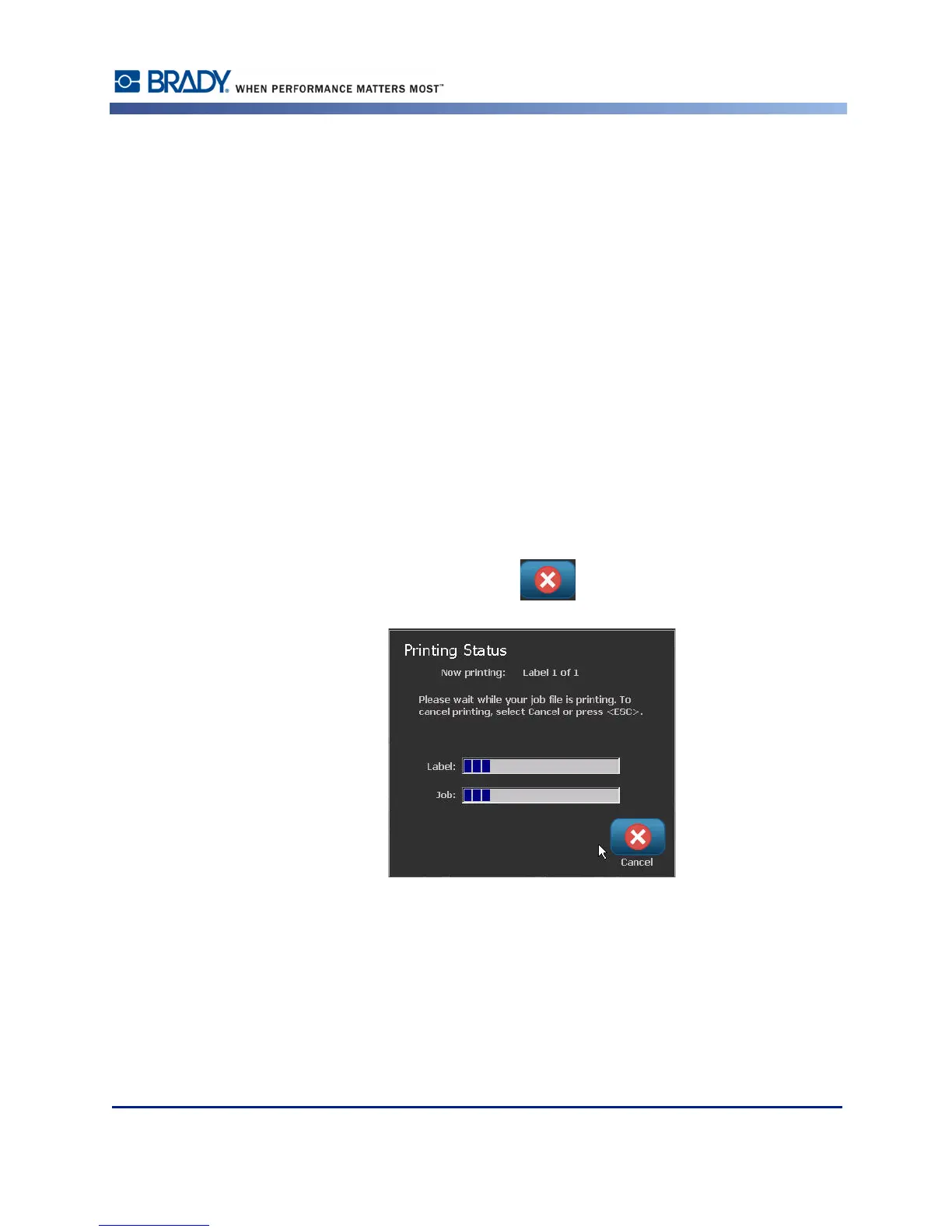
To intentionally cancel a print job once it has started:
1. On the Print Status screen, touch Cancel .



 To Next Page