Formatting a Label
Rev A 51 BBP
®
35/37 User’s Manual
Font
The BBP
®
35/37 printer supports different fonts, or typefaces. When you add a text object, the
text defaults to the font defined in System Setup. You can change the font for the entire text
element on a specific label, or on just a few characters in the text element. To change the font:
1. In the text element, select the text (characters, words, or entire text) on which to change
the font.
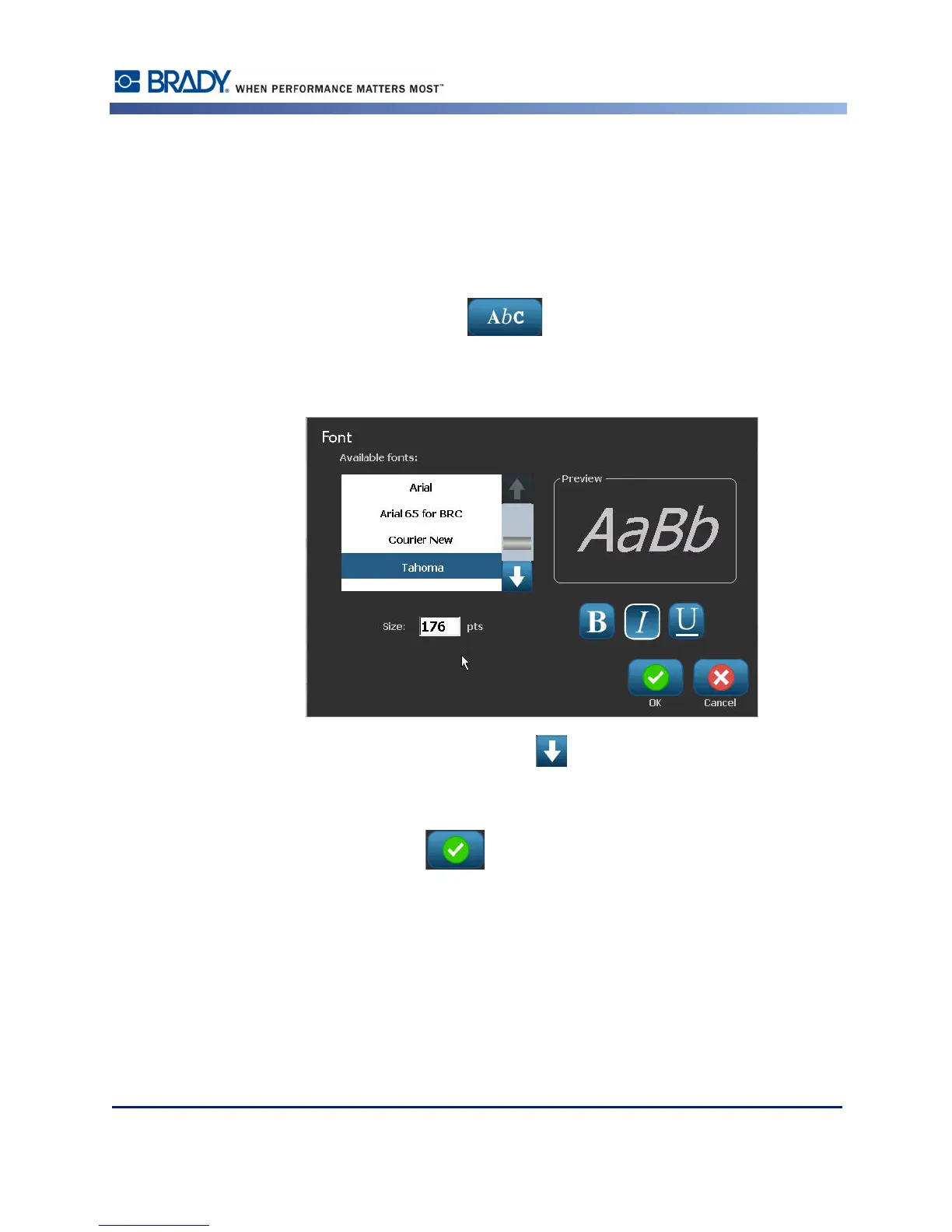
2. In the Control Panel, touch Font .
3. In the list of available fonts, touch the desired font.
4. To view more fonts, touch the down arrow in the scroll box to the right of the
Available fonts list.
5. Touch the Size: data field and enter the desired point size for the selected font.
6. When finished, touch OK button.



 To Next Page