Application Label Types
BBP
®
35/37 User’s Manual 124 Rev A
Gradient Scale
A gradient scale is a linear scale of blended colors. Each color defined for a numeric range
blends with the next color, thus forming a gradient strip. Each point on the gradient scale
represents a unique color and value. So, entities with different values appear in unique colors
as per the position of the value on the gradient scale. All the lower and upper limits in the
gradient scale are marked with ticks.
To create a Gradient Scale label:
1. Access Gradient Scale label type according to previous procedures (page 111).
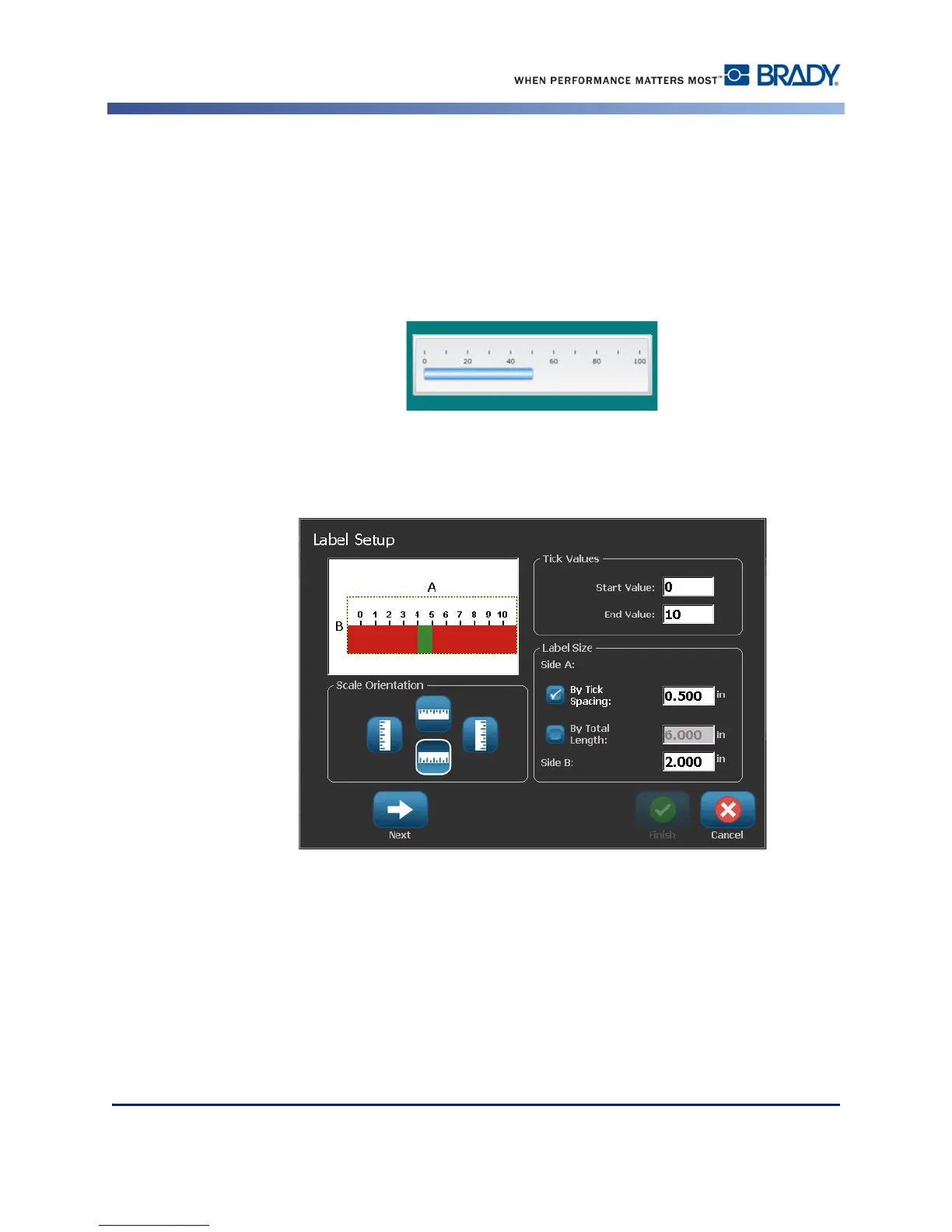
2. On the Label Setup dialog box, under Scale Orientation, touch the button that indicates
how you want the gradient scale to display (top, bottom, left or right).
3. Under Tick Values, touch the Start Value data field and enter the starting value for the
scale.
4. Under Tick Values, touch the End Value data field and enter the end value for the scale.



 To Next Page