Application Label Types
Rev A 123 BBP
®
35/37 User’s Manual
Cut Out Gauge (BBP
®
37 ONLY)
If you have the BBP
®
37 printer, you have the ability to cut out the circle gauge to get the circle
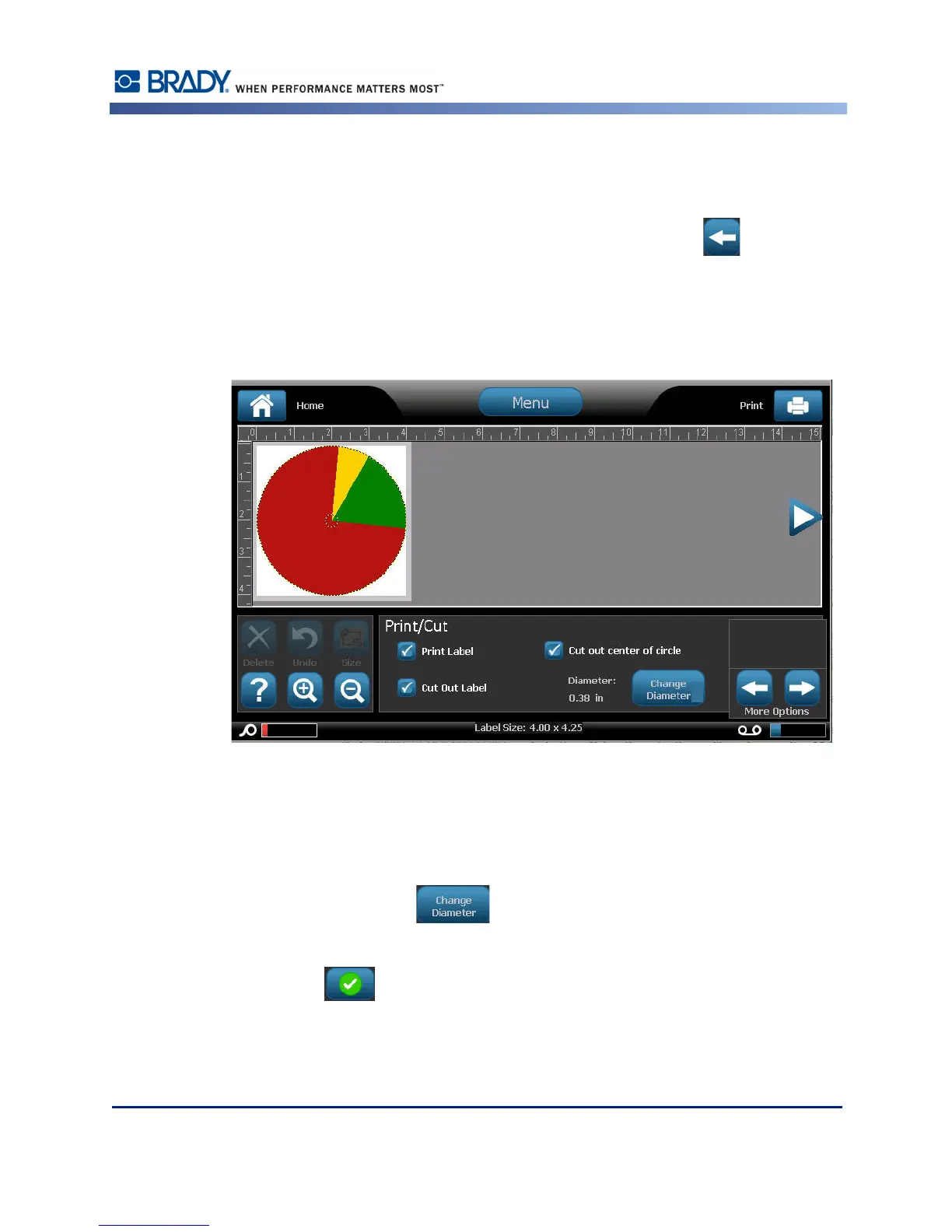
shape. To indicate you want to cut out the gauge:
1. In the Circle Gauge Label control panel, in More Options, touch Left to move to the
Print/Cut control panel.
2. Touch Cut Out Label option box, to signify you want to use the cutter on the BBP
®
37
printer.
To help find the center of the gauge, in case the center of the gauge has a raised area, cut out
the center of the circle of the gauge.
3. Touch Cut out center of circle option box.
To properly fit the gauge label onto the gauge face:
4. Touch Change Diameter .
5. On the Cut Out Circle screen, in the Diameter: data field, enter the diameter dimention.
6. Touch OK .
(See page page 98 for information on printing and using the cutter on the BBP
®
37 printer.)



 To Next Page