Application Label Types
BBP
®
35/37 User’s Manual 122 Rev A
4. When ready, touch OK .
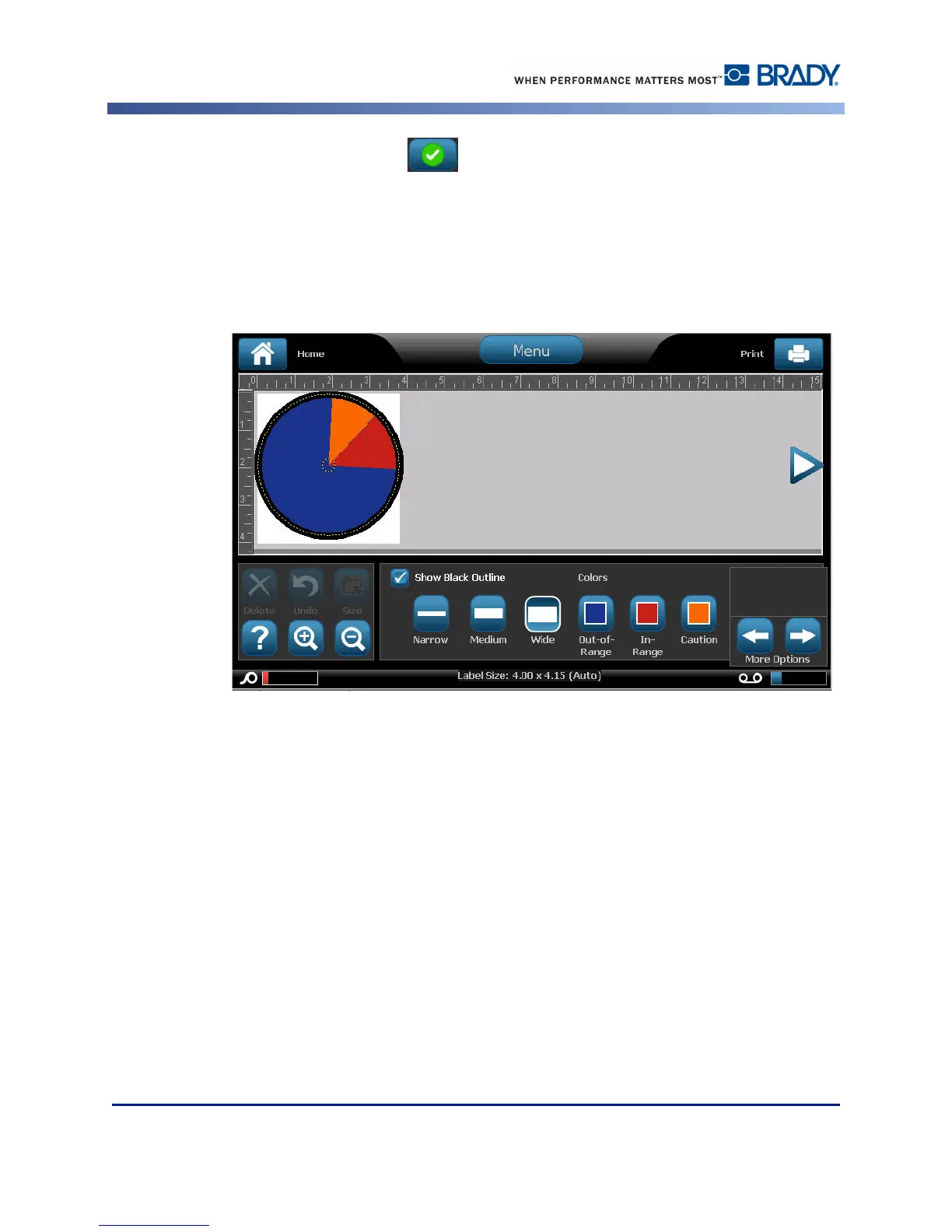
You can also have the gauge outline display with a thicker and darker boundary. To better
display the gauge outline:
5. On the Colors screen, touch Show Black Outline option box to select it.
6. Touch the line thickness option desired (Narrow, Medium, or Wide).



 To Next Page