System Defaults
Rev A 19 BBP
®
35/37 User’s Manual
Sleep Mode
Sleep mode is the low power consumption mode that the printer automatically activates when
it detects a period of inactivity. Touch the desired inactivity time interval. If you do not want
Sleep Mode to ever be activated, touch Never.
Set the Date
Set the date on your printer to reflect the date that you want to print on your labels. To set the
date, on the Clock Settings screen:
1. Touch the month, day, or year section in the Date data field.
2. Using the keyboard, enter the desired month, day, or year.
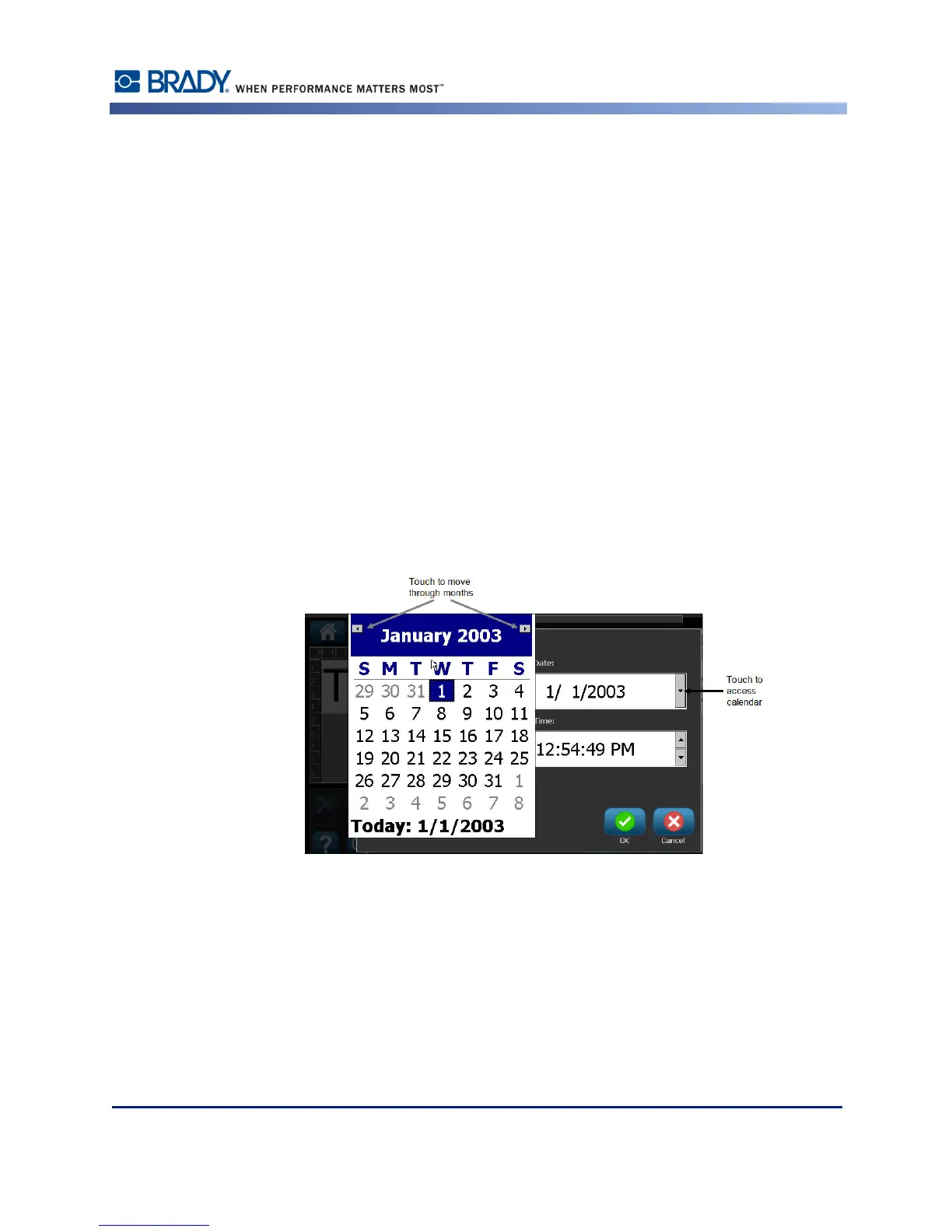
Using the Calendar
You can also enter the date by using the calendar function. To access the calendar, on the Clock
Settings screen:
1. Touch the drop-down arrow to the right of the Date field.



 To Next Page