Formatting a Label
BBP
®
35/37 User’s Manual 62 Rev A
Set Data Source
You can convert an existing text or barcode object element into a serial or date/time element on
the label. This applies to both template or freeform object elements. However, you cannot add
serial data to a graphic.
To convert text or barcode to serial data:
1. In the Editor, touch the text or barcode element that you want to use for the serial data.
2. For a text element, touch More Options, then touch Set Data Source.
3. For a barcode, touch Change Barcode , then touch Set Data Source.
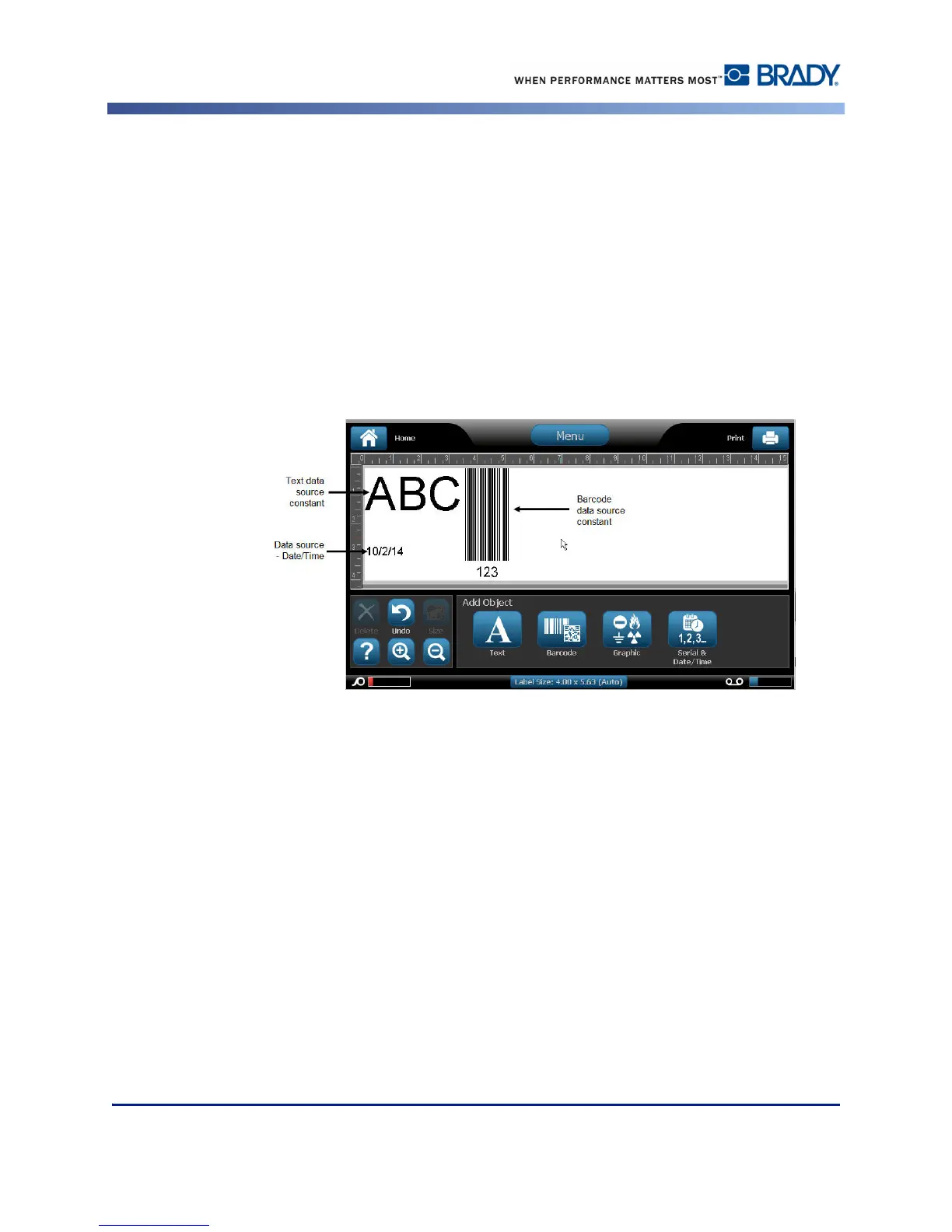
You have three options to choose from: Constant, Serial, and Date/Time.
• Constant keeps the data the same on every label printed. The data is fixed (or non-
variable), it does not increment or decrement.
• Serial automatically adds a series of sequential numbers or letters to the printed labels.
The Serial function consecutively places the next number or letter in the defined sequence
on individual labels. (See page 76 for information on defining a series.)
• Date/Time places the date and/or time on every printed label in a series. It is not the
system date or time, but rather a date or time you define. (See page 19 for information on
defining the date and/or time.)
4. In the Set Data Source dialog box, touch the desired option.



 To Next Page