Application Label Types
Rev A 169 BBP
®
35/37 User’s Manual
Tags
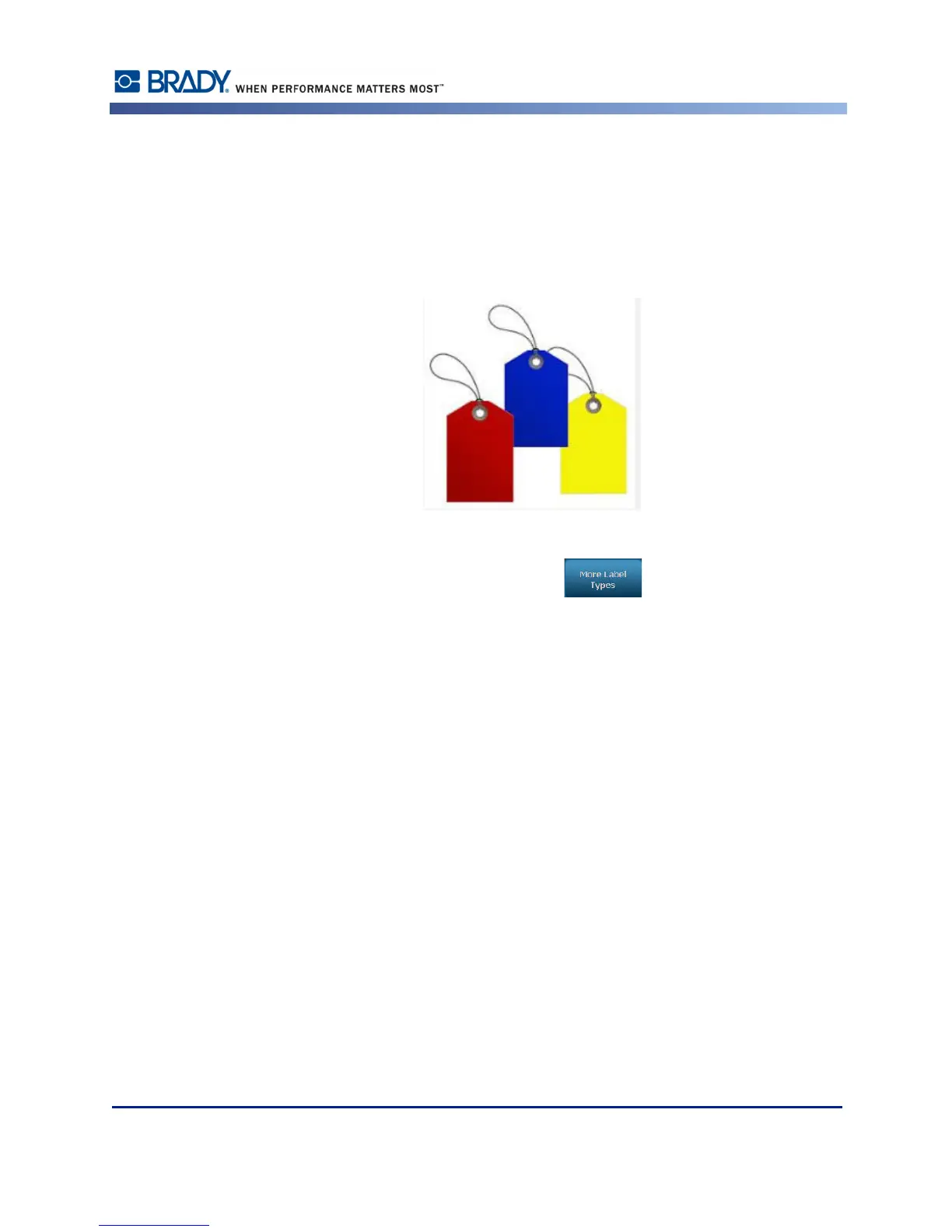
A Tag is a basic label that usually contains a reinforced hole through which you can insert a
lanyard, zip tie, string, or other tying device. Tag media allows for the string-attachment hole
and places the data outside this area. The data placed on a tag follows general template
formats.
To create a Tag label type:
1. From the Home Page, touch More Label Types .
2. In the list of Label Types, touch Tags.
The list of templates display.
3. Under Category, touch the desired template category, then touch the desired template.
Edit the object elements following standard label editing procedures. (See page page 41.)



 To Next Page