Printing
BBP
®
35/37 User’s Manual 92 Rev A
Mirror Print
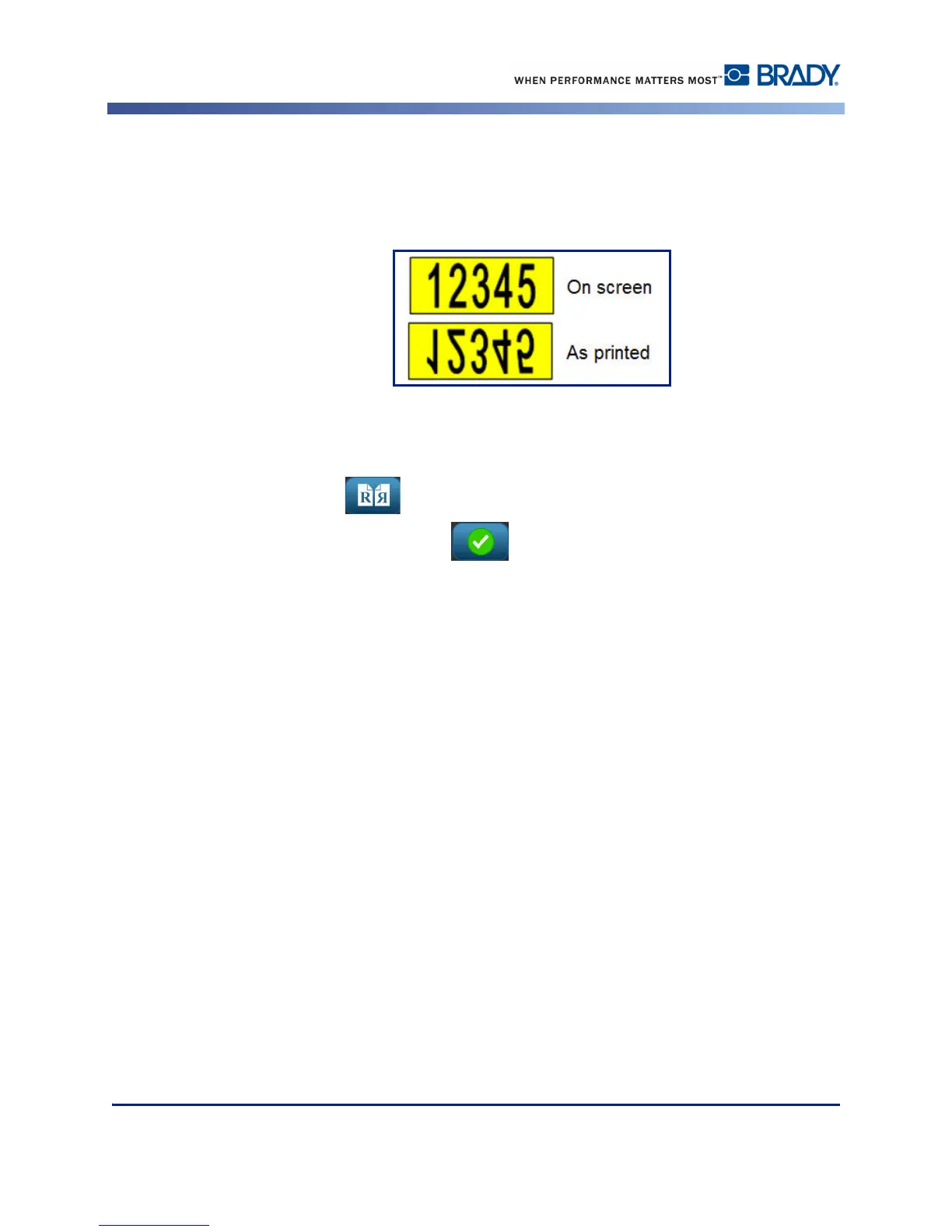
Mirrored print takes all data on a label and flips it to provide a mirror image. Mirroring
displays on the printed label only.
Figure 11 • Mirror image
To provide a mirror image of label contents, in the Print dialog box:
1. Touch Mirror .
2. When ready, touch Start Print .
The mirror image displays on the printed label ONLY. You will not see the mirror image in
Preview.



 To Next Page