Labels
BBP
®
35/37 User’s Manual 102 Rev A
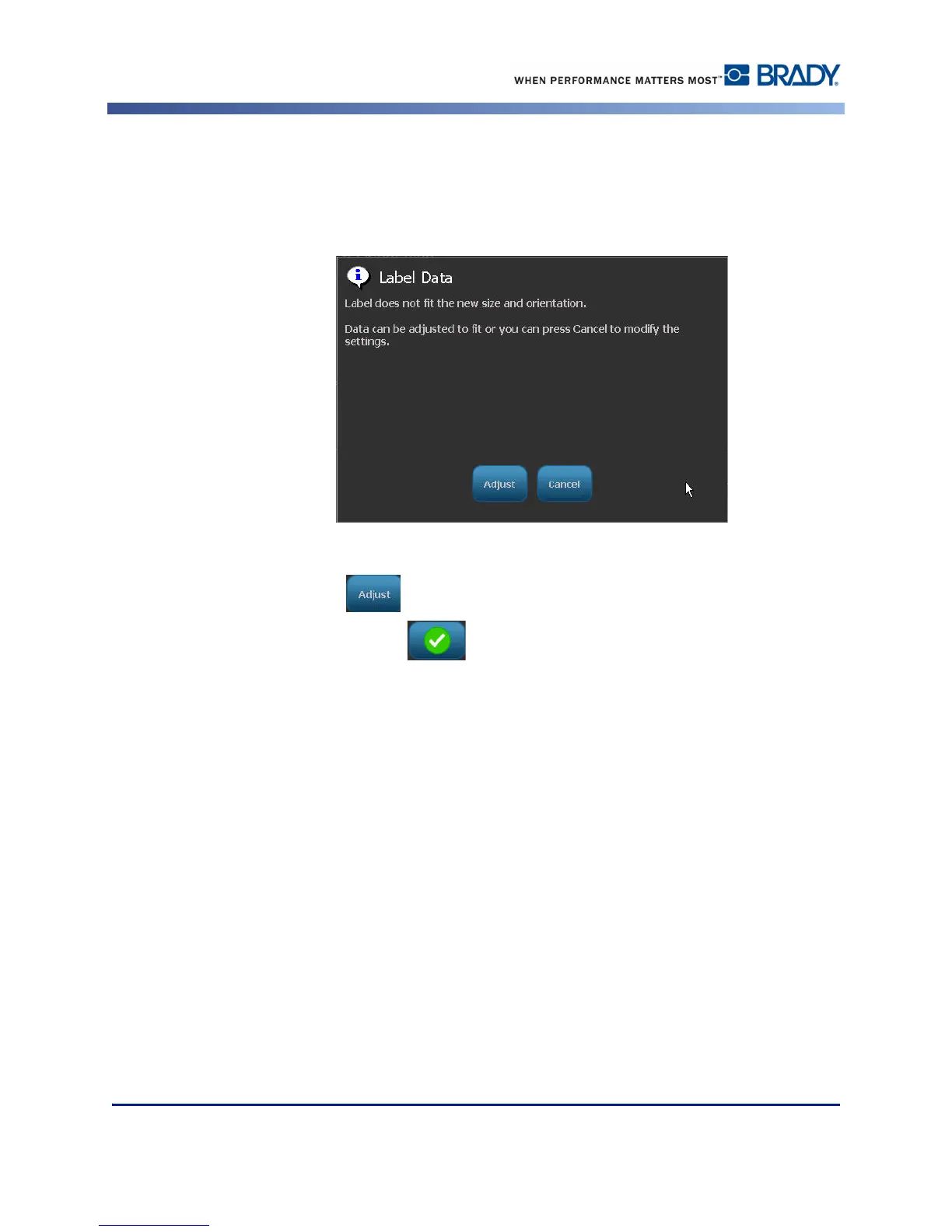
If the current data will not fit on the selected length, you are prompted to have the system
make the data fit, or cancel the change. If you choose to make the data fit, the objects are
moved and/or resized so they fit on the label; however, the objects will not be rearranged into a
new orientation.
To make the data fit the orientation:
4. Touch Adjust .
5. When ready, touch OK .



 To Next Page