Labels
BBP
®
35/37 User’s Manual 104 Rev A
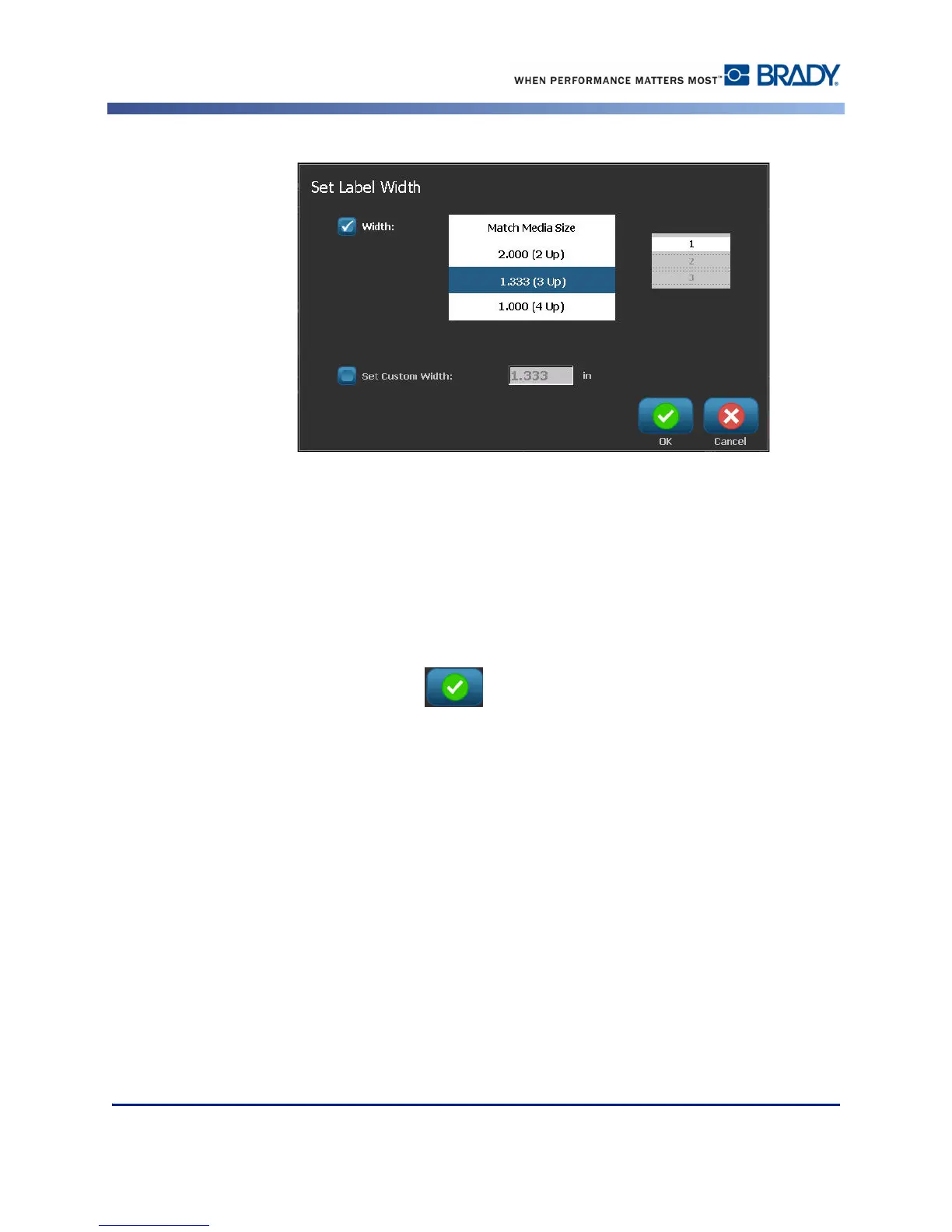
4. In the Set Label Width dialog box, with the Width option box selected, touch the desired
width. (Observe the preview panel on the right side of the screen to view how the labels
will print.)
You can also set a custom width. Setting a custom width disables the 2- 3- and 4-Up function.
To set a custom width:
5. Touch Set Custom Width option box.
6. In the Set Custom Width data field, enter the desired width.
7. When finished, touch OK .



 To Next Page