Label Types
BBP
®
35/37 User’s Manual 110 Rev A
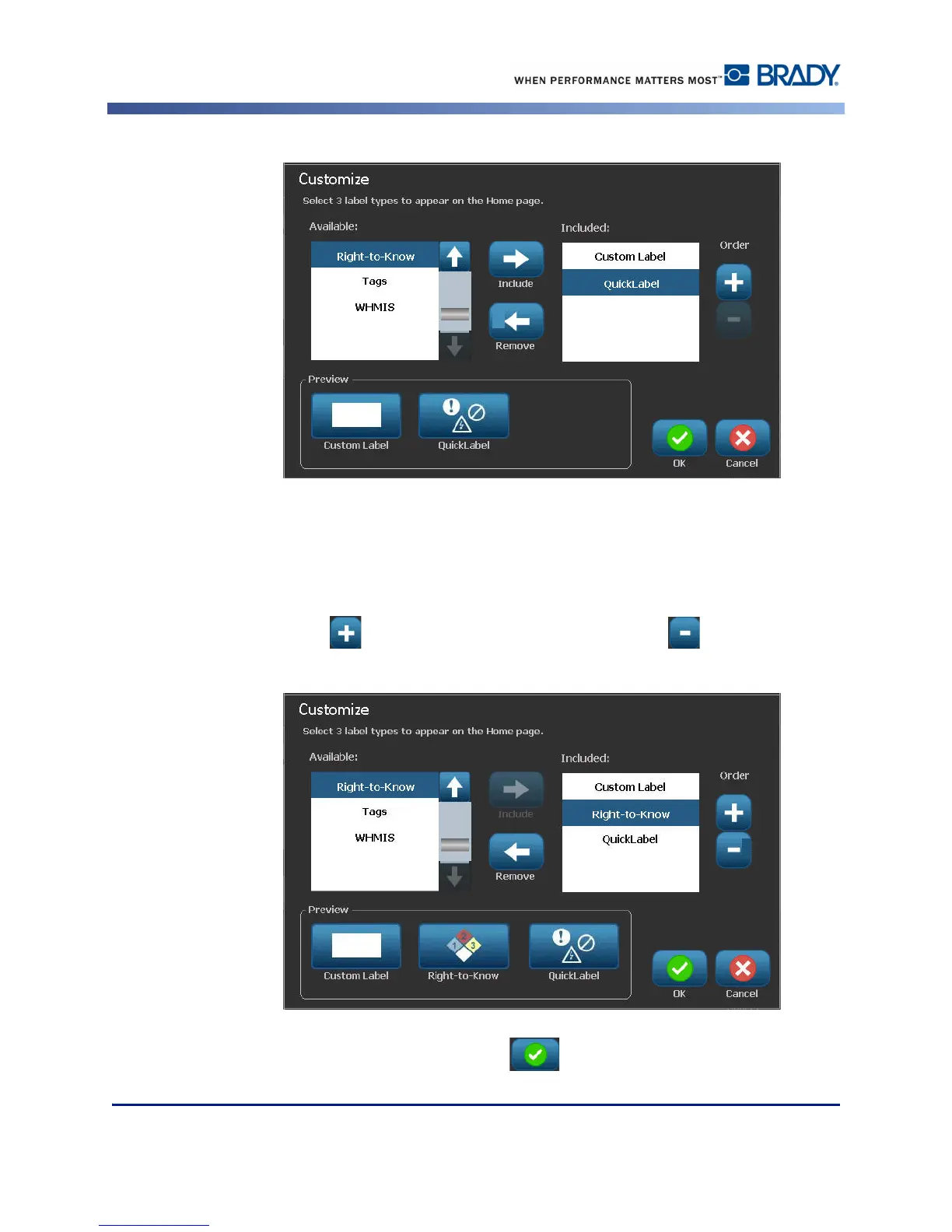
You can arrange the order in which the label types display in the control panel. To rearrange
the order, with the desired label types displayed under Included:
6. In the Included: list, touch the label type you want to display in a different position in the
control panel.
7. Touch Plus to move the label type up in the list, or Minus to move it down.
8. When finished customizing, touch OK .



 To Next Page