Application Label Types
BBP
®
35/37 User’s Manual 130 Rev A
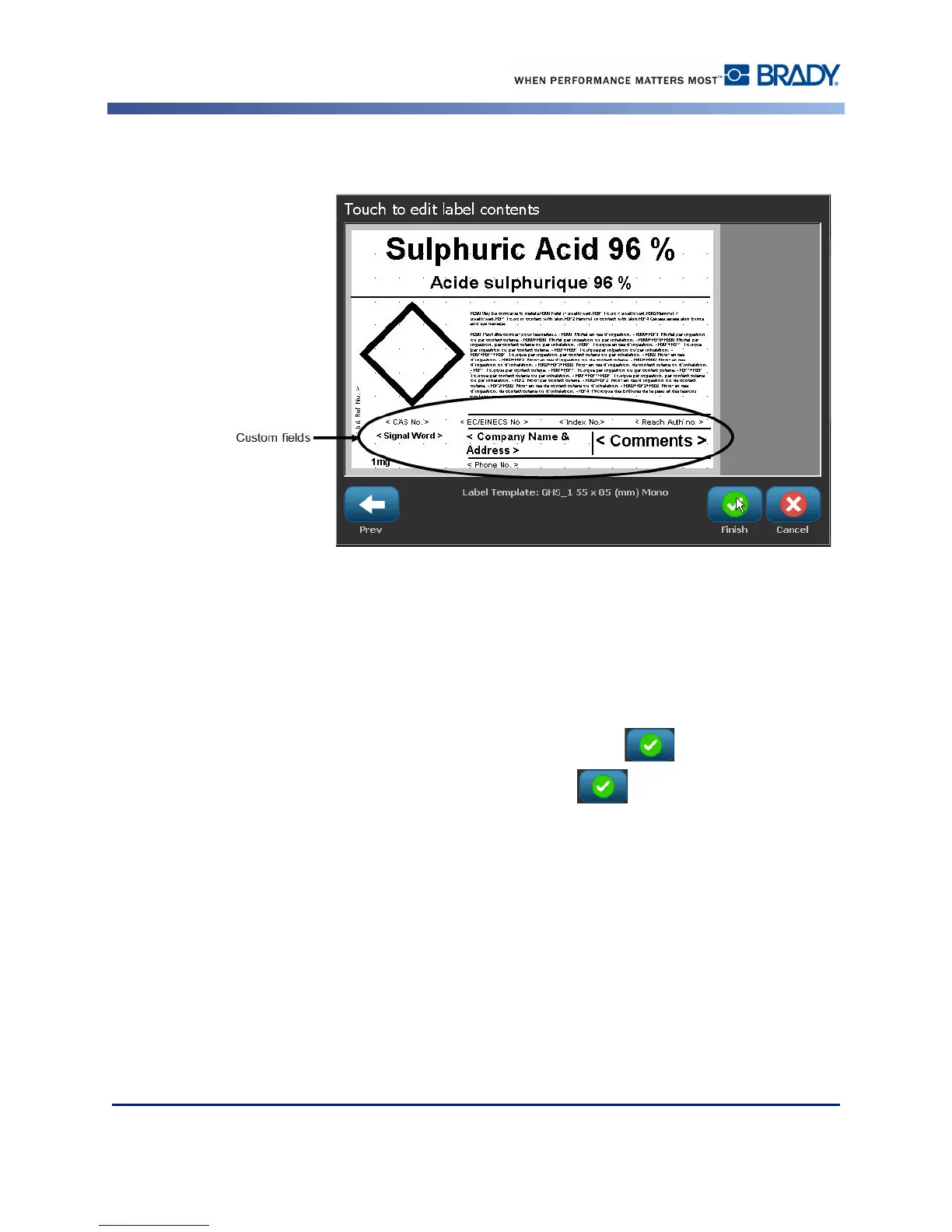
The label displays the added statements.
There are other fields on the label where you can add custom data. These fields are designated
by brackets < >. To add the suggested custom information:
1. On the label, touch the desired custom field (inside the brackets).
A dialog box displays where you can enter the requested information.
2. Touch the desired data field and enter the data.
3. When finished with the particular data screen, touch OK .
4. When finished with the entire label, touch Finish .



 To Next Page