Application Label Types
Rev A 171 BBP
®
35/37 User’s Manual
4. In the list of templates displayed, touch the desired template.
5. On the label in the Editor, touch the various elements displayed and enter the appropriate
data for that element (i.e., graphics, text, barcode, etc.), according to standard procedures.
(See label formatting options, starting on page 41.)
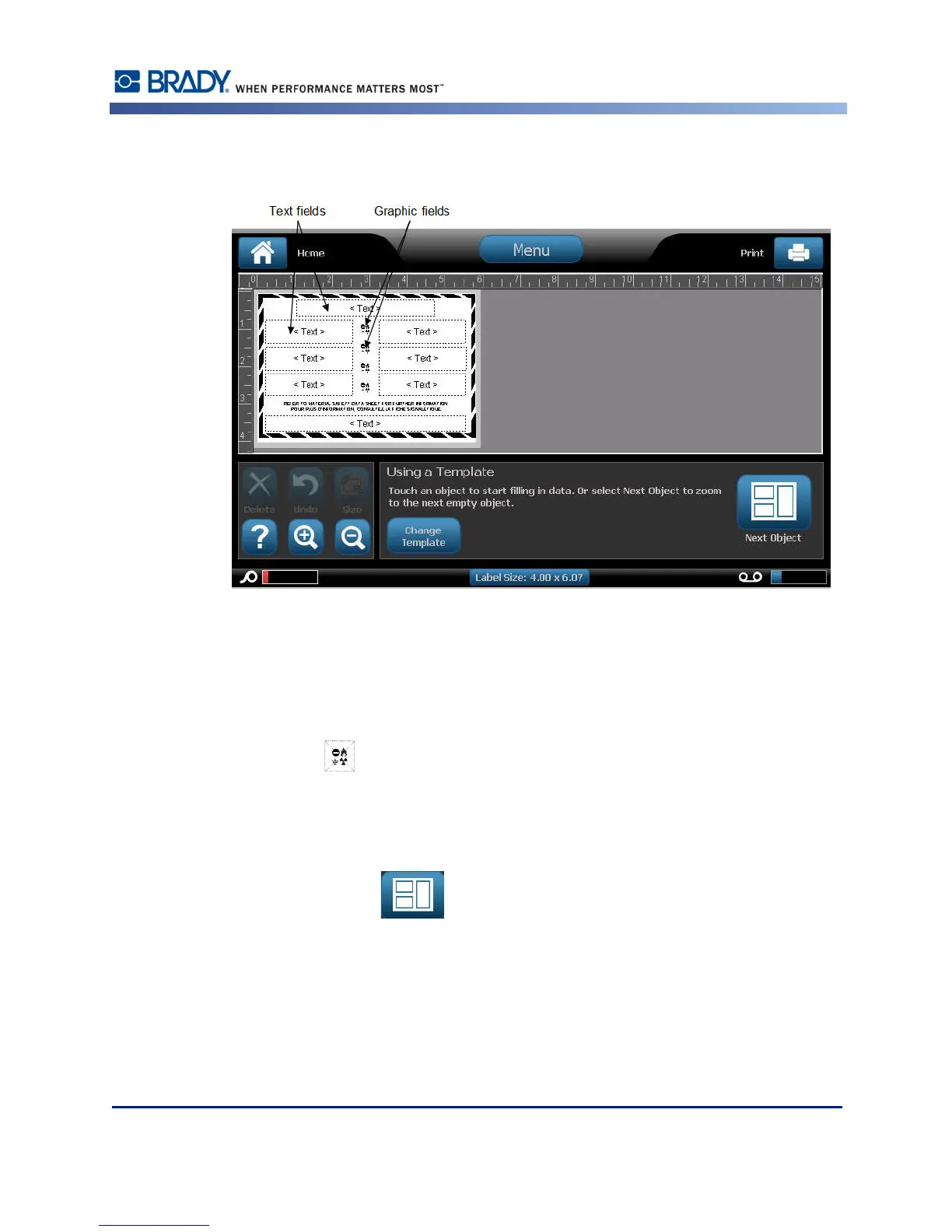
The template displays in the Editor. Depending on the WHMIS template selected, text and
graphic data fields are present, requesting information. The data fields for user-supplied
information are depicted as the word Text enclosed brackets (<Text>) or a generic graphic
boundary box ( ).
To access these data fields:
6. Touch the data field to enter data.
OR
Touch Next Object .
Using the Next Object button will consecutively advance through the data fields, until all data
fields have been filled.



 To Next Page