Formatting a Label
BBP
®
35/37 User’s Manual 72 Rev A
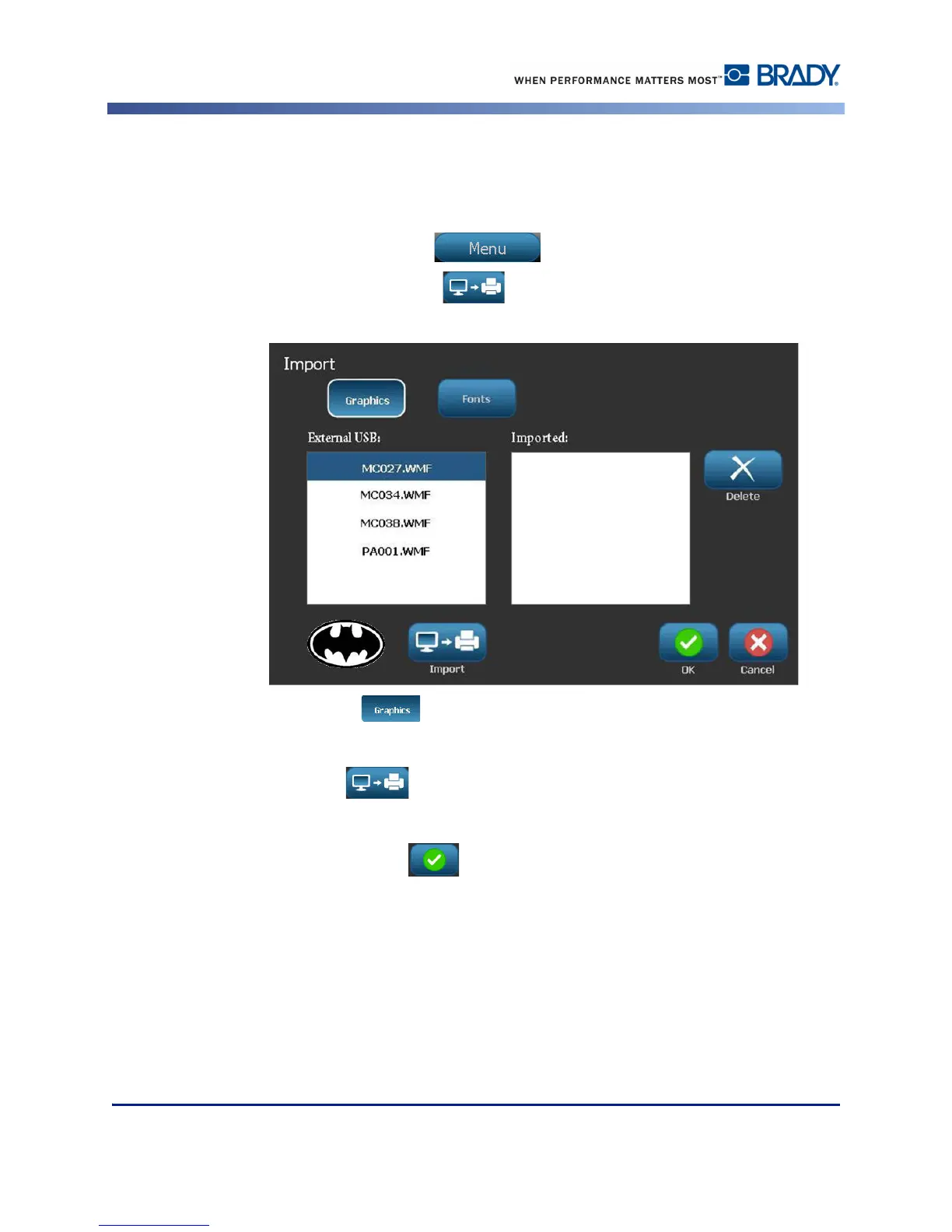
To import graphics from a USB flash drive:
1. First, copy the graphics to import into the root directory of the USB flash drive.
2. Plug the flash drive into any available USB port on the printer.
3. On the printer, touch Menu .
4. Under System, touch Import .
5. Touch Graphics (if not already selected).
6. Under External USB:, touch the graphic file name that you want to import.
7. Touch Import .
The imported graphics display in the Imported: section.
8. When ready, touch OK .



 To Next Page