Wraptor A6200 User Manual 19
Setup
Loading Label Supply
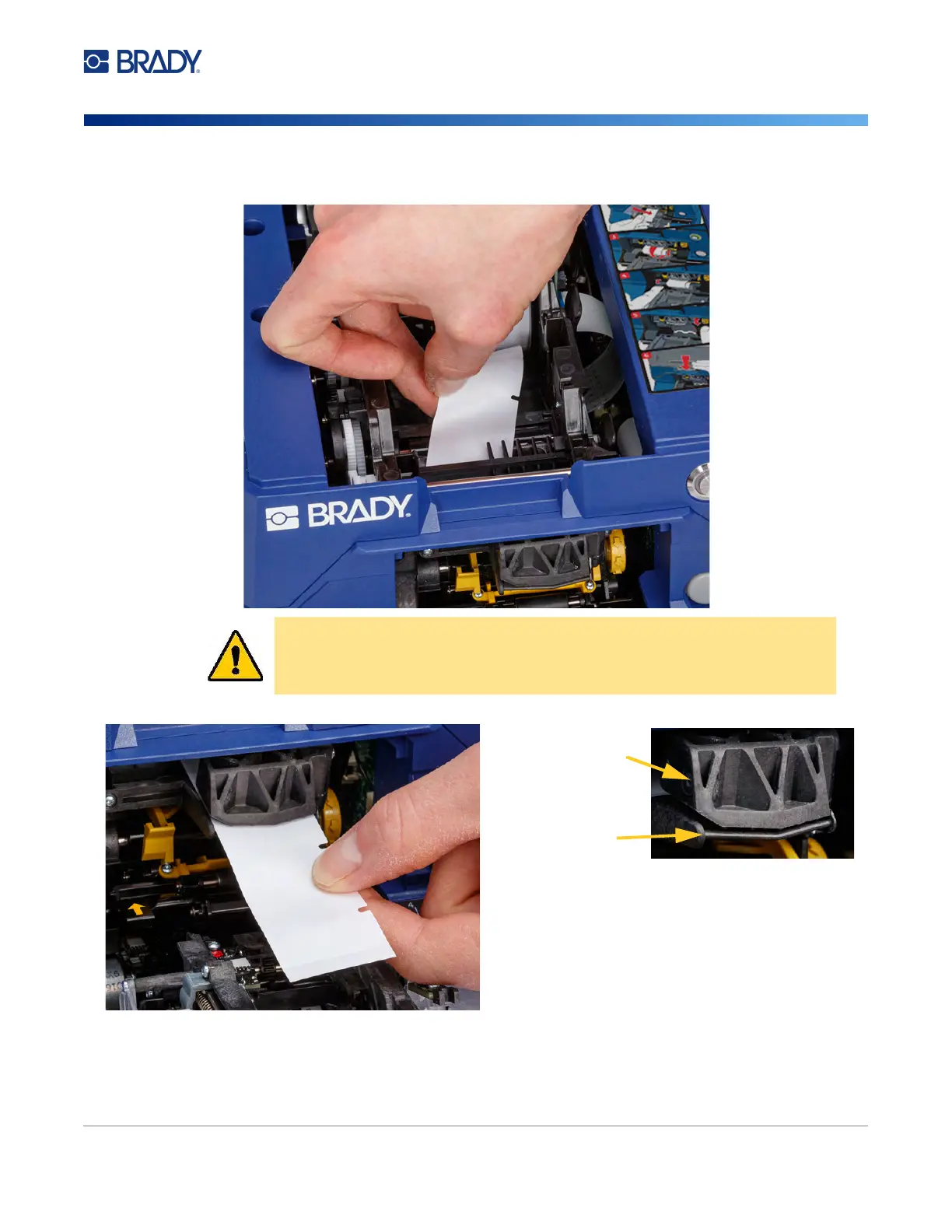
7. Feed the leading edge of the label roll through to the front of the printer. The first few inches of
the roll should have just the liner without any labels on it.
8. Slide the liner to the right, between the peel plate and peel assist plate.
CAUTION! Feeding labels past this point will cause labels to become stuck
during printing. Make sure you are feeding bare liner.
peel assist plate
peel plate



 To Next Page