Wraptor A6200 User Manual 20
Setup
Loading Label Supply
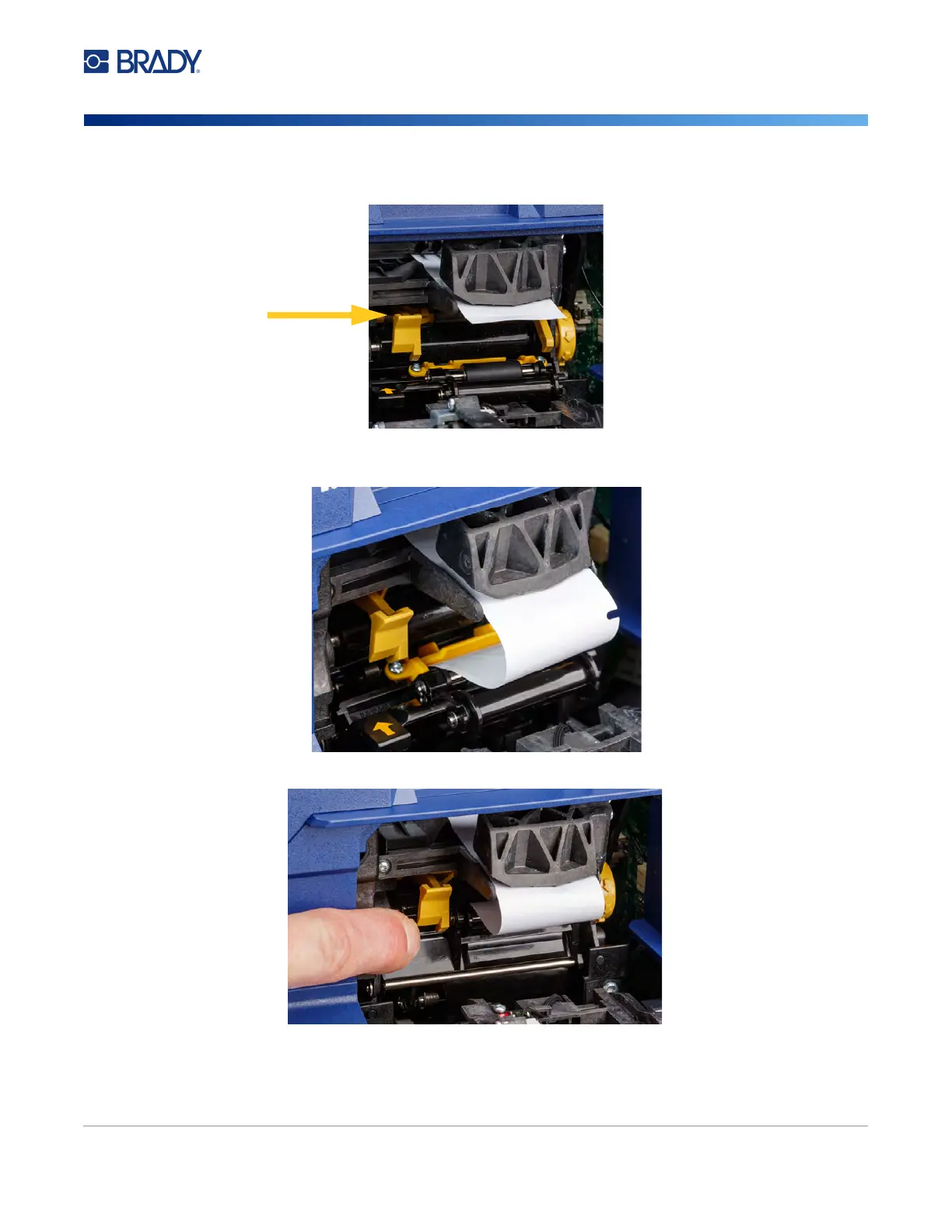
9. Press the yellow button to open the peeler door. Pull about six inches of liner through to the
front.
10. Insert the liner into the yellow and black opening behind the two rollers until it hits a stop.
11. Lift the peeler door up to close it.
12. Turn the thumbwheel to the right of the peeler to tighten the liner.
13. Close the top cover on the printer until it latches.
peeler door open



 To Next Page