4-8
ACCESS FOR SERVICE
1. Disconnect main power supply.
2. Remove condensate pan and screw(s)
from bottom of front panel. Pull out
and down on bottom to remove.
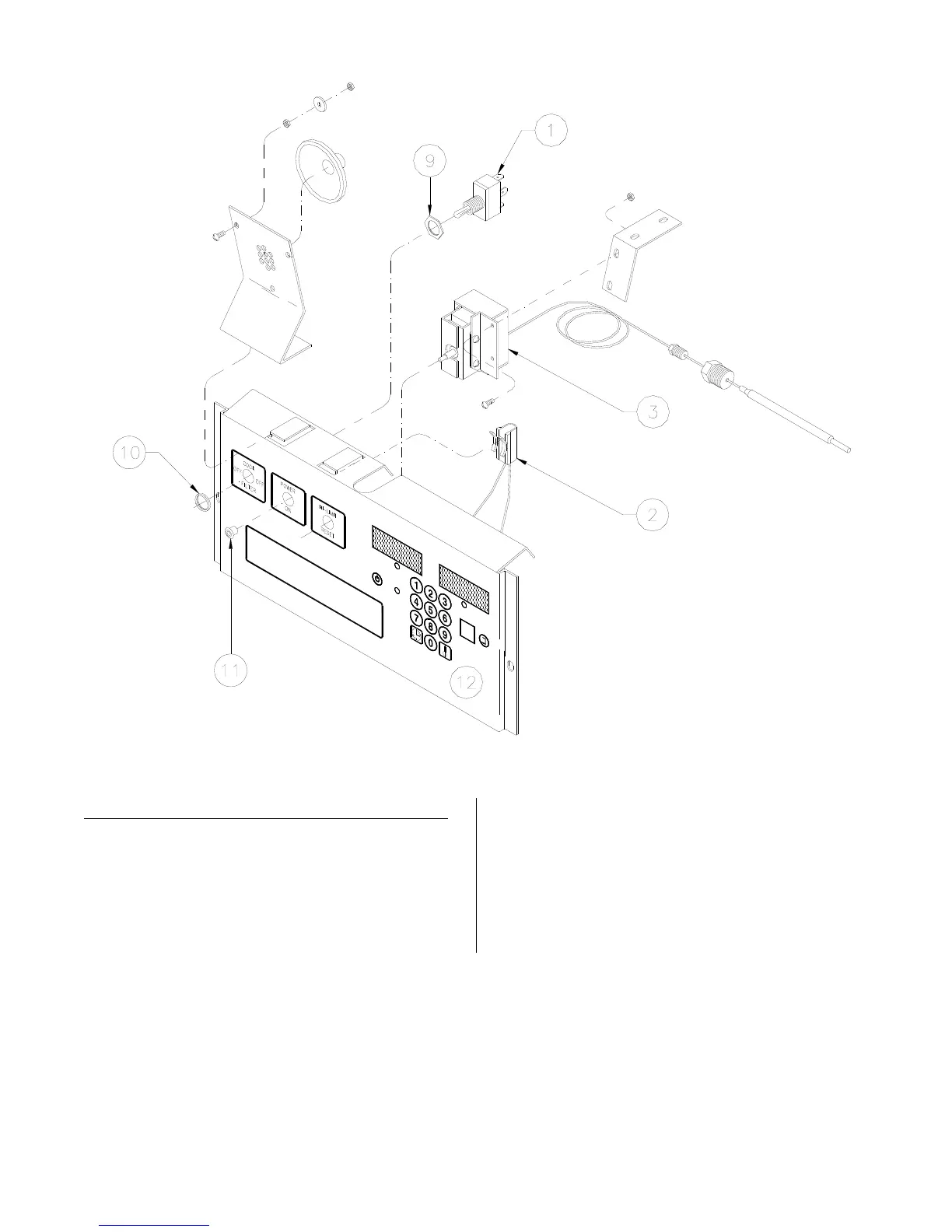
3. Remove screws holding controller (12)
to the power input box. Tilt panel
down so back is visible.
broaster.com Manual #14680 3/99 Rev 5/14



 To Next Page