Interfacing Polycold Cryochiller
RS-232 Interface Installation and Operation Manual
Brooks Automation
5-2
214072 Revision B
General Interface Rules
For information on commands, see Chapter 7: Host Commands.
• Only one interface can be in “Control” at a time
• “Set” commands can only be executed by the interface that is in “Control”.
• “Get” commands can be executed by any interface at any time if the security level is satisfied.
See Security Levels on page 7-7.
• Interface control is set by Ethernet or RS-232 using the command
SYSTEM_CONTROL_MODE or by the HMI.
• The system is set to Local mode, or HMI control, when the Remote key is pressed when the
system is in remote mode.
• The default control mode becomes the control interface when the Remote key is pressed.
• The Remote LED is on when in Remote mode and off when in Local mode.
• The system is set to the default “Control” mode when the system boots or when the Remote
key is pressed when the system is in local mode.
• The default “Control” interface can be set by the command SYSTEM_CONTROL_MODE_DEF
or by the HMI.
RS-232 Interface
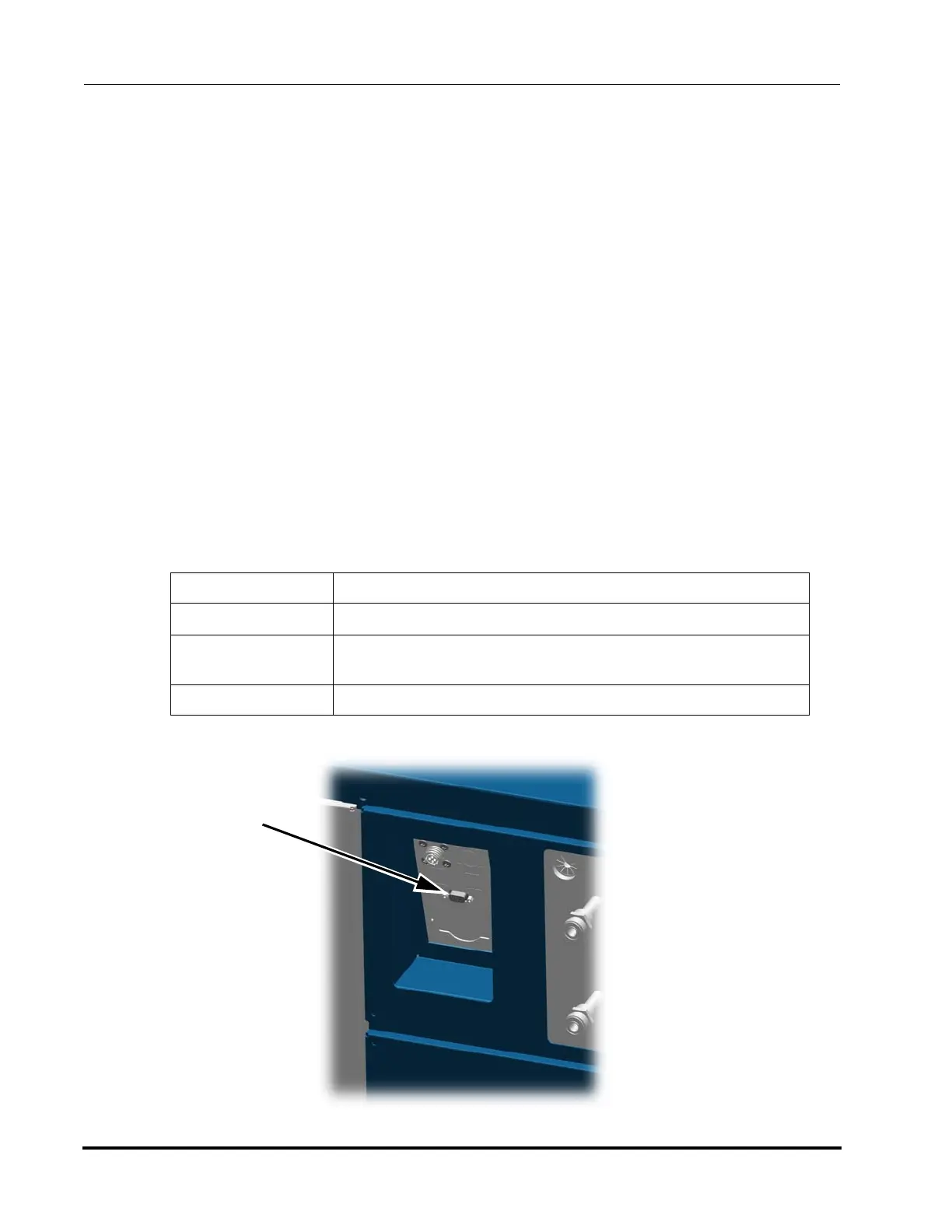
RS-232 Interface is standard on all models of Polycold Cryochiller.
Port DB9 Female connection on Communications Panel
Cable Standard RS-232 Null Modem cable with 9-pin D male connector
Communication
Settings
Fixed Settings
9600 baud, 7 data, even parity, 1 stop bit, no hardware flow control
Protocol EIA-232-E



 To Next Page