98
■ Specifying a stitch number
a
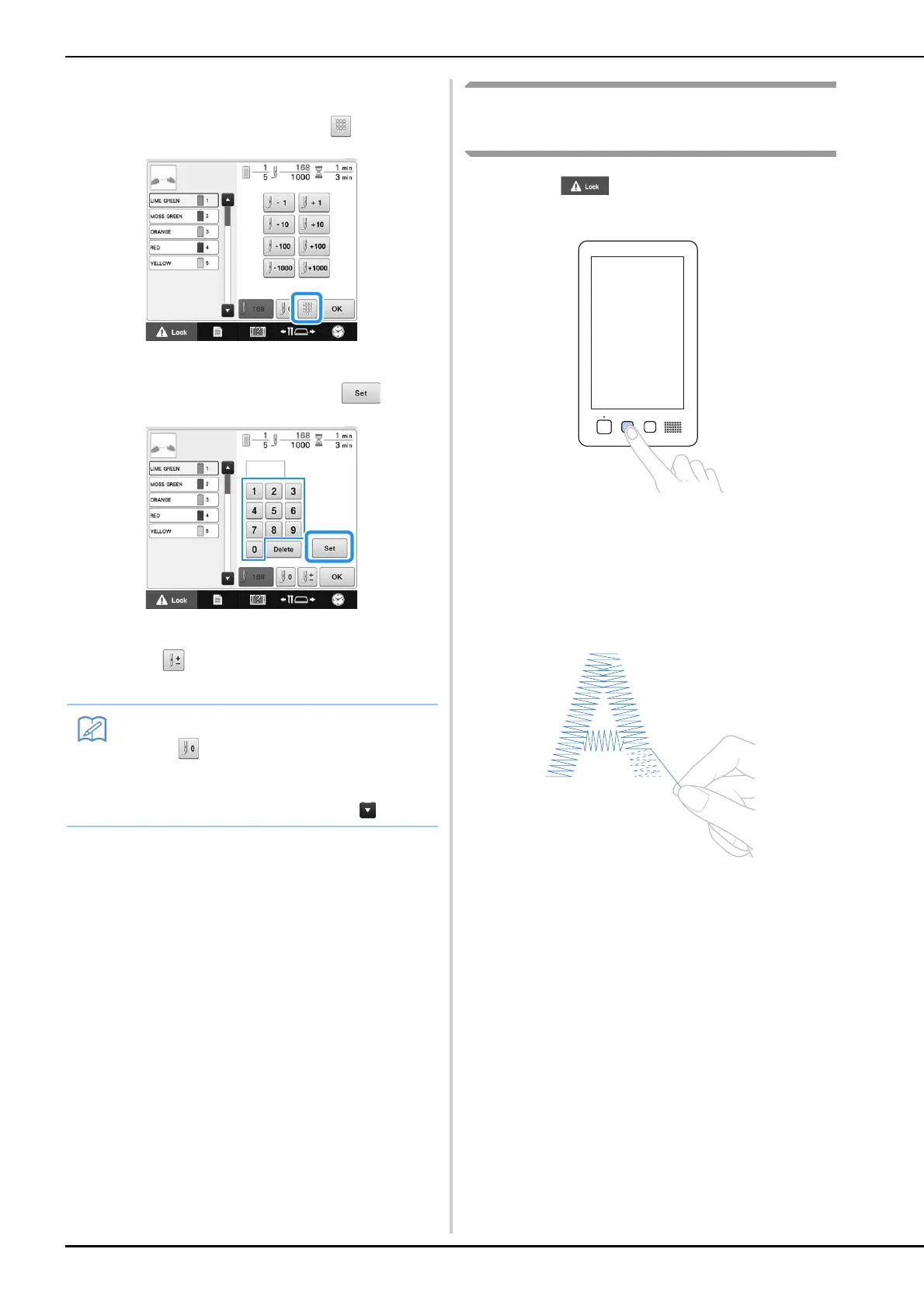
In step c on page 97, touch .
b
Use the number keys to enter the desired
stitch number, and then touch .
The embroidery frame moves to the specified stitch.
c
Touch to return to the previous screen,
and then continue with step
d.
If the bobbin thread breaks or
runs out
a
Touch , and then press the thread
trimming button.
The upper thread is trimmed.
• If the bobbin thread breaks or runs out, also trim the
upper thread.
b
Remove the stitches sewn only with the
upper thread.
Pull the trim end of the upper thread.
• If the stitches cannot be cleanly removed, trim the
thread with scissors.
• Touch to reset the stitch number and
embroider from the first stitch.
• To specify the last stitch number, select the
last thread color, and then touch .















 To Next Page