126
b
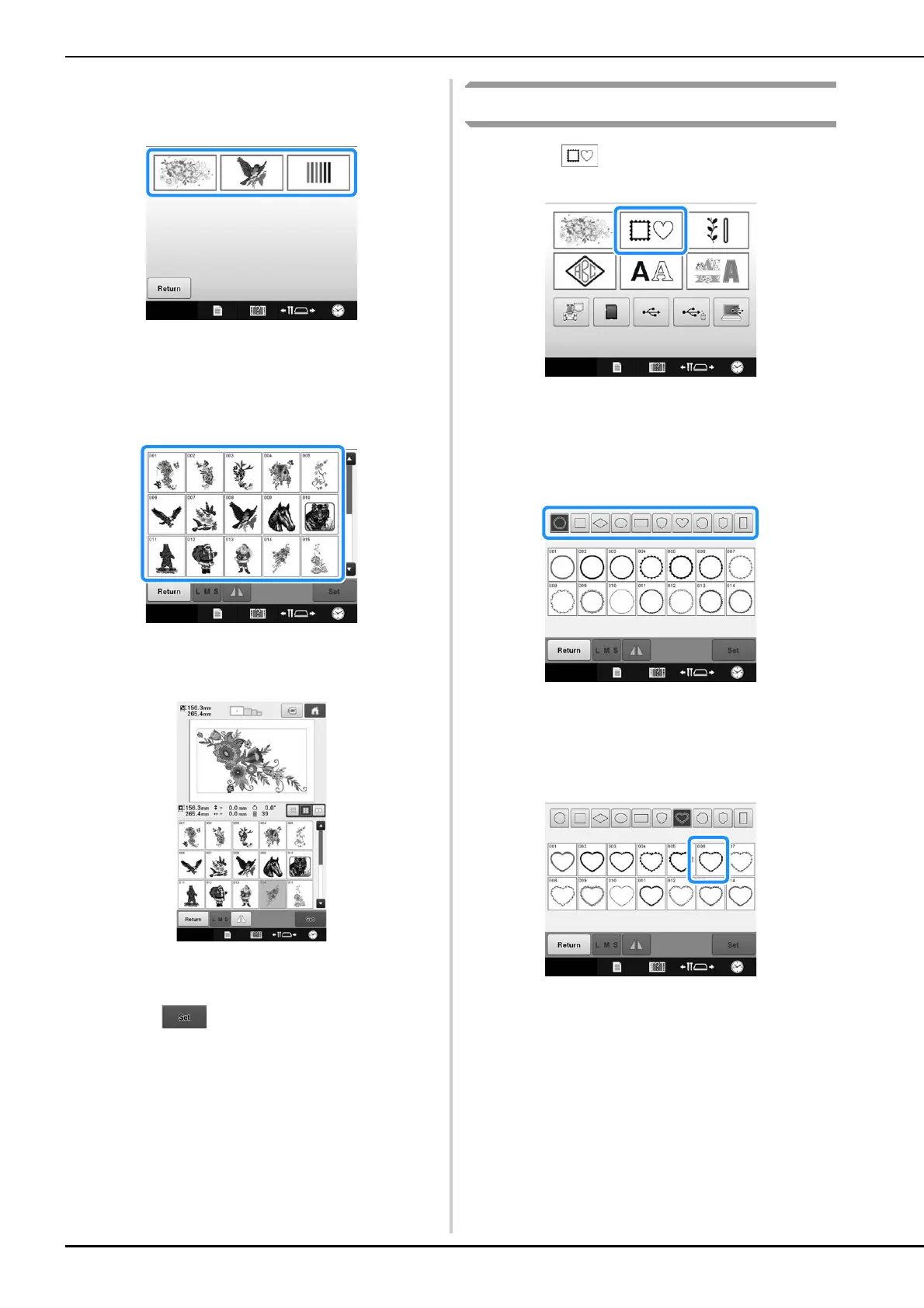
Select an embroidery pattern category.
Touch the desired category.
The list of embroidery patterns appears.
c
Select an embroidery pattern.
Touch the desired pattern.
The selected pattern appears in the pattern display
area.
• If the wrong pattern was selected or you wish to select
a different pattern, touch the desired pattern.
d
Touch .
This confirms the pattern selection.
The pattern editing screen appears.
Frame patterns
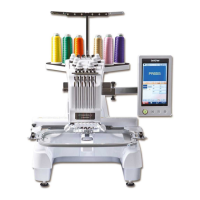
a
Touch .
The list of frame patterns appears.
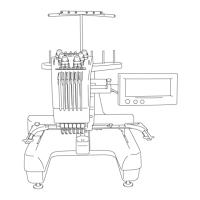
b
From the upper tabs of the screen, select
the desired shape for the frame.
Touch the desired frame shape.
The available frame patterns appear in the lower
half of the screen.
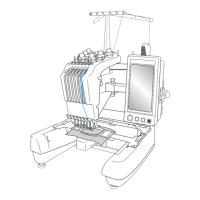
c
Select a frame pattern.
Touch the desired pattern.
The selected pattern appears in the pattern display
area.




 To Next Page