SELECTING/EDITING/SAVING PATTERNS
171
5
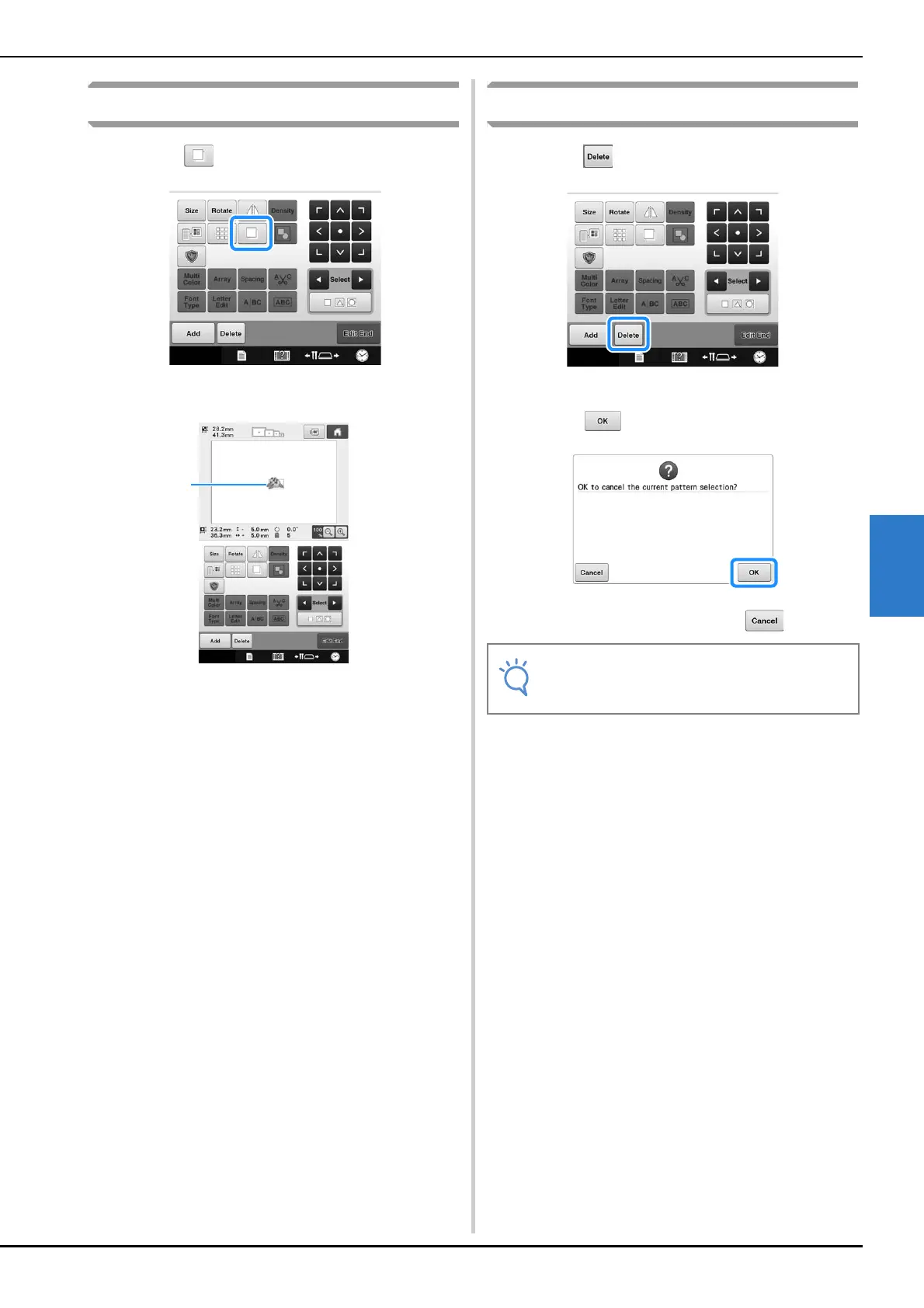
Duplicating a pattern
a
Touch .
The duplicate appears, overlapping the original
pattern as well as offset downward and to the right.
1 Duplicated pattern
Deleting a pattern
a
Touch .
The screen shown below appears.
b
Touch .
The pattern is deleted.
• To quit deleting the pattern, touch .
• If multiple patterns are displayed, only the
pattern selected will be deleted.















 To Next Page