156
d
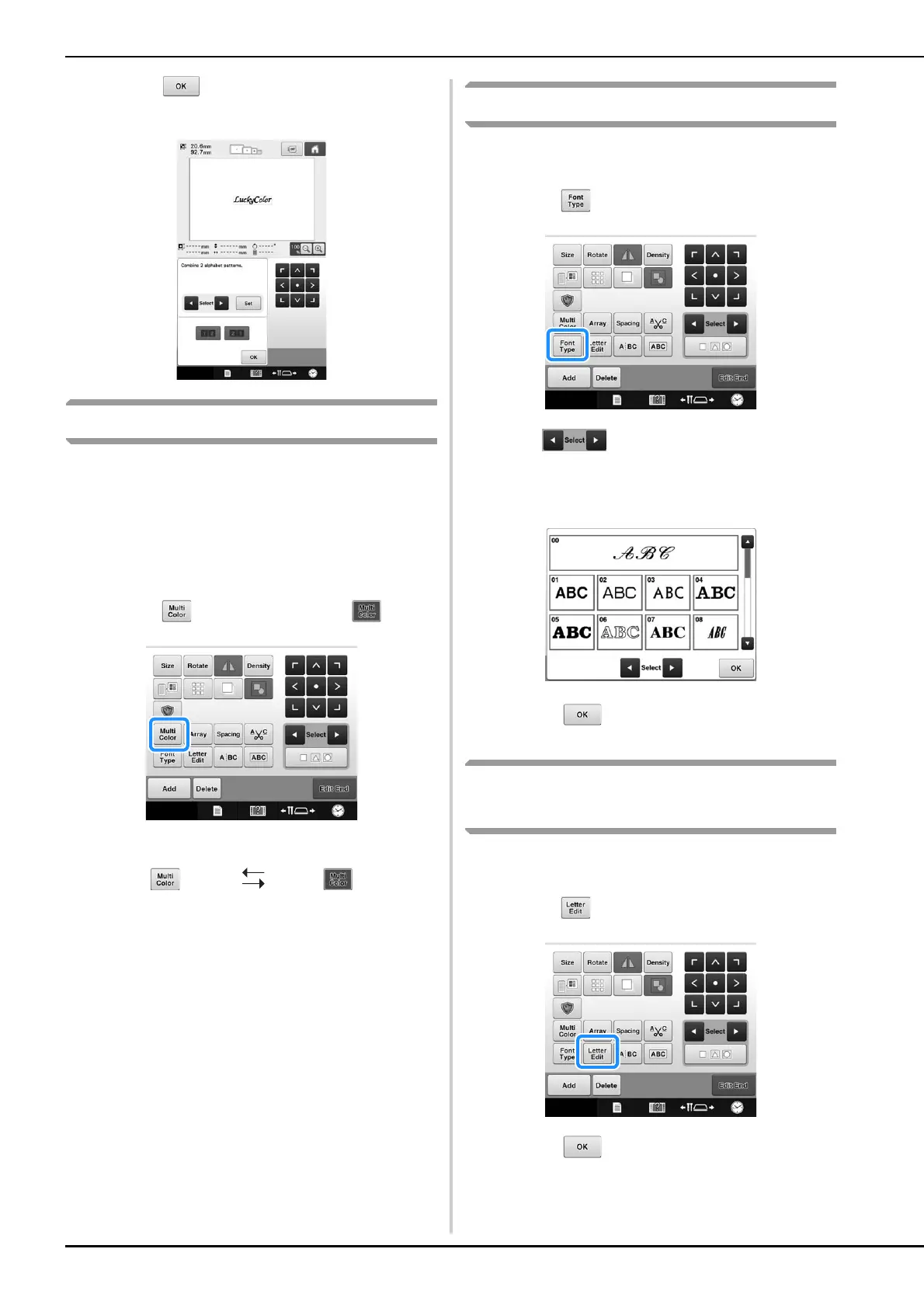
Touch to return to the previous
screen.
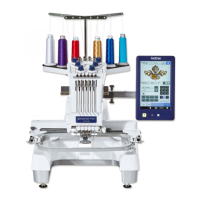
Specifying multi-color text
The alphabet pattern characters selected on
page 130 are set to black. The color of the
characters can be changed using the change
thread color key; however, to change the color of
individual characters, touch the Multi Color key to
turn it on, and then specify the color for each
character.
a
Touch so that it changes to .
• Each touch of the key turns the setting either on or off.
• For details on changing the thread color, refer to
“Changing the colors of the pattern” on page 157.
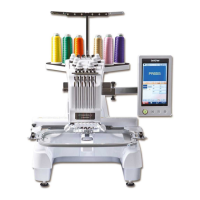
Changing the character font
In the pattern editing screen, the font used in the
selected pattern can be changed.
a
Touch .
b
Use to select the character pattern
whose font is to be changed, and then select
the desired font.
c
Touch .
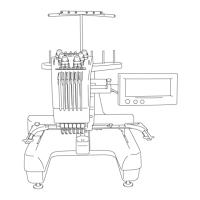
Changing the font and size of
individual characters
The font and size of individual characters in a
character pattern can be changed.
a
Touch .
b
Touch to select the individual
character to be edited.
Multi-color text
turned off
Multi-color text
turned on







 To Next Page