EMBROIDERING TUTORIAL
41
2
You can view an image of the completed pattern
within the embroidery frame.
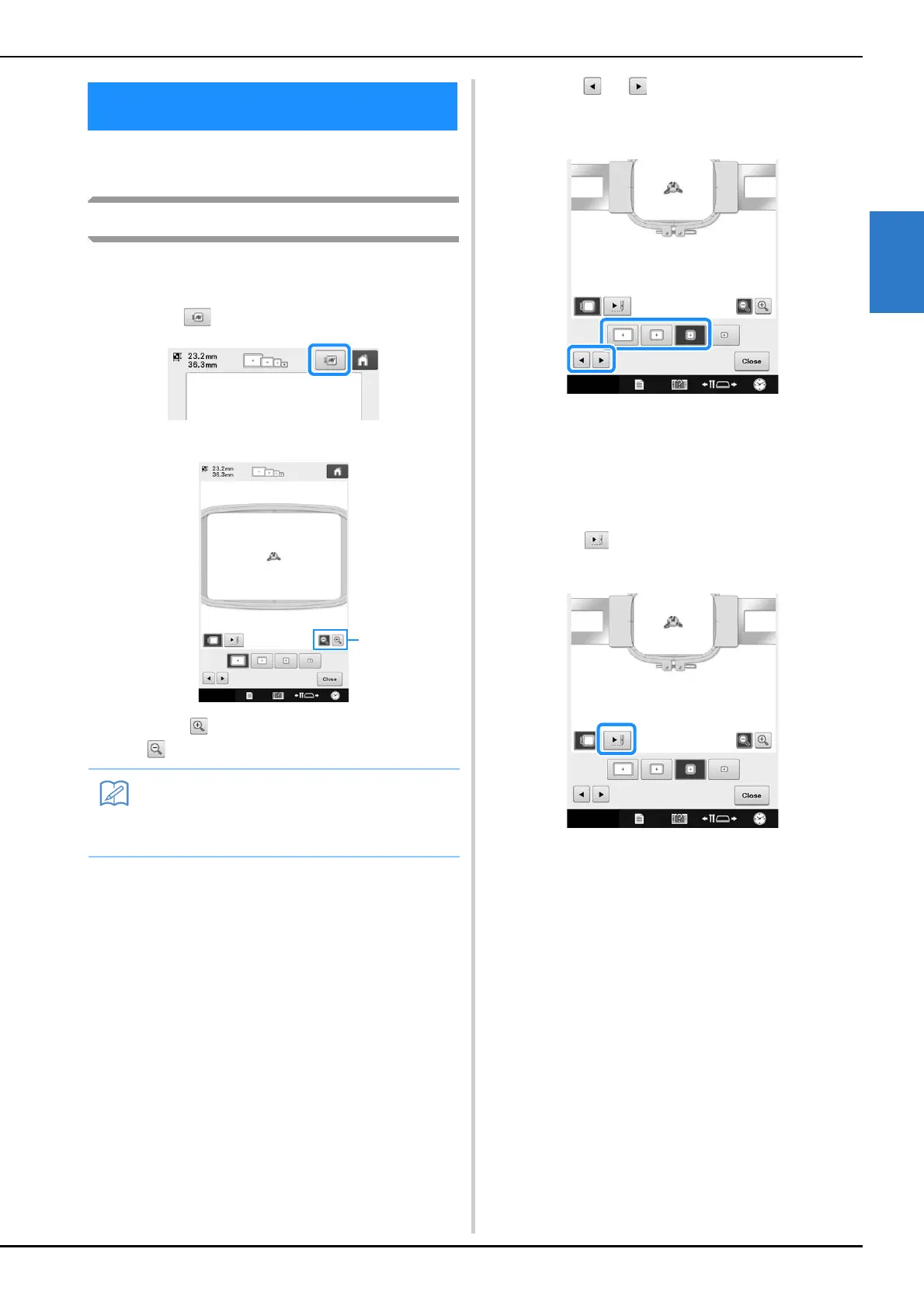
Checking a preview image
Display the preview image to check that the
embroidery will be sewn as desired.
a
Touch .
The preview image is displayed.
1 Touch to display the pattern enlarged. Touch
to display the pattern reduced.
b
Touch or to select the type of
embroidery frame holder, and then select
the embroidery frame you are going to use.
• After determining the type of embroidery frame
holder and size of embroidery frame that are best for
your embroidery, change the embroidery frame
holder and embroidery frame that are installed. The
machine will automatically detect the embroidery
frame holder and embroidery frame and change the
display.
c
Touch to check the embroidering
order.
The stitch simulator screen appears.
5. Previewing the Image
• A preview image in a landscape orientation
cannot be rotated to a portrait orientation,
even if there is space at the top and bottom.















 To Next Page