SELECTING/EDITING/SAVING PATTERNS
145
5
i
To change the embroidering settings for the
opened embroidery pattern, touch .
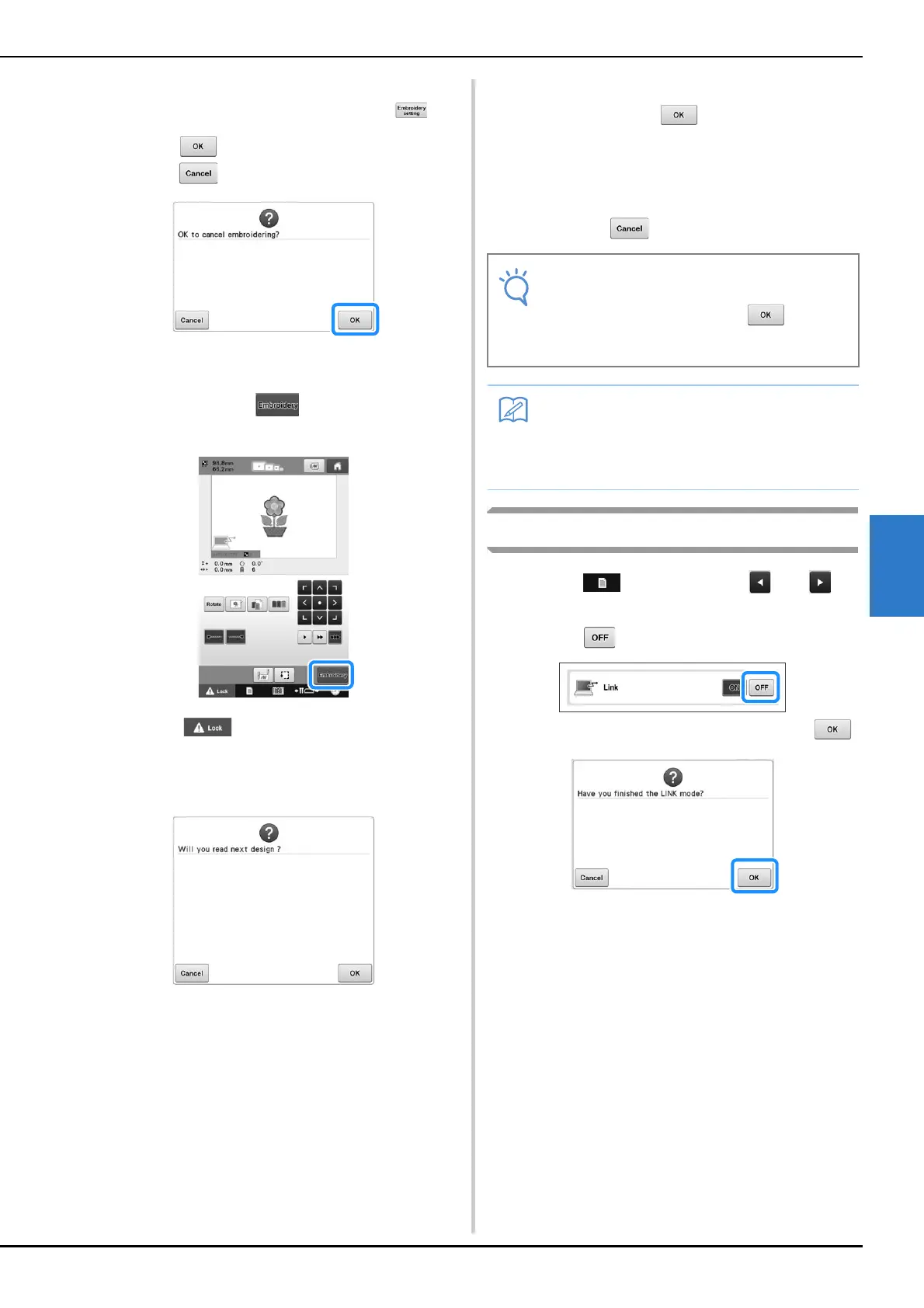
• Touch when the following message appears.
Touch to return to the embroidering screen.
The embroidering settings screen appears.
j
After the desired settings have been
specified, touch to return to the
embroidering screen.
k
Touch , and then press the start/stop
button to start embroidering.
When embroidering is finished, the following
message appears.
l
To open another pattern sent from the
computer, touch , and then repeat the
procedure starting from step
h to continue
embroidering.
To stop embroidering or to embroider the same pattern
again, touch .
Disabling the Link function
a
Touch , and then touch and to
display page 5 of the settings screen.
b
Touch to disable the Link function.
When the following message appears, touch .
c
Turn off the machine.
• The embroidering screen settings specified
in step
j are saved even if was
touched to continue sewing after
embroidering is finished.
• If the embroidery machine is turned off
while it is embroidering, the resume
operation can be used the next time it is
turned on.















 To Next Page