174
g
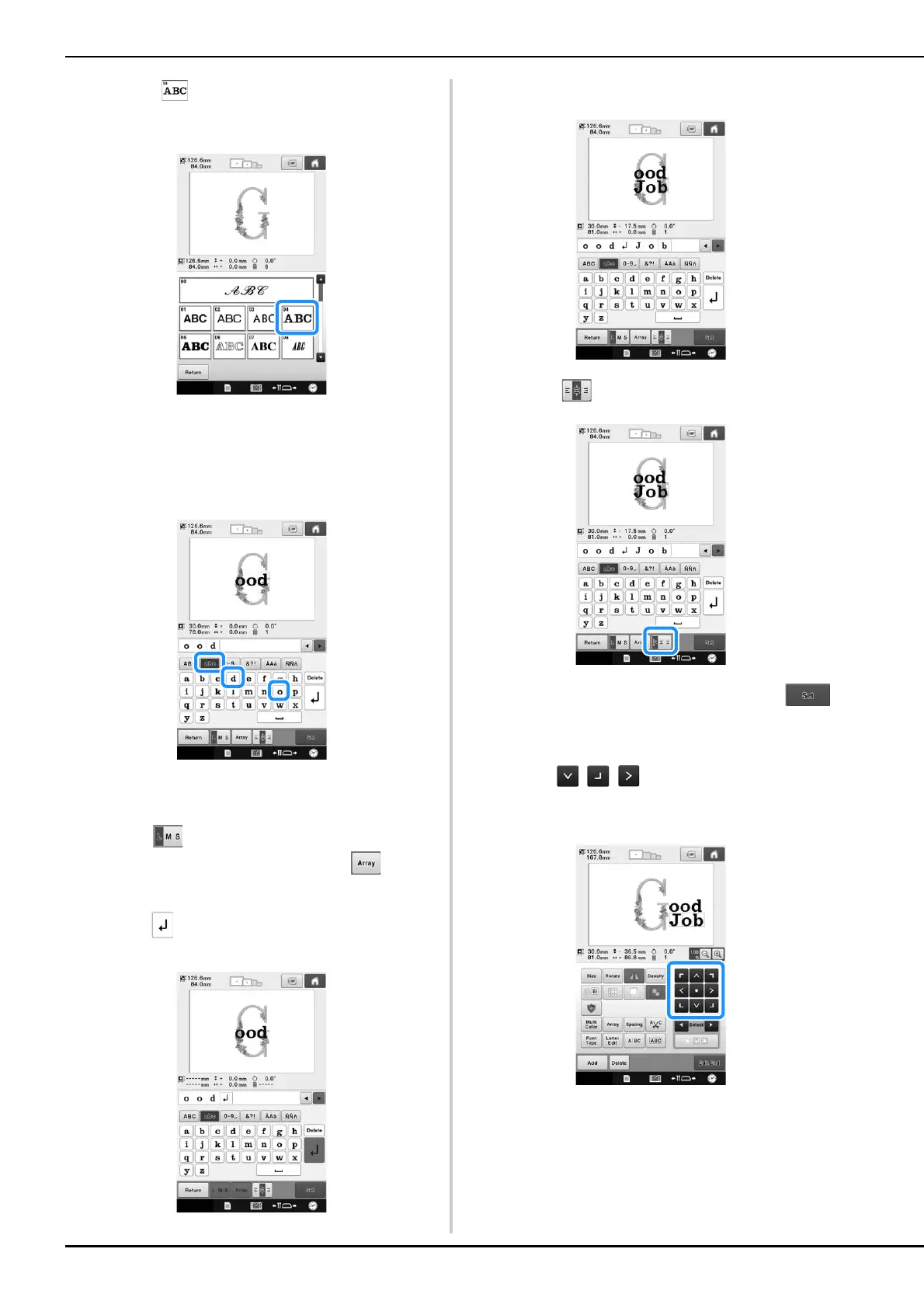
Touch .
h
Type “ood”.
Touch the tab for lowercase letters to display the
lowercase letters input screen, and then touch “o”,
“o”, then “d”.
The selected letters appear at the center of the
embroidery area.
• To change the size of the pattern, select “o”, and then
touch to select the desired size.
• To change the text arrangement, touch , and
then select the desired text arrangement.
i
Type to enter a line feed.
j
Type “Job”.
k
Touch to align the text to the left.
l
After selecting the characters, touch .
The pattern editing screen appears.
m
Touch / / and adjust the position of
the letters so that they are well balanced.















 To Next Page